Sandata Mobile Connect Complete Visit
-
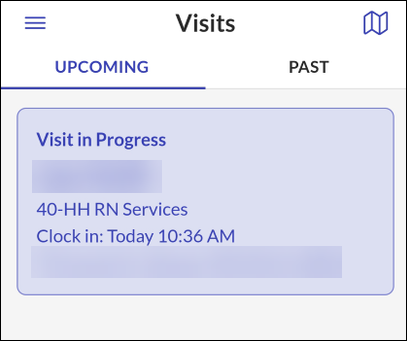
Go to the Upcoming tab on the Visits screen.
-
Tap on the Visit in Progress.
-
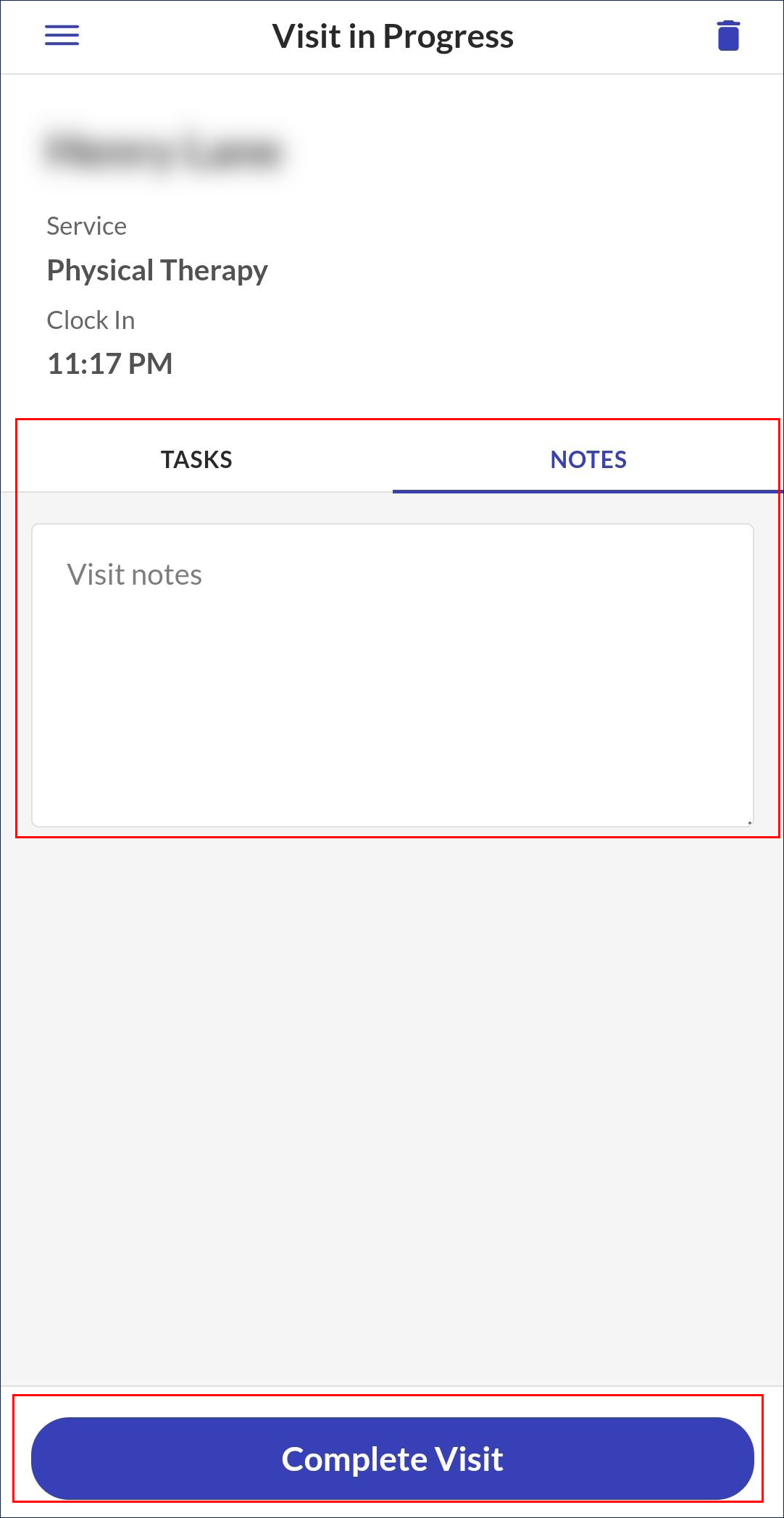
Add any additional visit information, if needed.
-
Tap Complete Visit.
-
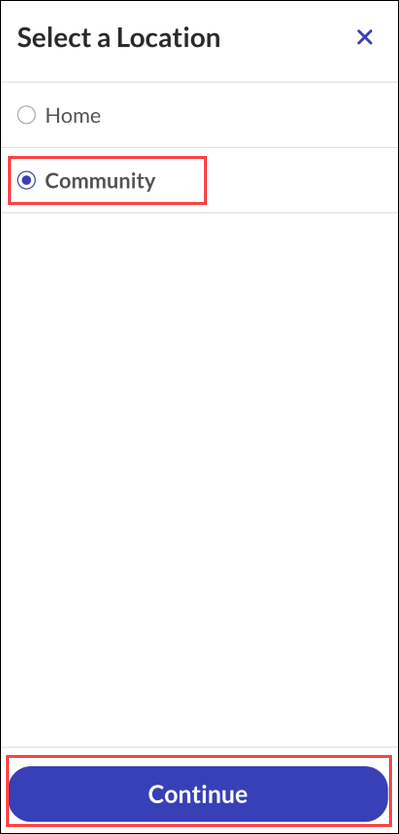
Select a Location.
-
Tap Continue.
-
Tap Confirm.
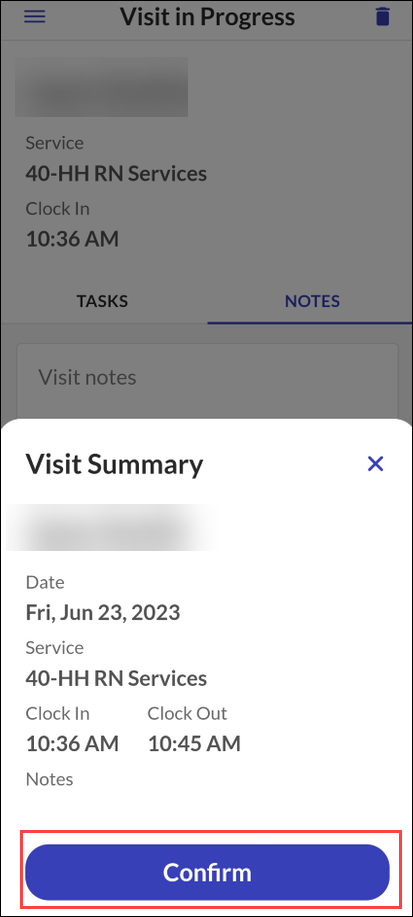
Your visit is now complete.
If your agency setup includes Client Verification, refer to the Use Client Verification to Complete Visit topic to learn more about Client Verification to complete your visit.
Other Resources