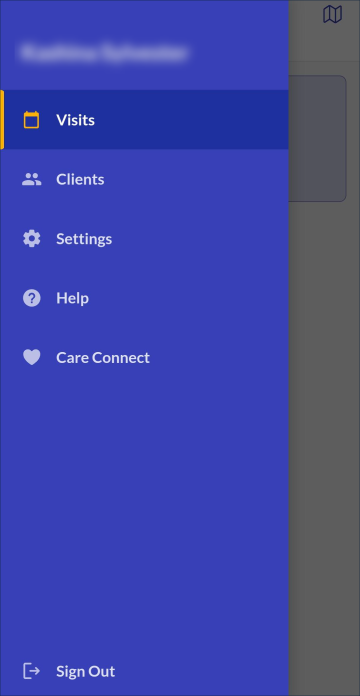
Sandata Mobile Connect Navigation Bar
Users can access the Navigation Menu which appears on the left side of most screens in the application. The Navigation menu is used to change or view the application settings and to Sign Out.
Navigation Menu Options
Tap the menu button  to display the Navigation Menu.
This screen displays tabs to different functions:
to display the Navigation Menu.
This screen displays tabs to different functions:
-
Visits - Displays the Visits screen
-
Clients - Displays the Clients screen
-
Settings - Displays the Settings screen
-
Care Connect - Logs you into the Care Connect application if the app is installed and the user has access to it. If you do not have the app installed, you is prompted to install it.
-
Help - Displays the application’s help site
-
Sign Out - Logs the user out of the app and displays the log in screen