Sandata Mobile Connect Client Verification
Some agencies require client confirmation to finalize a visit.

Follow the instructions below to ask the client to verify the visit:
-
Pass the device to the client to verify the visit, if required by the agency/payer setup.
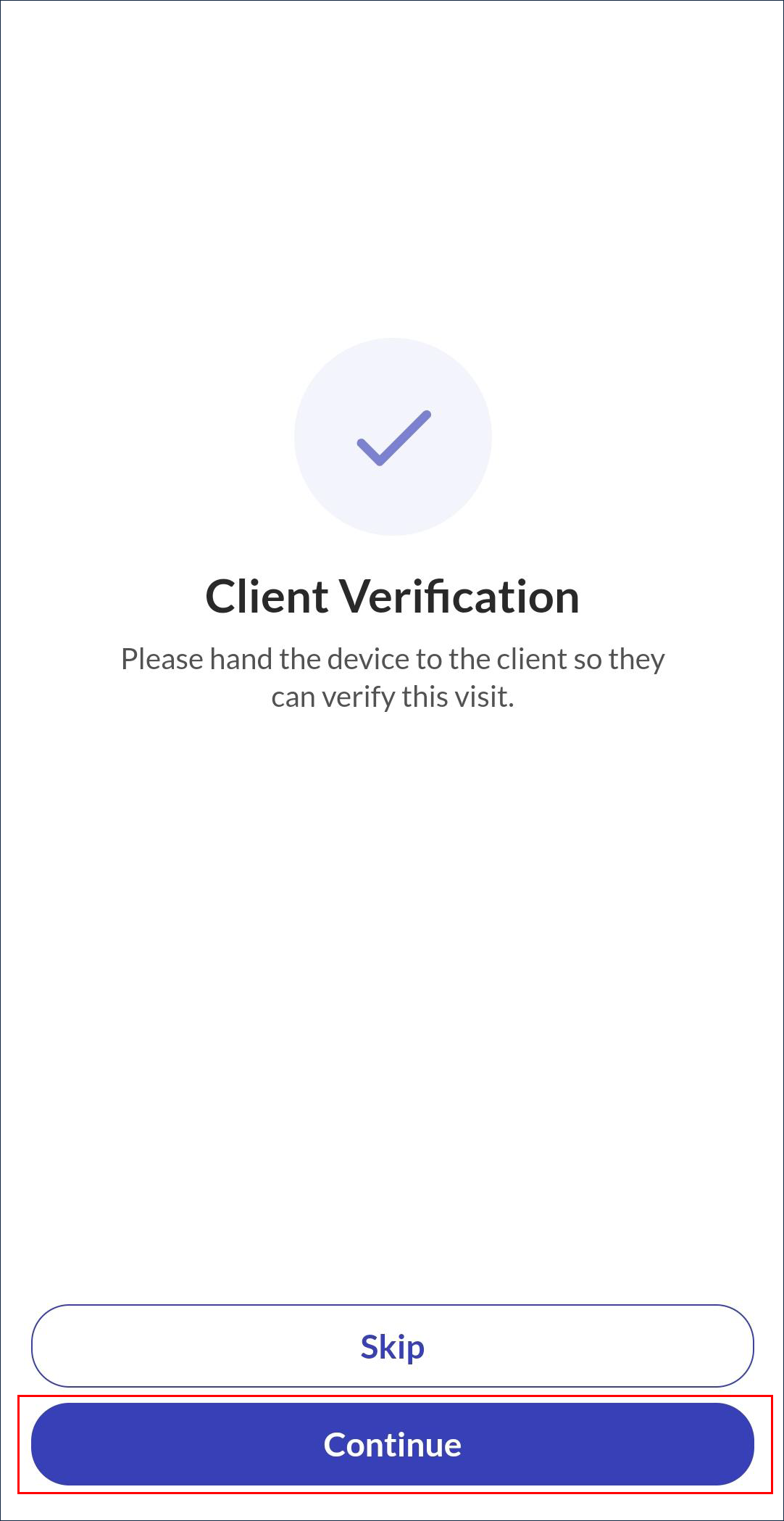
-
Select a Language from the list.
-
Tap Continue.
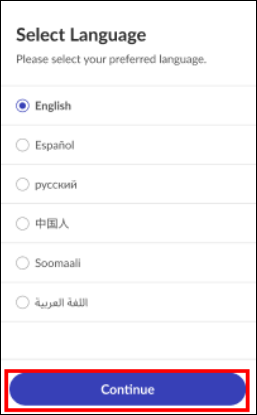
-
Tap Confirm or Deny to approve or reject Service(s) and Visit Time.
-
Tap Continue.
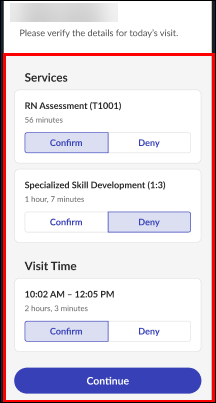
If your agency setup includes switching services, each service displays on this screen and must be confirmed or denied.
-
Tap either Signature or Voice Recording and follow the prompts for the client to verify the visit.
-
Tap Done.
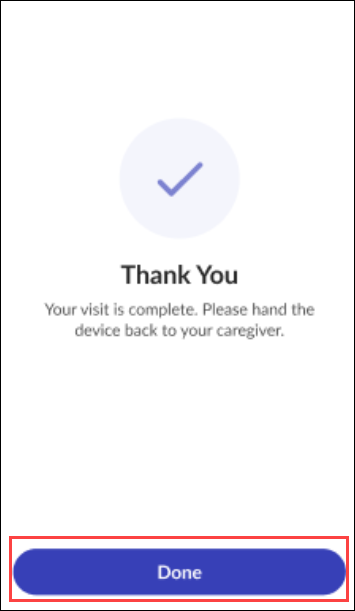
-
Sign the device using a finger.
-
Tap Continue.
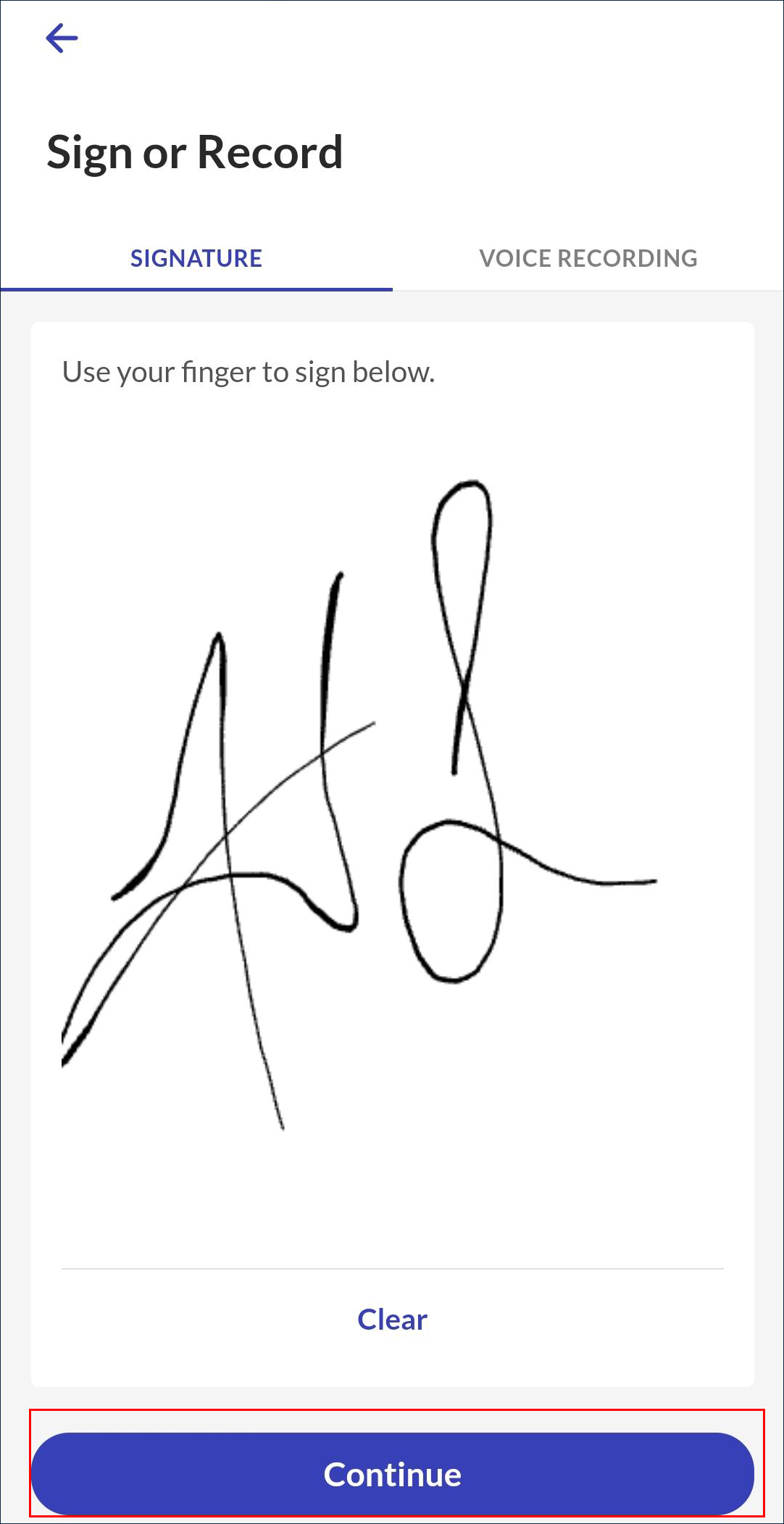
Tap Clear to erase the signature field.
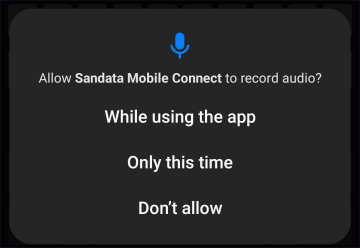
If this is your first time selecting Voice Recording, Sandata Mobile Connect prompts you to allow access to your microphone.
-
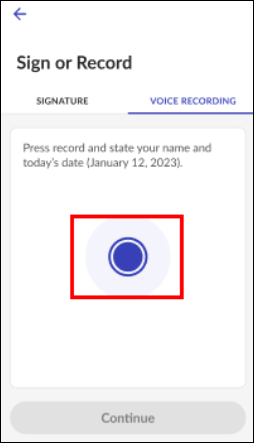
Tap Voice Recording.
-
Tap the Blue button to begin recording.
-
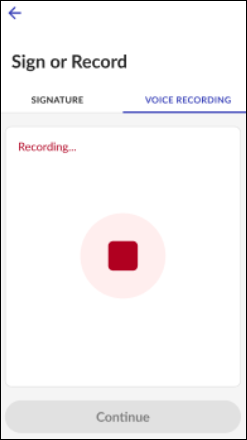
The client speaks their name and the date into the device. Voice recordings may be a maximum of 15 seconds.
-
Tap the Red button to stop recording.
-
Tap Continue.
Tap the play button to review the recording.
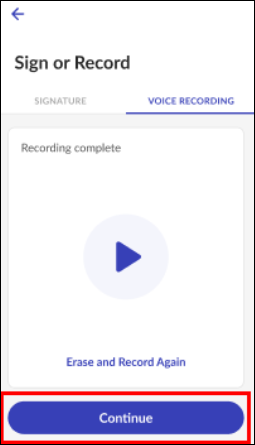
Tap Erase and Record Again to overwrite an existing voice recording.