Switch Services on Sandata Mobile Connect
Users can provide more than one service to a client without ending the current visit and starting a new one for each service, provided that functionality is enabled for the account.
To switch services on an in-progress visit, follow the steps below.
-
Tap Switch Service.
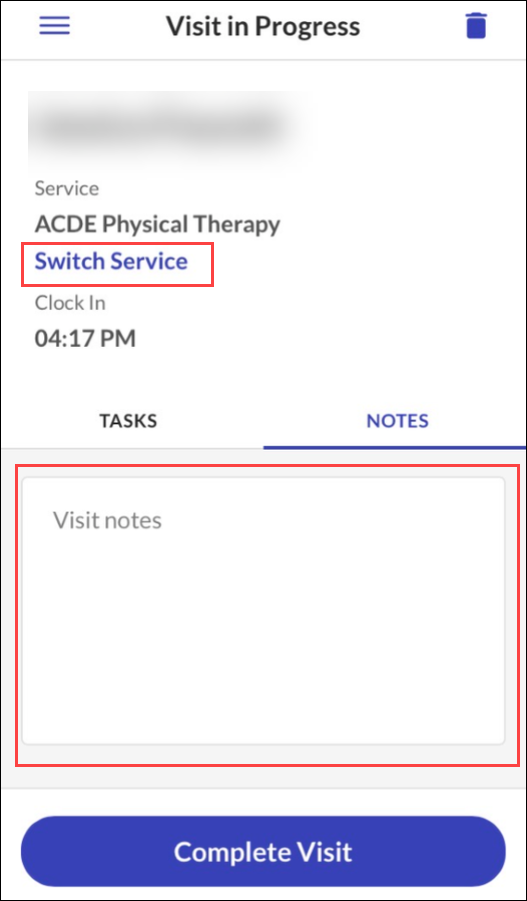
-
Select a Service.
-
Tap Continue.
-
If prompted, select a Location.
-
Tap Continue.
-
Tap YES.