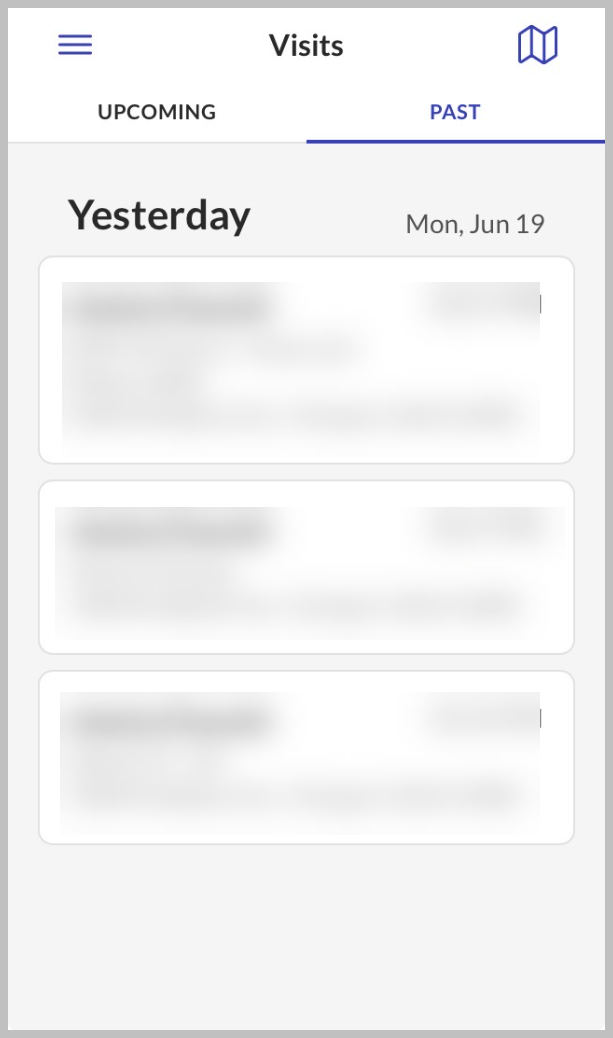
Visits Screen
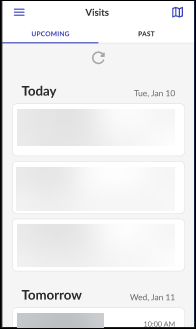
View your upcoming scheduled visits or past visits on the Visits screen.

The Upcoming tab displays a list of upcoming (scheduled) visits. Visits are sorted by start time in descending order, with the earliest visit appearing first.
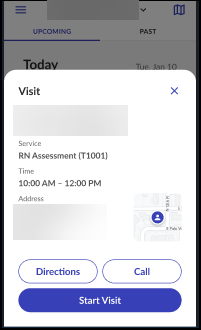
Select a visit from the Upcoming tab to open the Visit details screen. This screen shows the client's address and phone number. You can get directions to the client's location, call the client, and start the visit from this screen.
For security reasons, using the Call client function logs the user out of the application.
The Past tab displays a history of all visits (SMC, EVV, TVV, and FVV) that took place within an agency defined time frame. Tap a visit from the list on the Past tab to display the visit details screen. The defined time is visible in the Past Visits field on the Settings screen.