Sandata Mobile Connect Log In
Log in to Sandata Mobile Connect
-
Tap the Sandata Mobile Connect icon to launch the application.

-
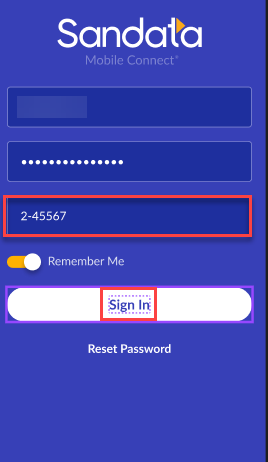
Enter Username and Password.
-
Tap Sign In.
-
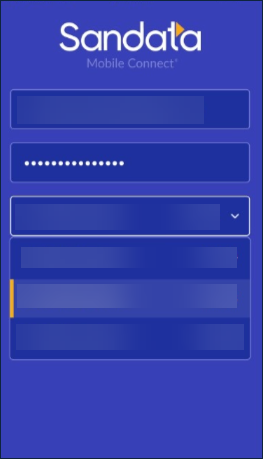
Enter or select your Agency. If you work for more than one agency, select the agency from the drop-down menu.
-
Tap Sign In.