Sandata Mobile Connect Face or Fingerprint Log-In
Users can now access Sandata Mobile Connect using face or fingerprint identification stored on their mobile device. Apple users can log-in using Face ID. Android users can log-in use their device's fingerprint scanner.
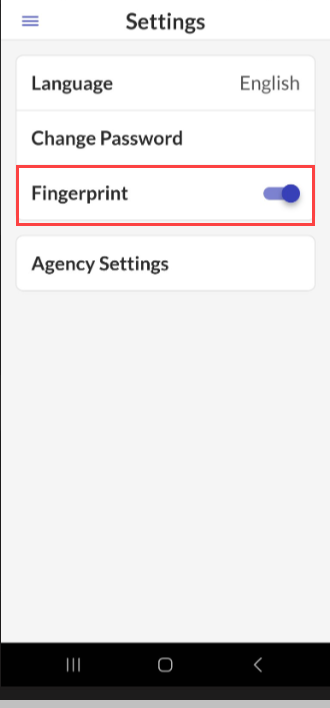
Once you have logged in for the first time using your password, you can then enable face or fingerprint log-in on the Settings screen.
When logging in using face or fingerprint, the normal password rules are still followed for password reset and expiration. When a user's password is no longer valid and they log-in using their face or fingerprint, then they are immediately prompted to reset their password. Face or fingerprint log-in can be disabled on the Settings screen.
-
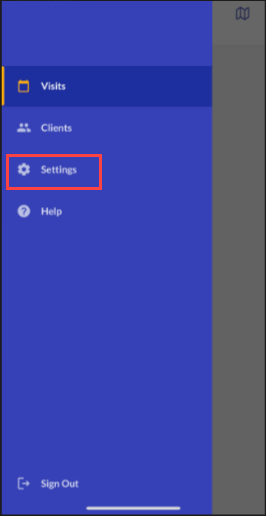
Tap Settings on the Navigation Menu.
-
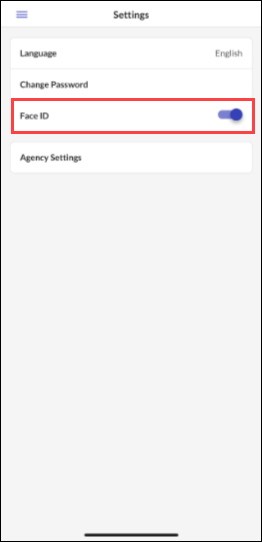
Tap Face ID to enable the Face ID feature.
-
Tap Fingerprint to enable the Fingerprint ID feature.