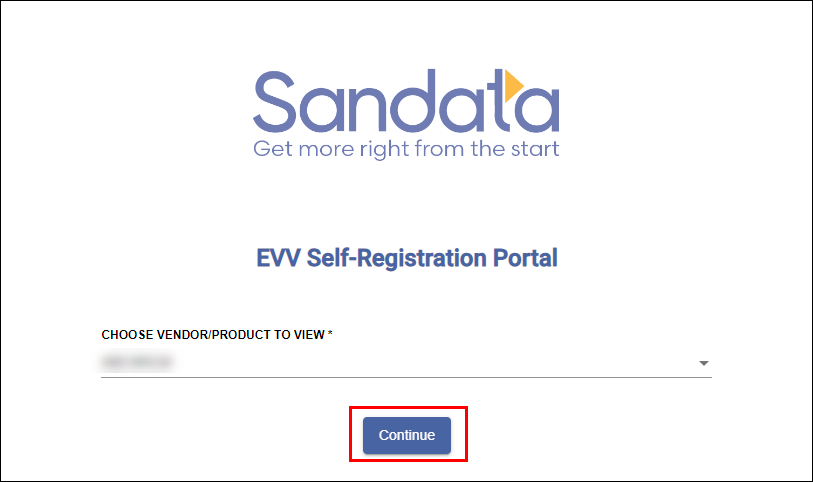
Log In to the Self-Registration Portal
After you receive your login credentials, you can use them to log into the Portal.
To login to the portal:
-
Go to https://evv-registration.sandata.com/ in your web browser or select the Portal from your Bookmarks.
-
Click on Login.
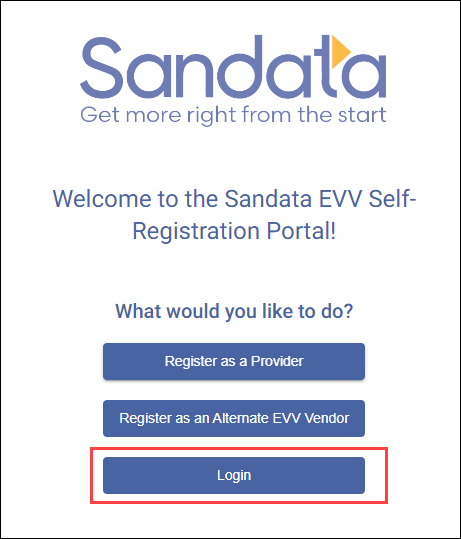
-
Enter your email and password.
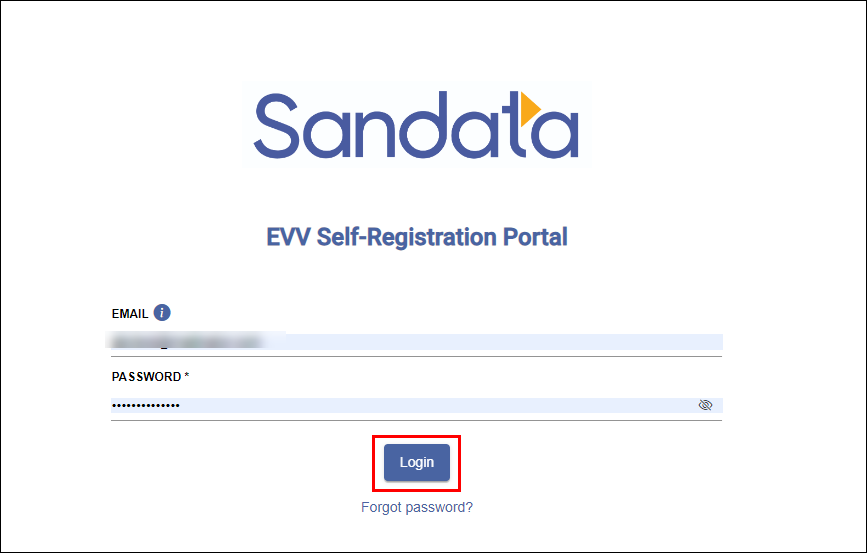
If you can't remember your password or need to change it, click on Forgot password? If you need more help with your password, you can find help by following the instructions in Reset EVV Self-Registration Portal Password.
-
Click on Login.
For most users, you will be logged into the portal right away. However, if you are a user who is connected to multiple organizations or products, you will be asked to select which vendor you want to view in the next step.
-
If necessary, choose your vendor or product.
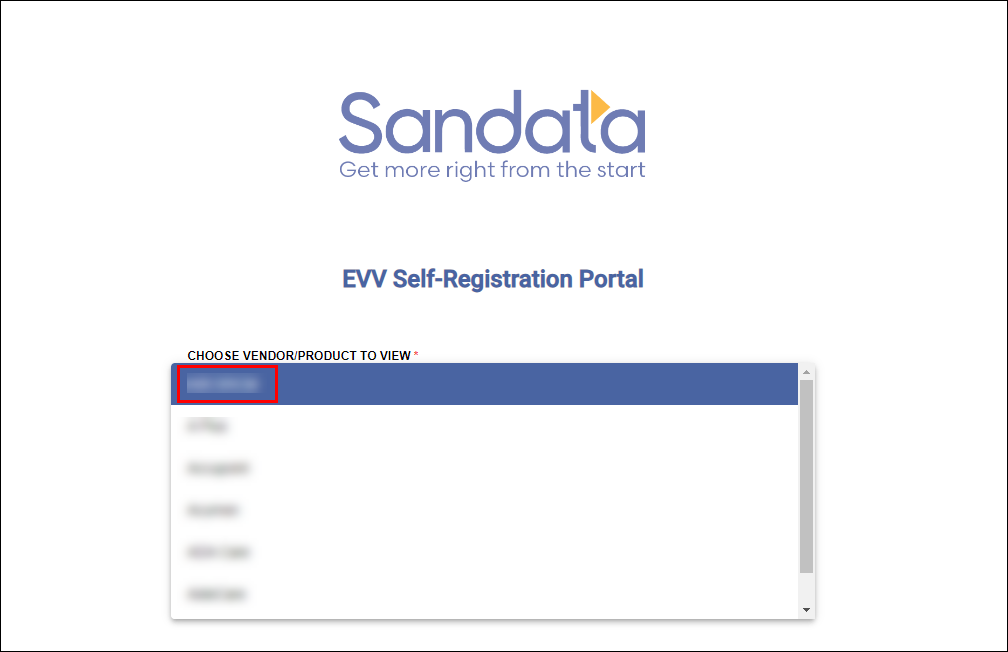
-
Click Continue. This will log you into the Portal.