Reset EVV Self-Registration Portal Password
If you have forgotten or need to reset your password:
-
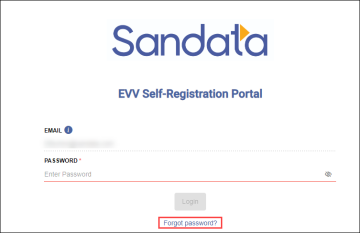
Enter https://evv-registration.sandata.com/ into your web browser or select the Portal from Bookmarks.
-
Select the Forgot password link.
-
A new tab will open in your browser to reset your password.

-
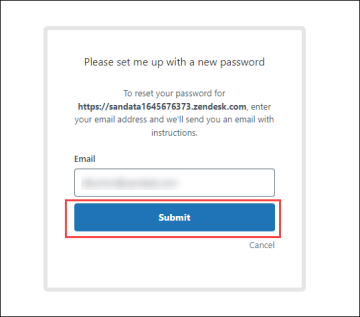
In a new browser tab, enter your e-mail address.
-
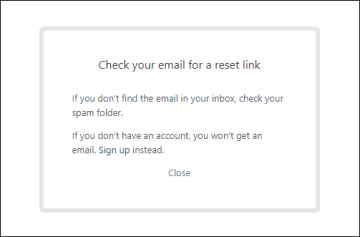
Select the Submit button. Then check your e-mail inbox for the reset password link.
-
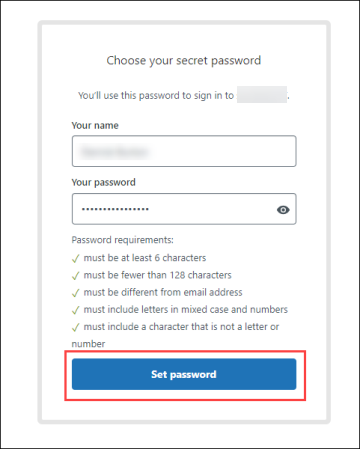
Select the link in the email and type in your new password.
-
Select the Set password button.
-
Go back to the EVV Self-Registration Portal tab in your web browser and use your new password to login.