Sandata Mobile Connect Abandon Visit
There may be situations where you must cancel a visit that you have started.
For example, if you forget to call out of a visit in progress but need to start a new visit. If you abandon a visit, a notification is sent to your agency to correct the visit information.
-
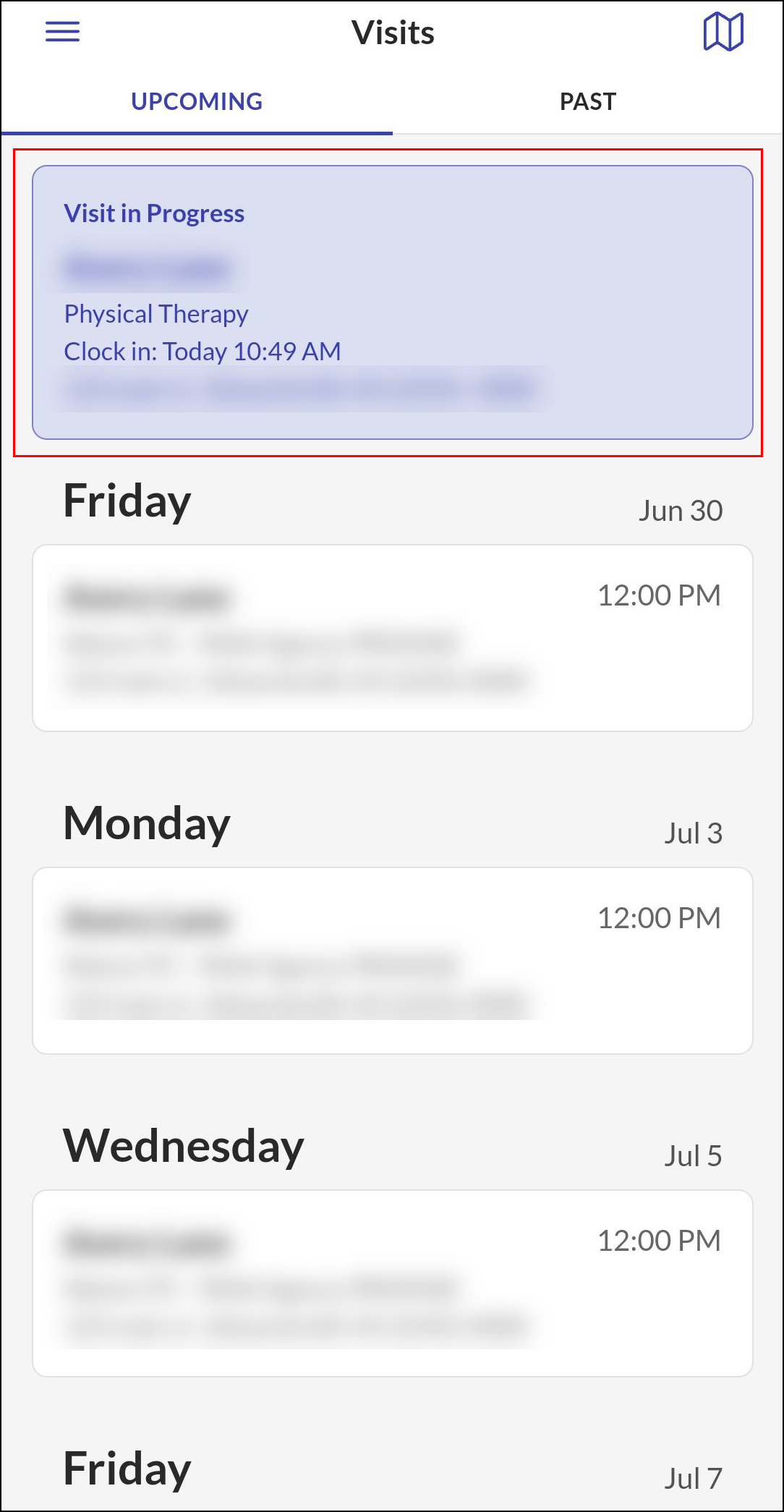
Tap the Visit in Progress on the Upcoming tab.
-
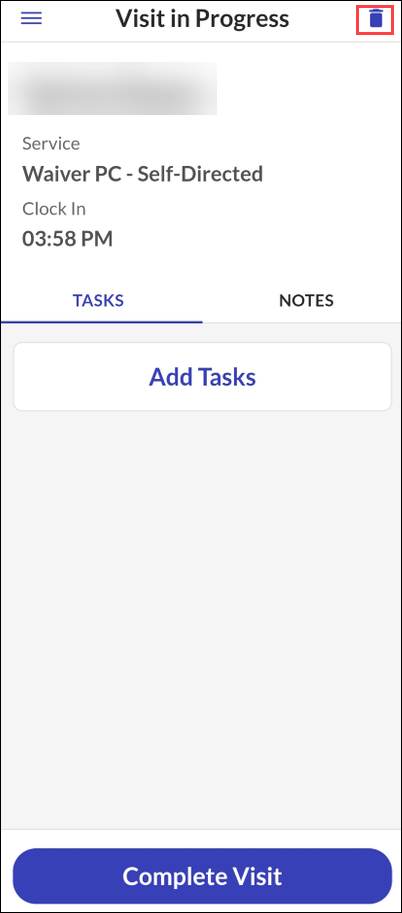
Tap the Trash Can in the top right corner to abandon the visit.
-
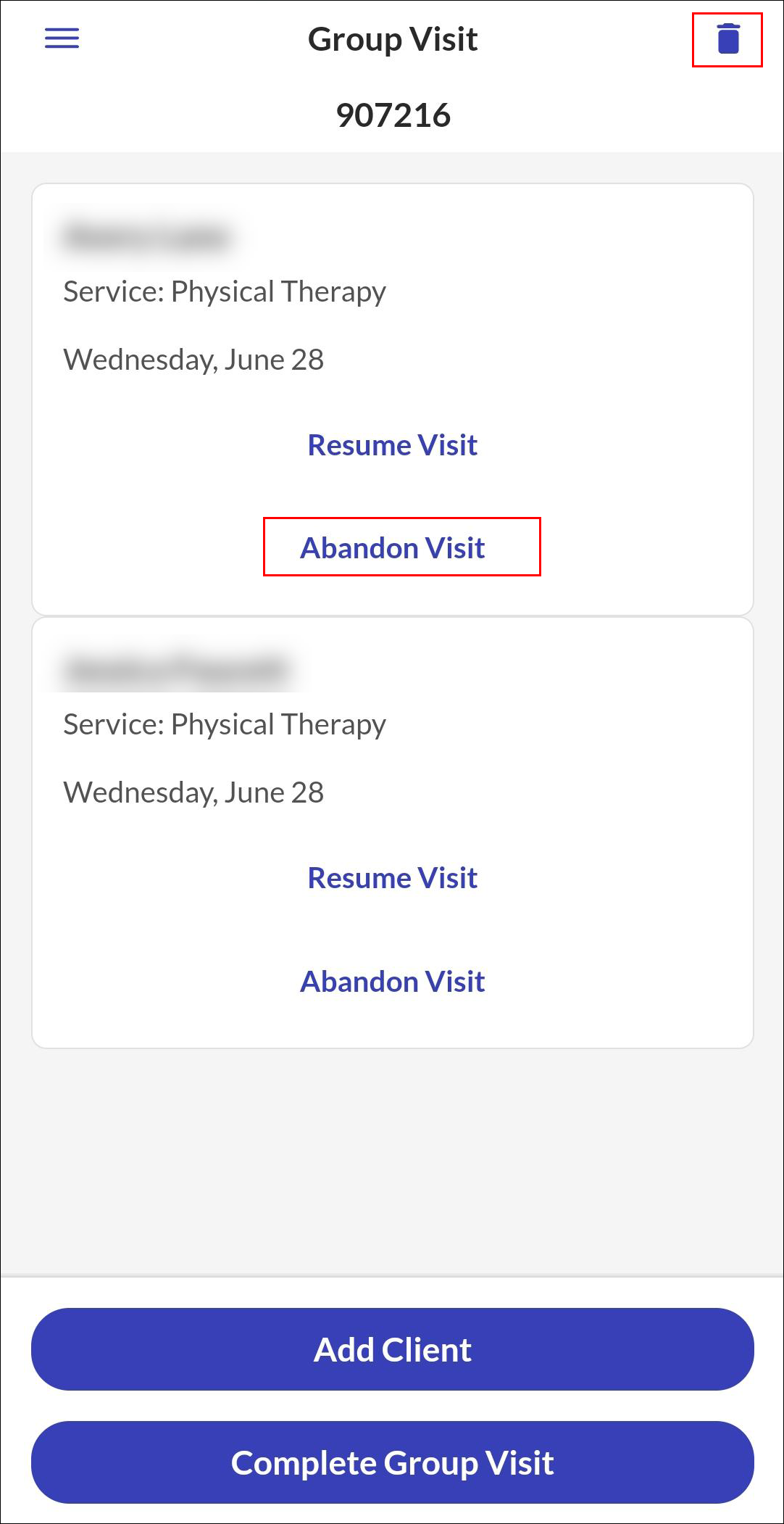
For Group Visits, tap the Trash Can to end all in progress visits or tap Abandon Visit under the clients name, to abandon the group visit for a single client.
-
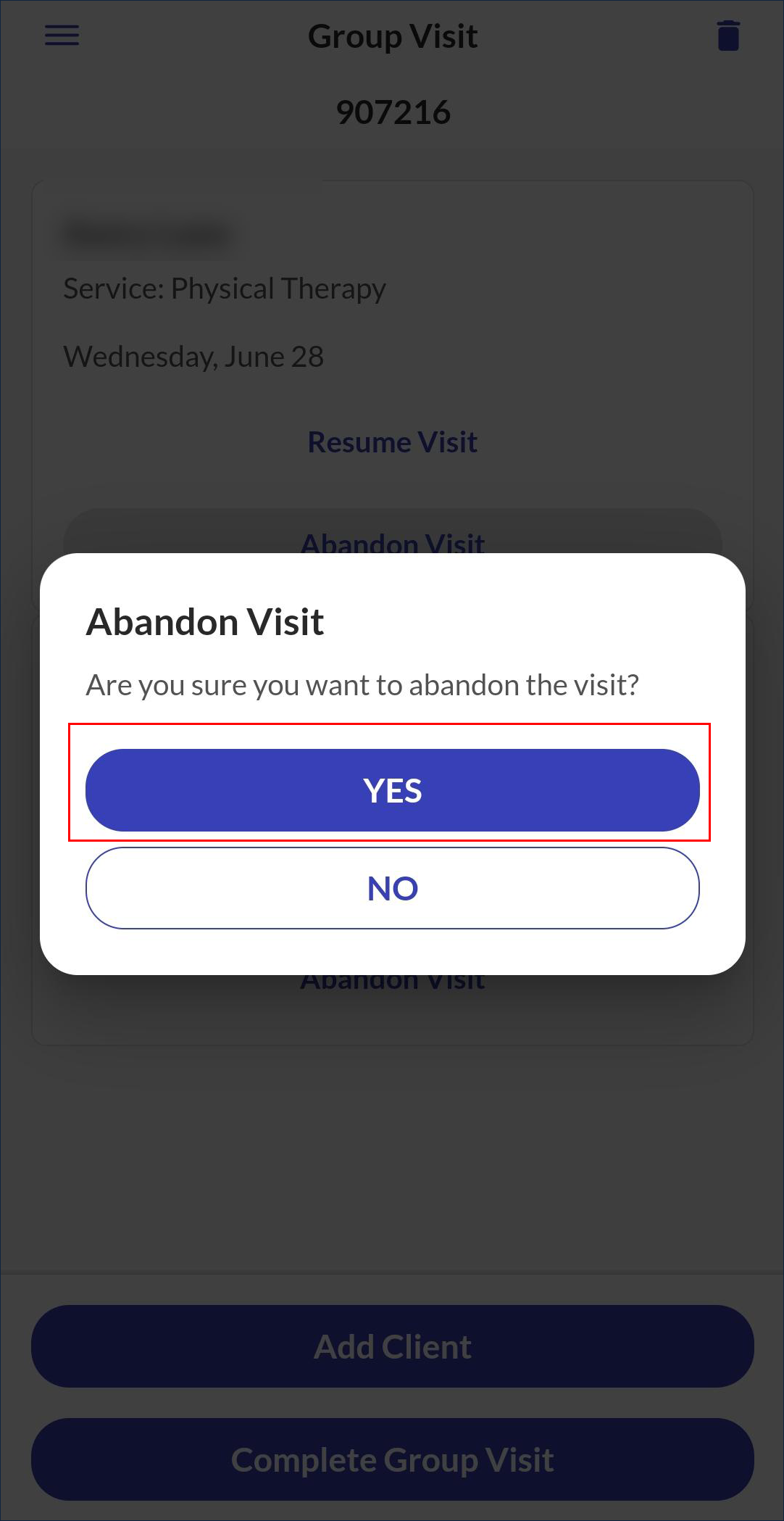
Tap YES.
Other Resources