HHAeXchange University

-
Go to HHAeXchange University.
-
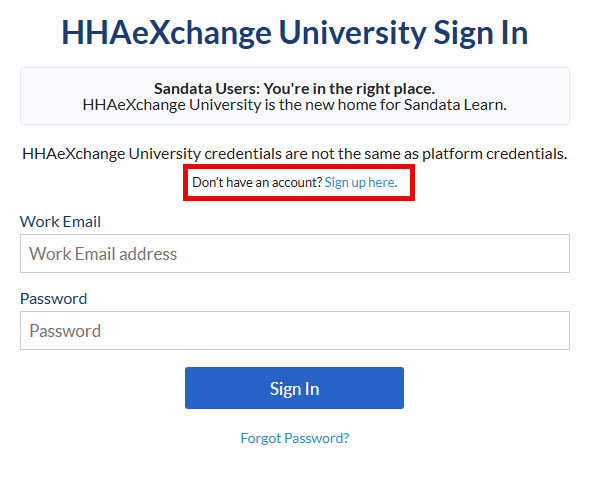
Select the Sign up here option.
-
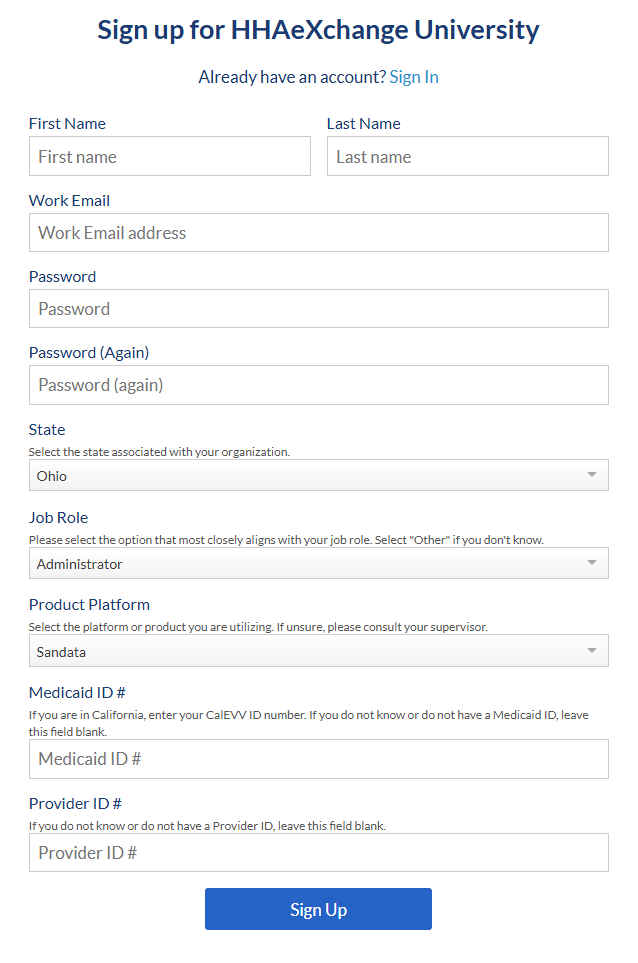
Complete all fields, and then select Sign Up.
If you know your Medicaid Identification Number and the Provider ID # enter the information into the corresponding fields.
-
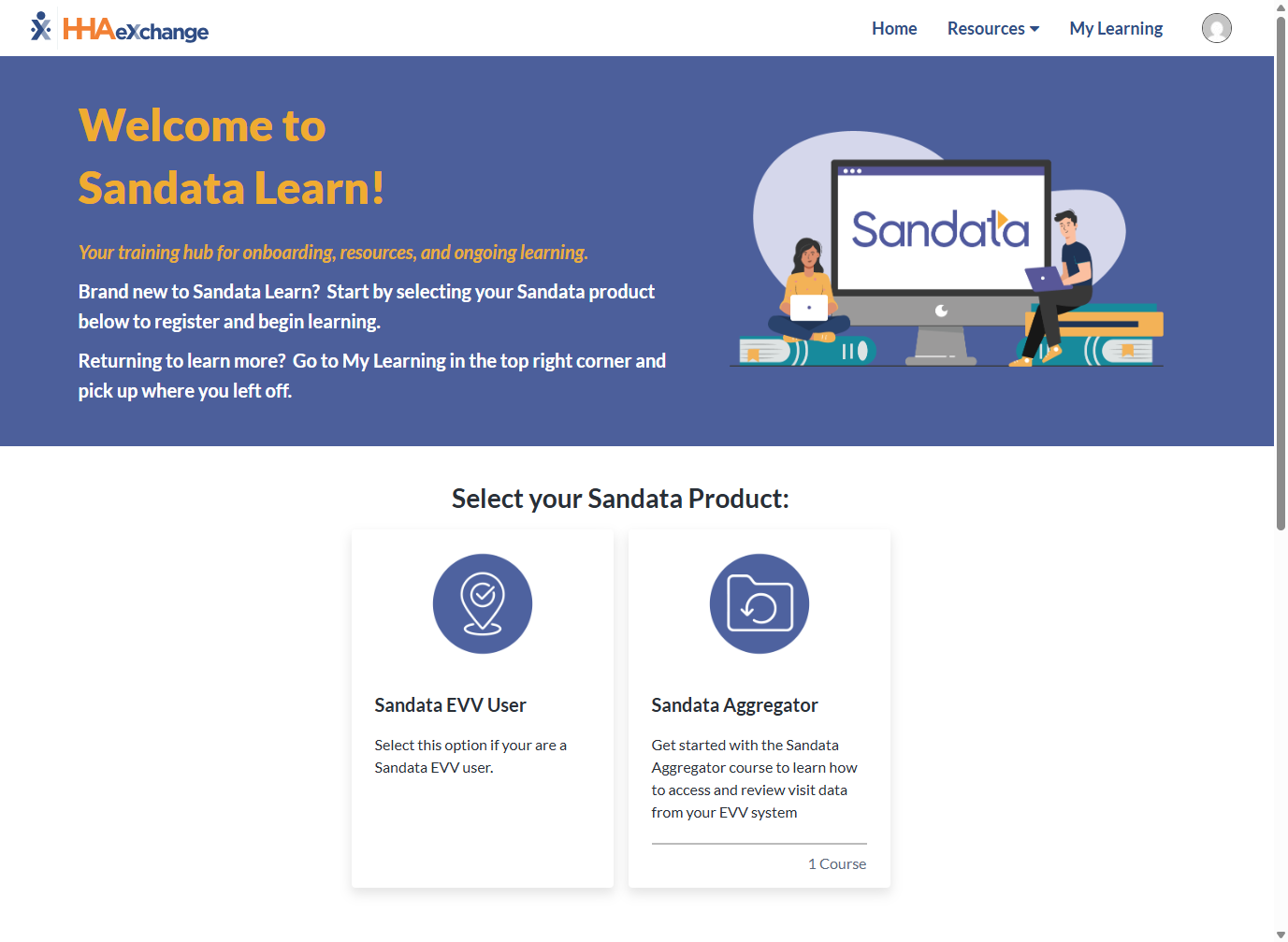
Select your Product from the Home screen to begin.
-
Select your role from the options provided.

-
Select the desired training course from the options provided.
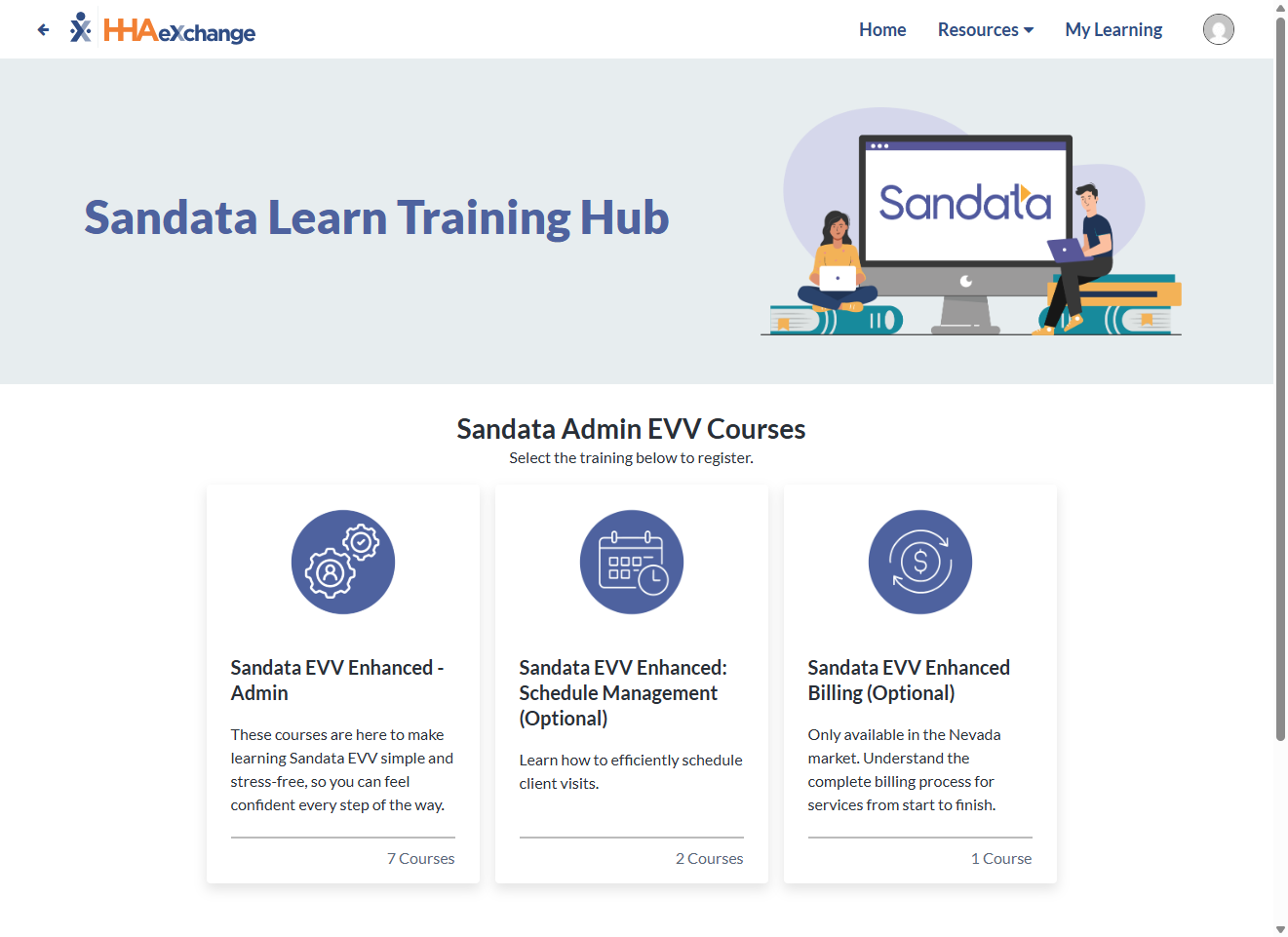
-
Select Register.
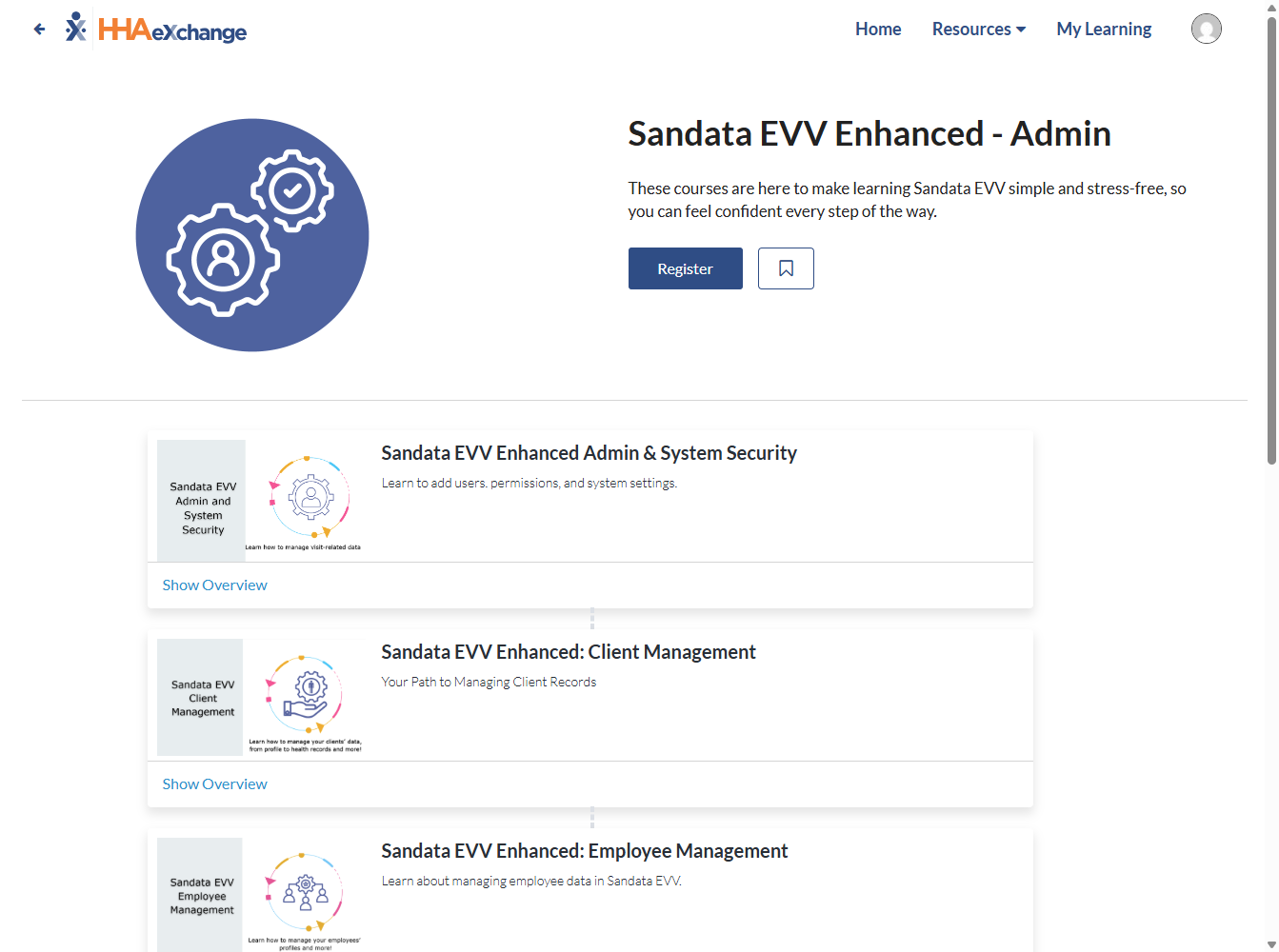
-
You can review a course overview by selecting Show Overview or begin your training by selecting Get Started.
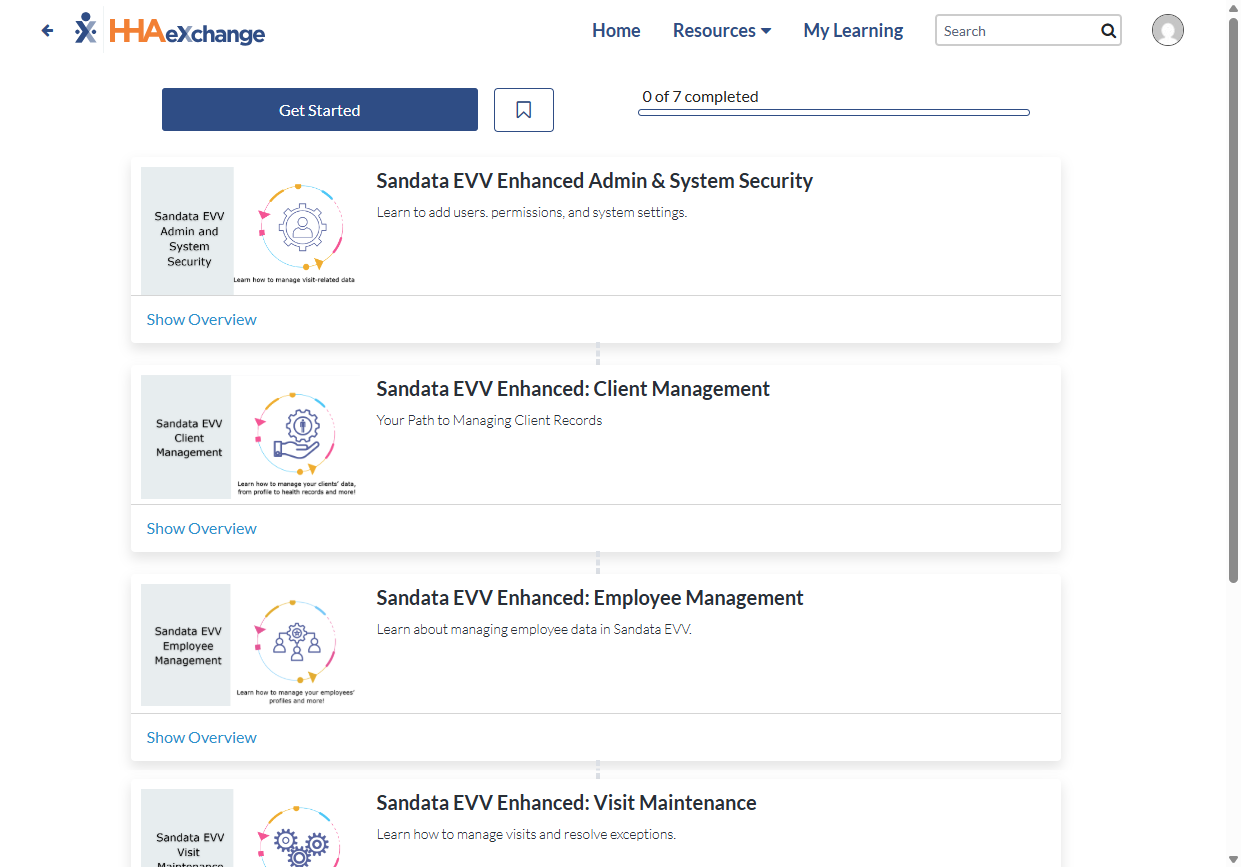
-
Go to HHAeXchange University.
-
Sign in using your existing account credentials.
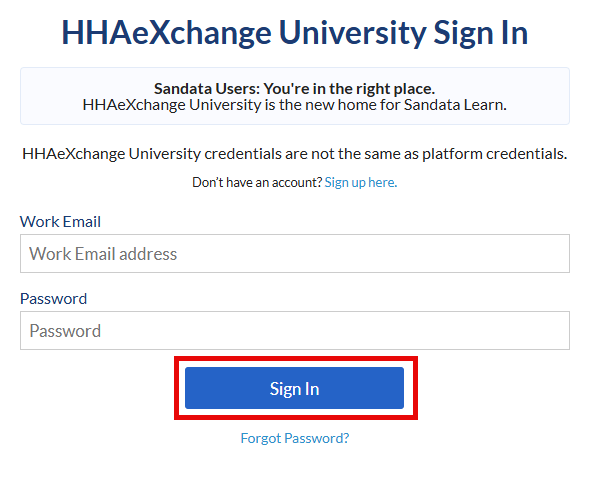
-
Select My Learning in the upper right-hand corner of the home screen.

-
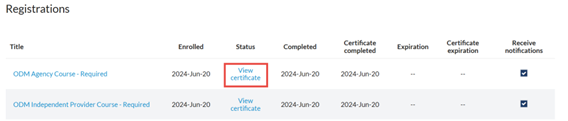
Scroll down to the Registrations section and select View Certificate on the desired course.
-
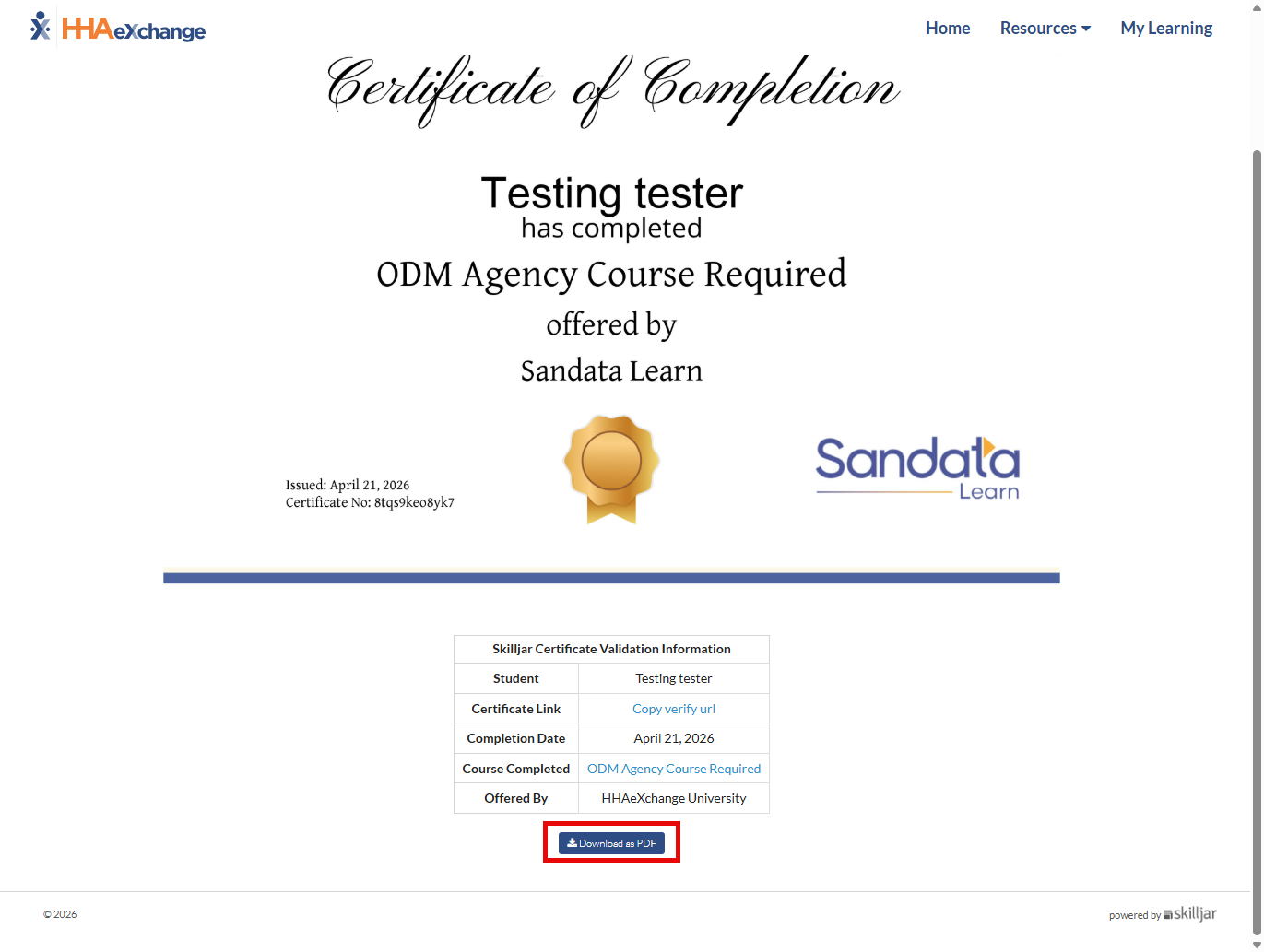
When your certificate generates, scroll down and select Download as PDF to download a copy of your certificate.