Use the In-Portal Help
We made the EVV Vendor Registration Portal user-friendly, providing help when you need it. If you click on the Help button in the portal, it will take you to Sandata On-Demand. There, you can find helpful topics or contact Sandata Support.
To access In-Portal Help:
-
While in the Portal, click on Help in the lower left hand corner of your screen.
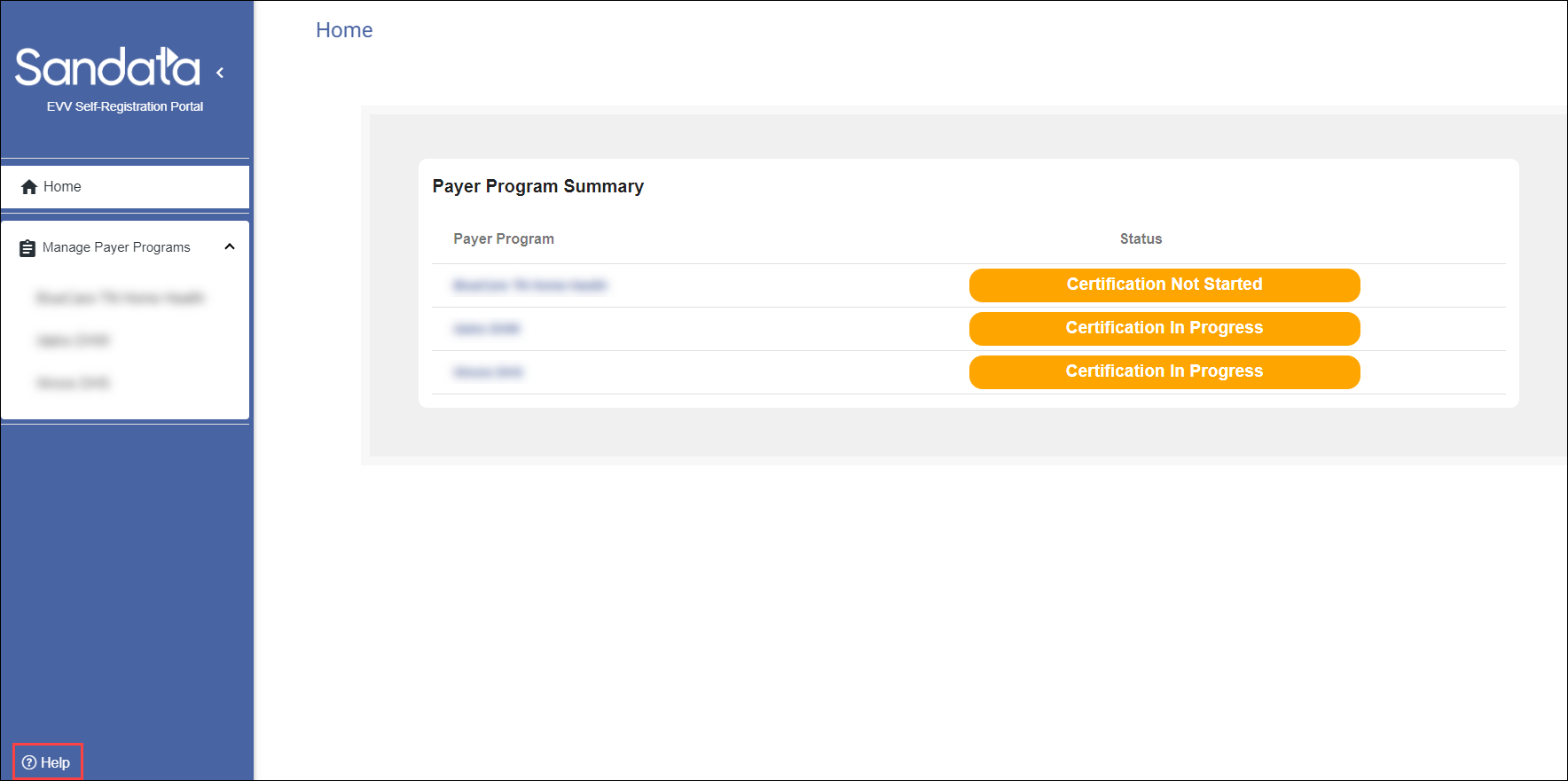
-
A new tab opens in your web browser, taking you to Sandata On-Demand.
If you are not already logged in, you might need to enter your login information.
-
Once you are in Sandata On-Demand, click on any topic to read helpful information or use tools to get more assistance.
