Register as an Alternate EVV Vendor
Complete the following steps to start registering as an Alternate EVV Vendor in a payer program, follow these steps:
-
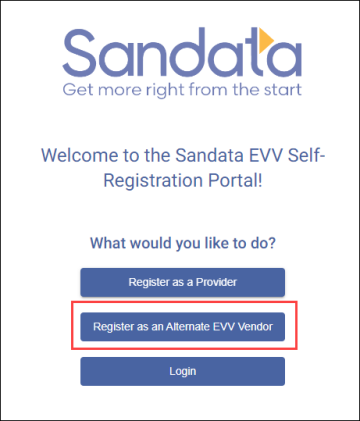
Select the Register as an Alternate EVV Vendor button.
-
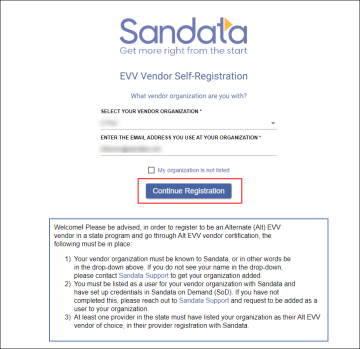
Select a vendor organization from the dropdown menu.
-
Enter an e-mail address.
-
Select the Continue Registration button.
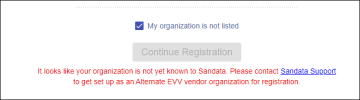
If the My organization is not listed checkbox is selected, the following message appears:
Click on the link provided on the screen to contact Sandata Support and set up your organization as an Alternate EVV vendor.
-
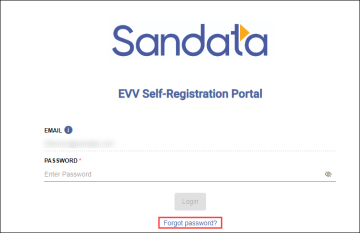
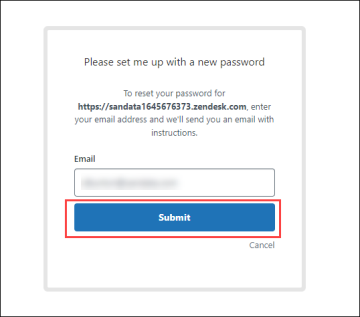
Select the Forgot password link on the login page.
A new tab opens in the web browser to help create or reset a password.
-
In the new tab of the web browser, enter in an email address.
-
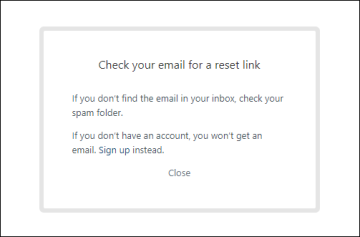
Select the Submit button. Check for an email with a password reset link.
-
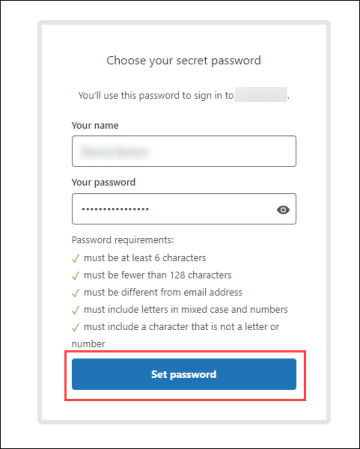
Select the link provided and type in a new password.
-
Select the Set password button.
-
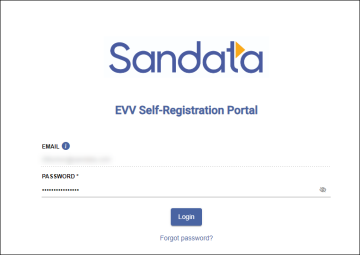
Return to the EVV Self-Registration Portal log-in tab in a browser and use the new password to login.
-
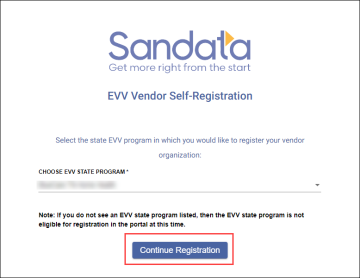
Select a program from the CHOOSE EVV STATE PROGRAM dropdown menu.
-
Select the Continue Registration button.
-
Choose a Provider for which you will be an Alt EVV vendor, to start the certification process.
-
Select the Finish Registration button. Once complete, your registration will be finished, and you will be logged into the Portal.
The first Provider you choose is the Provider you will work with to finish certification. Once certified, you can connect with more Providers in the portal.