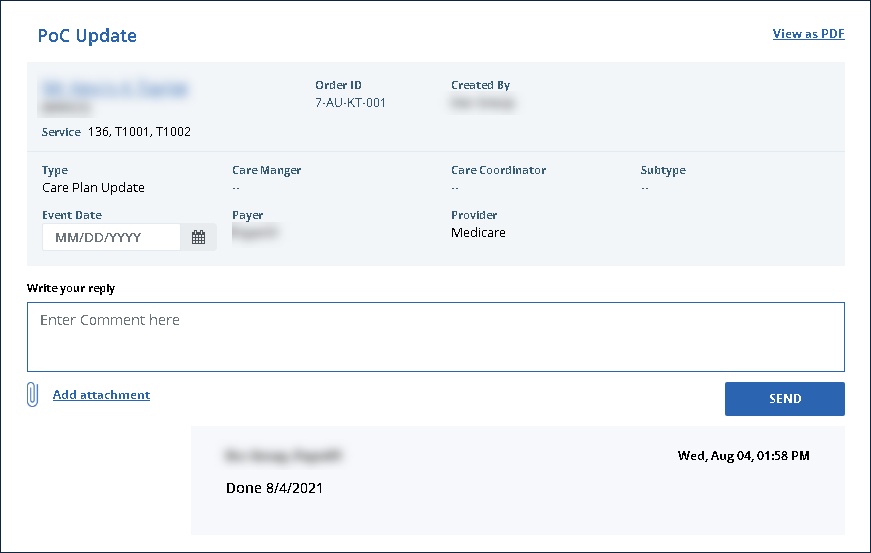
View a Member's Past Messages (Order Manager)
Previous messages associated with a member can be reviewed at any time.
To view a member’s past messages:
-
Click Members.
-
Use the filters to locate and click on the Member.
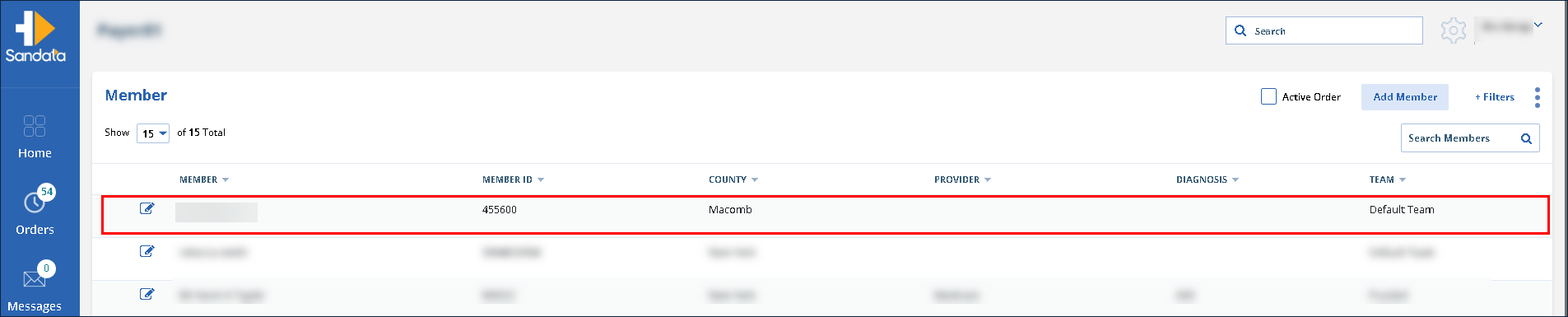
-
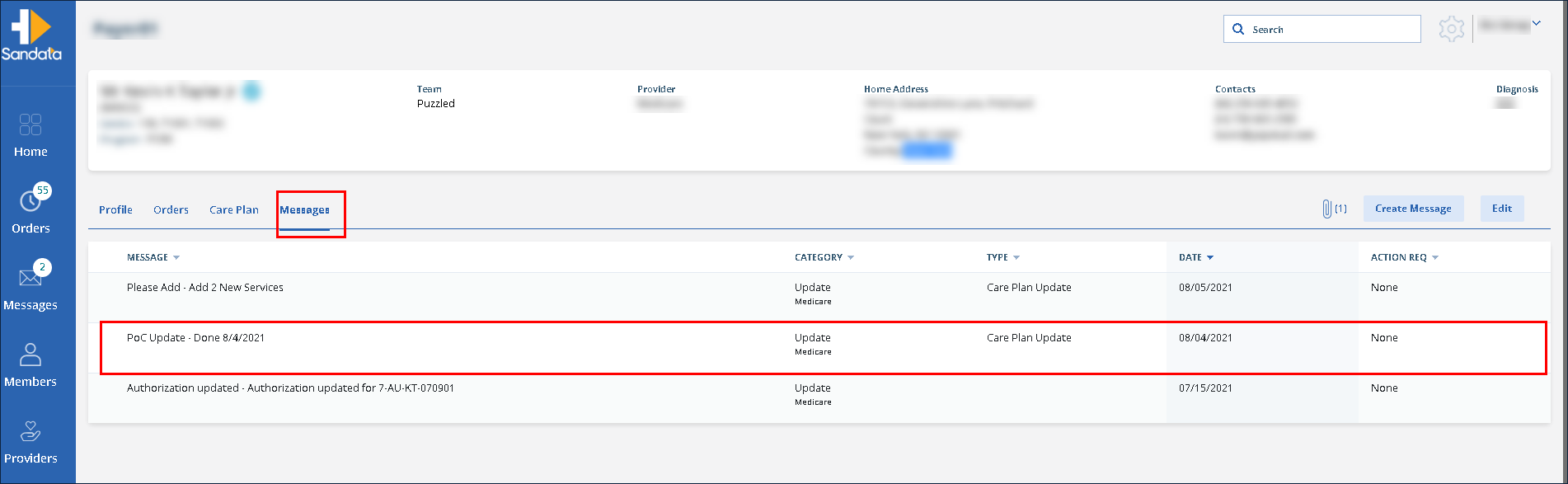
Click Messages.
-
Click on the message to be viewed.
-
View the message.