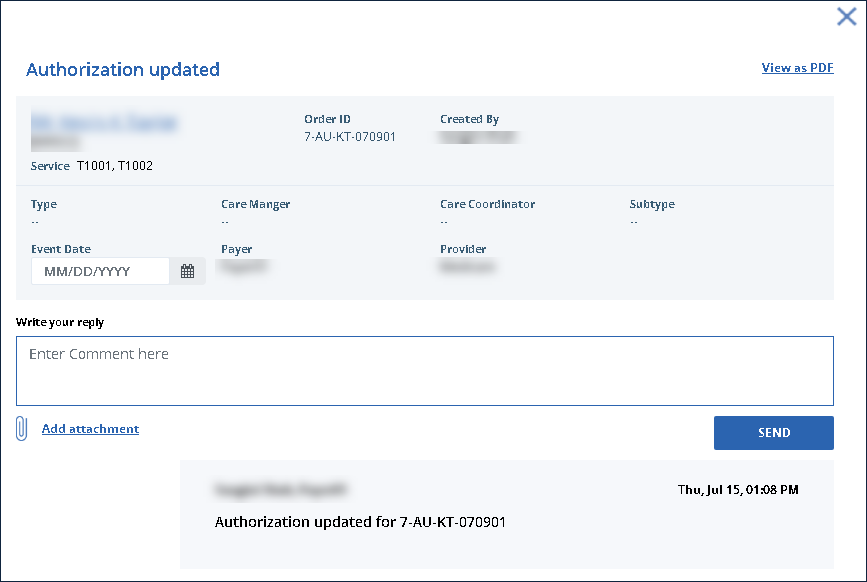
View Message History (Order Manager)
Messages associated with an order can be reviewed at any time in case an important detail was missed, there are questions about a service or something else occurs over the authorization period.
To review an order’s message history:
-
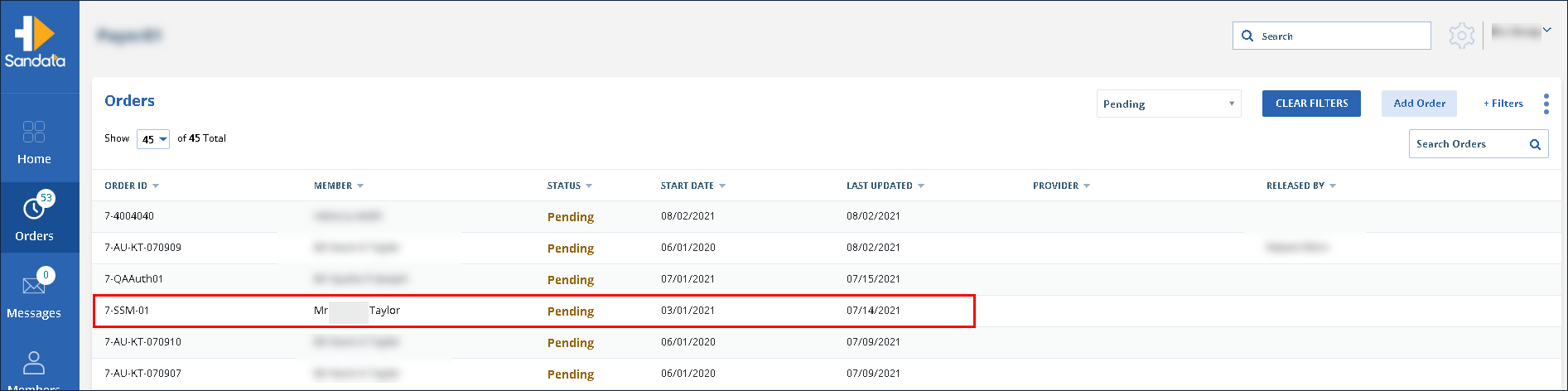
Navigate to the Orders screen.
-
Use the filters to locate and click on the order.
-
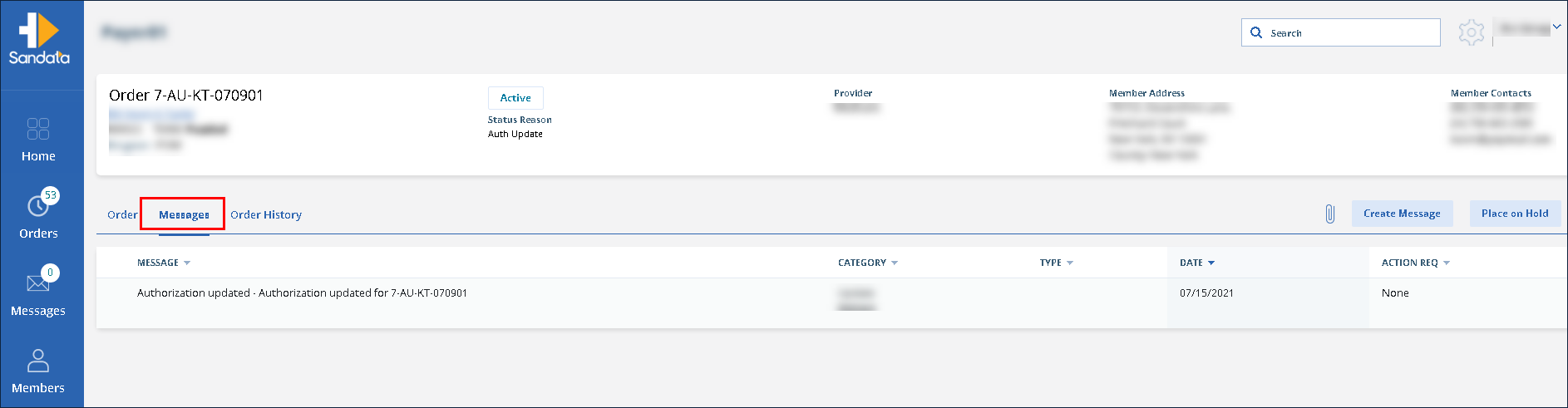
Click Messages.
-
Click on the message to be viewed.