View Order History (Order Manager)
When questions arise or an issue is discovered, it may be necessary to review an order’s history to identify where the problem occurred.
To view an order’s history:
-
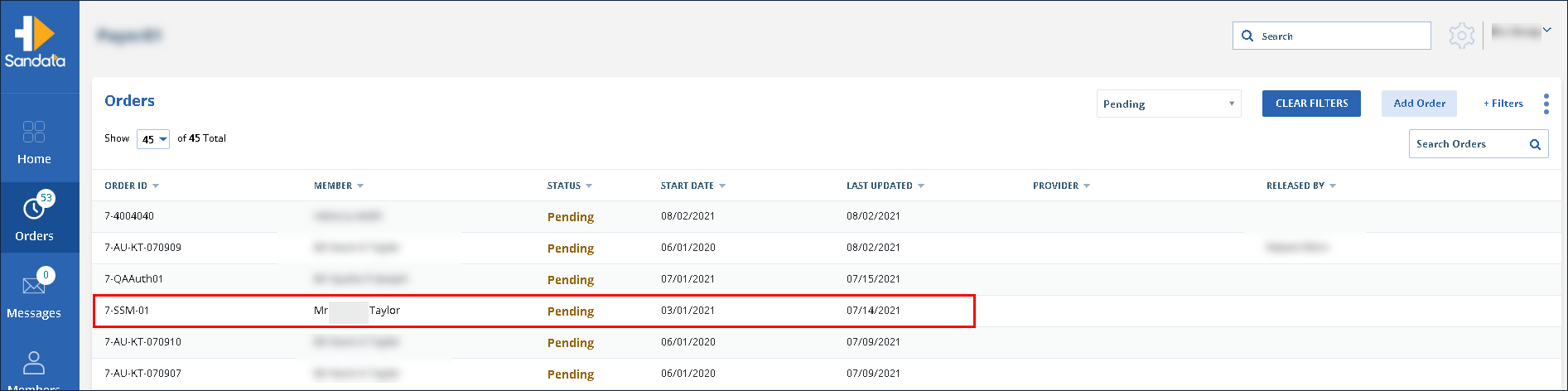
Navigate to the Orders screen.
-
Use the filters to locate and click on the order.
-
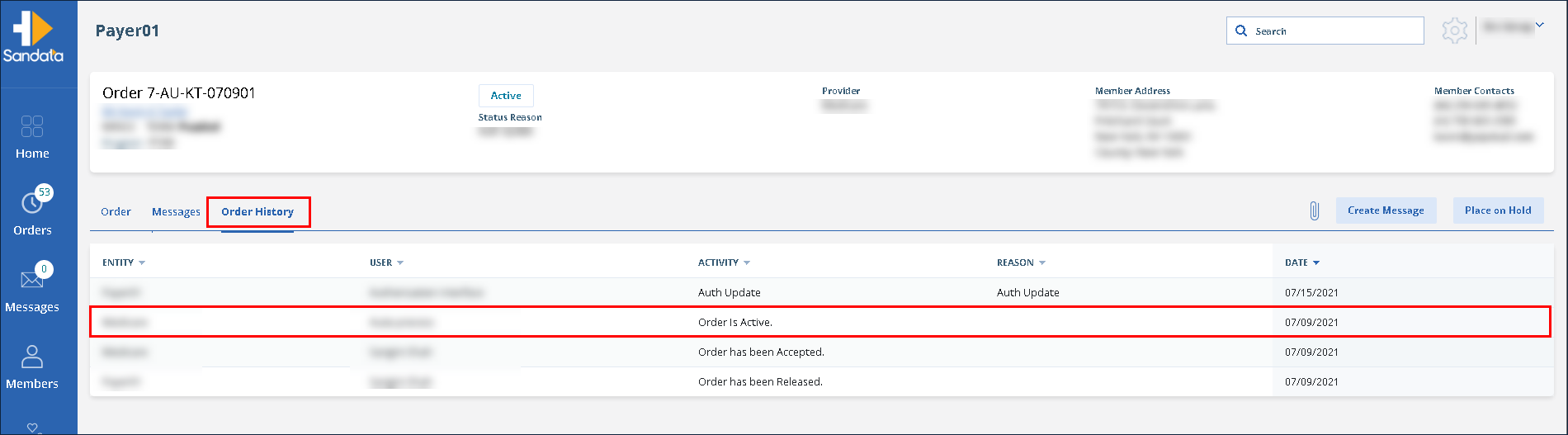
Click on Order History.
-
Click on the item to be reviewed.