View Message as a PDF (Order Manager)
Messages can be viewed in the PDF format for ease of reading, passing them on to someone else or saving them for later.
To view a message in PDF format:
-
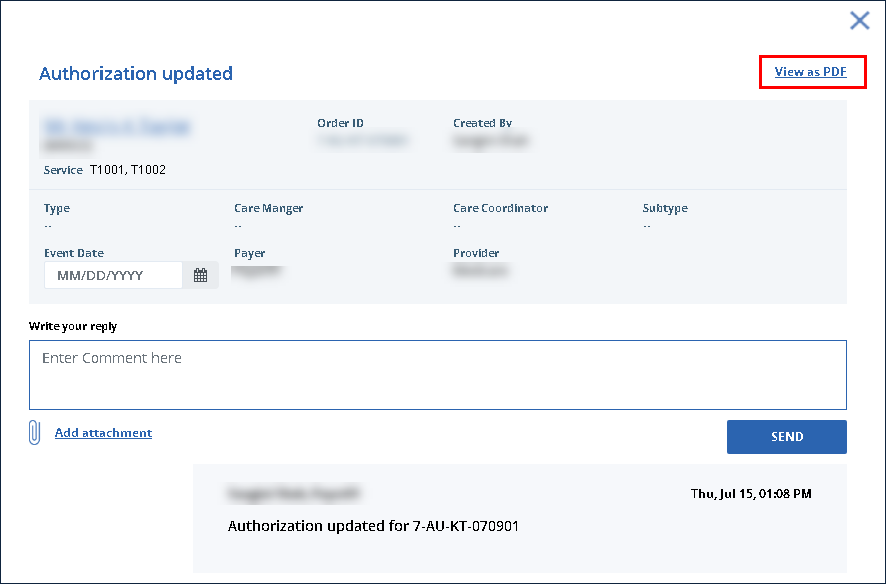
Locate and click on the message to be viewed.
-
Click View as PDF.
-
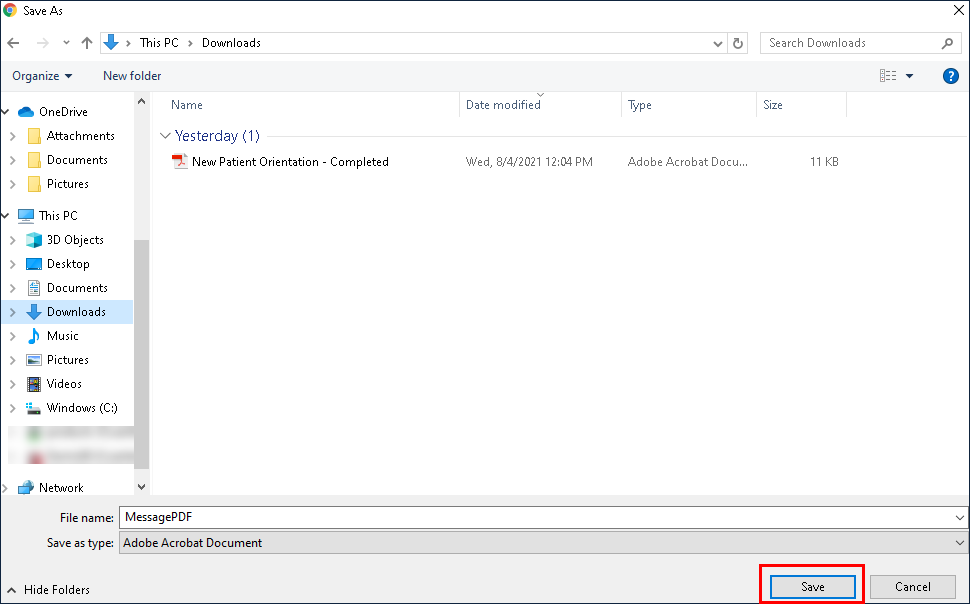
Select a location to save the PDF.
-
Click Save.