Set Up an Account for a New User (Order Manager)
Once the system is set up, employees may join, leave or go on hiatus for a time and need to be added or re-added to the system over time.
To create a new account for a user:
-
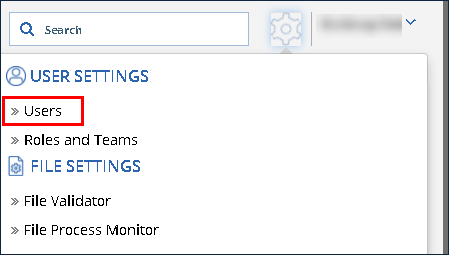
Click the Settings Icon.
-
Click Users.
-
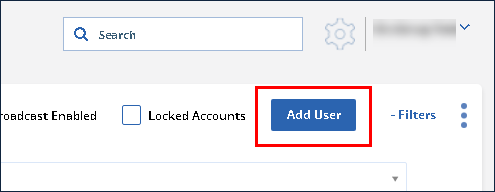
Click Add User.
-
Use the fields to enter the user’s information. Selecting a role and a team are both required.
-
Click Save.
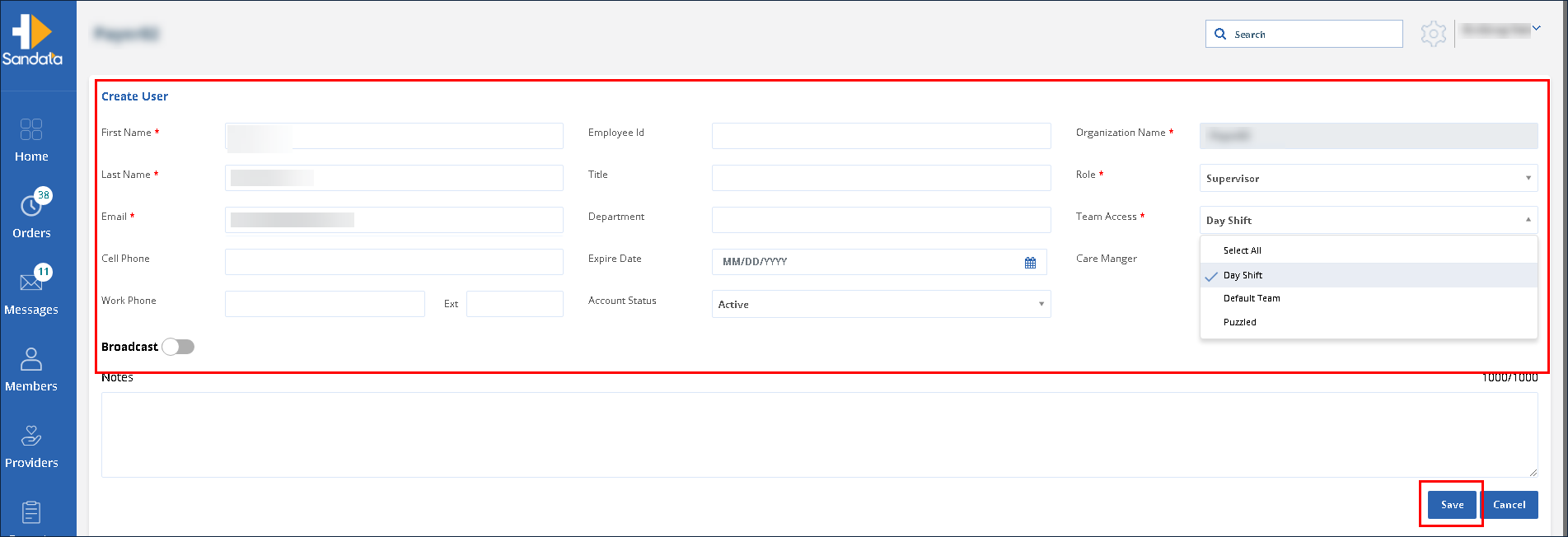
The User is created and receives an e-mail prompting them to log in to the system.