Reset a Password (Order Manager)
Occasionally a password is forgotten or even was potentially mistyped when setting up the user’s account.
To reset a user’s password:
-
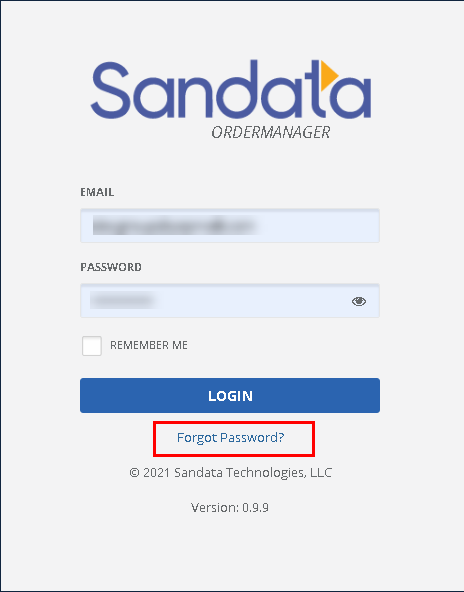
Access Order Manager.
-
Click Forgot Password?
-
Enter the user’s email address or username.
-
Click Reset Password.
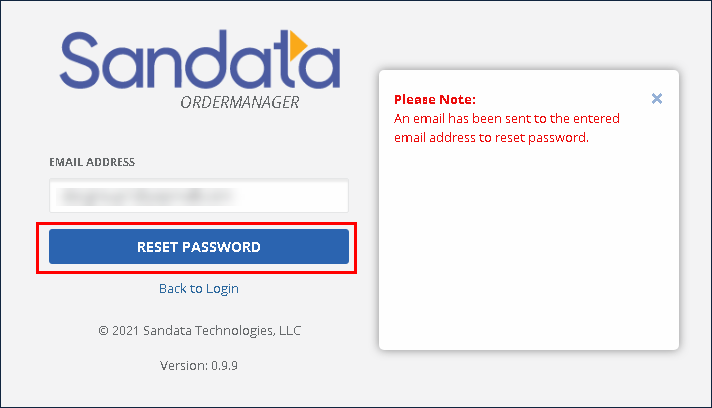
An e-mail is sent to the user’s designated e-mail address. Follow the instructions to reset the password and login.