Re-Release Order to Providers (Order Manager)
If an order is not accepted by a provider after the initial release period, it can be re-released to either the same group or a different set of providers for acceptance.
To re-release an order:
-
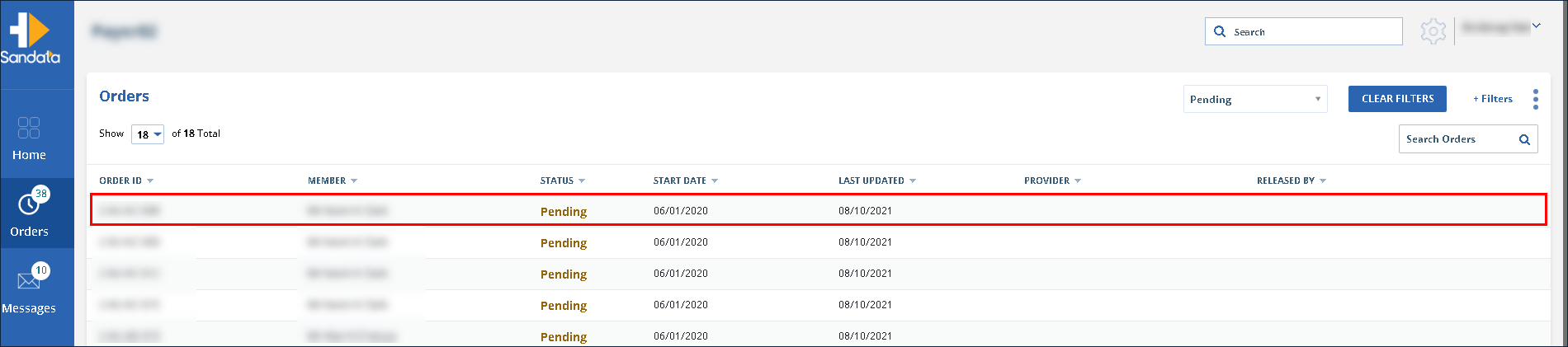
Navigate to the Orders screen.
-
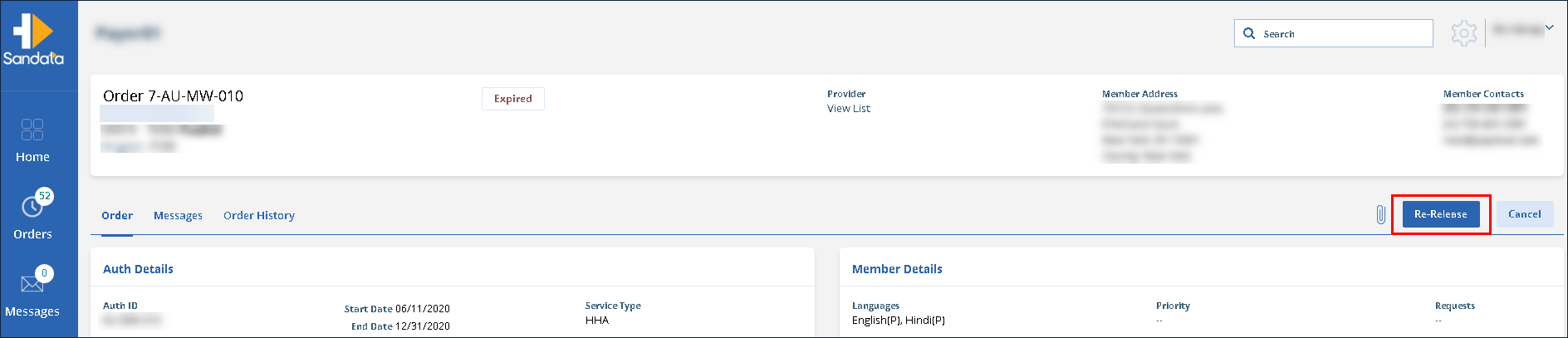
Click Re-Release.
-
To re-release the order to a new set of providers:
-
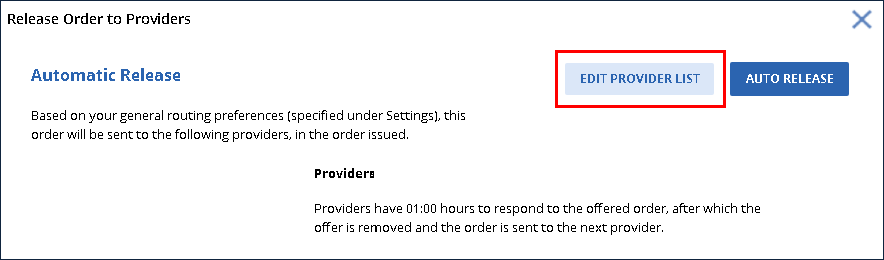
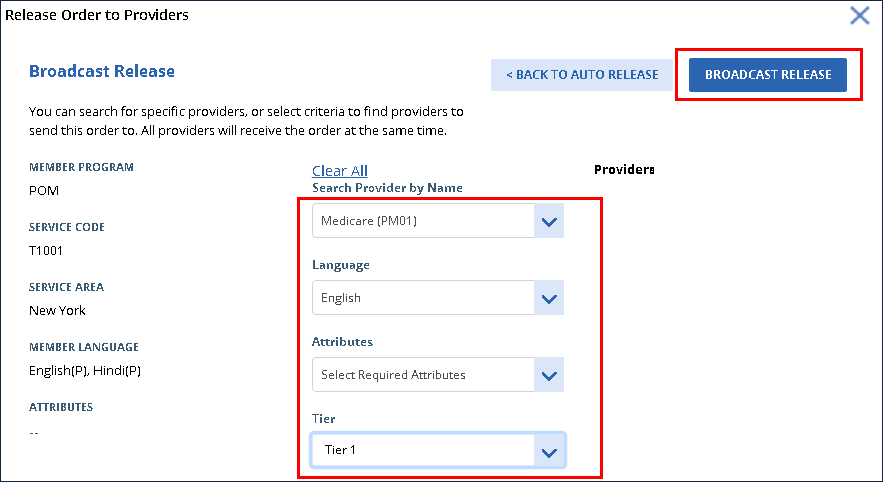
Click Edit Provider List.
-
Use the filters to select the new providers to release the order to.
-
Click Broadcast Release.
-
-
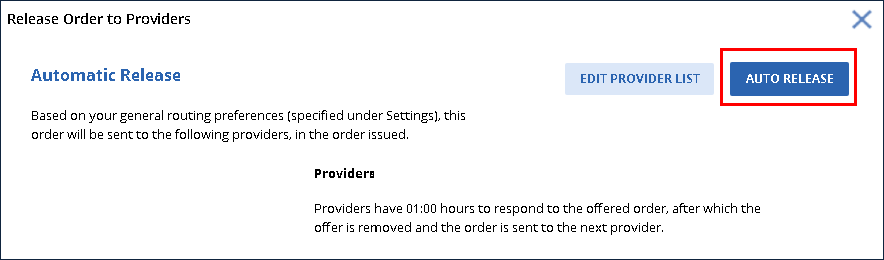
To re-release an order to the same providers:
Click Auto Release.