Cancel an Order (Order Manager)
In a situation where an order is no longer needed or was created accidentally, it can be manually cancelled.
-
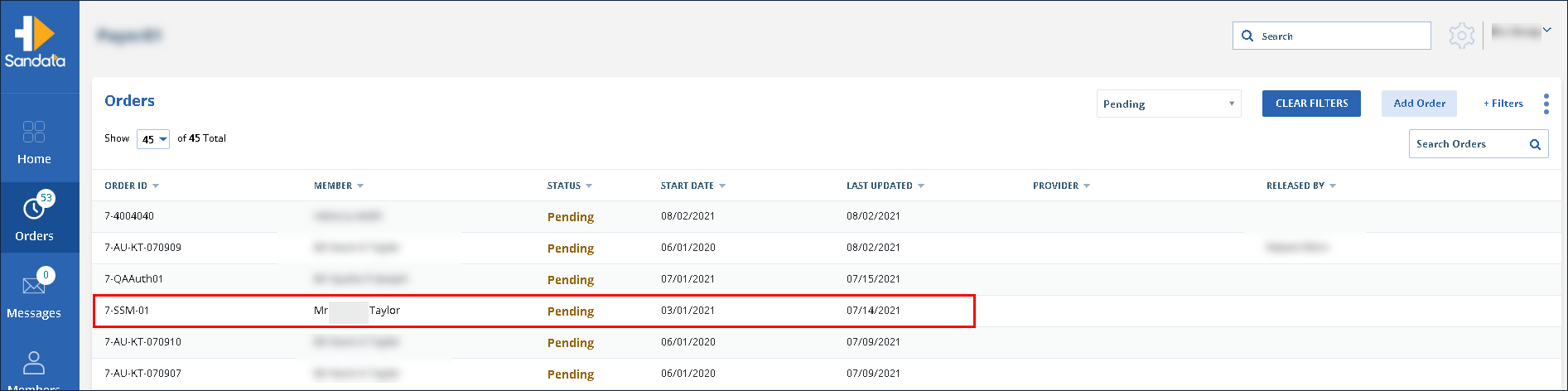
Navigate to the Orders screen.
-
Use the filters to locate and click on the order.
-
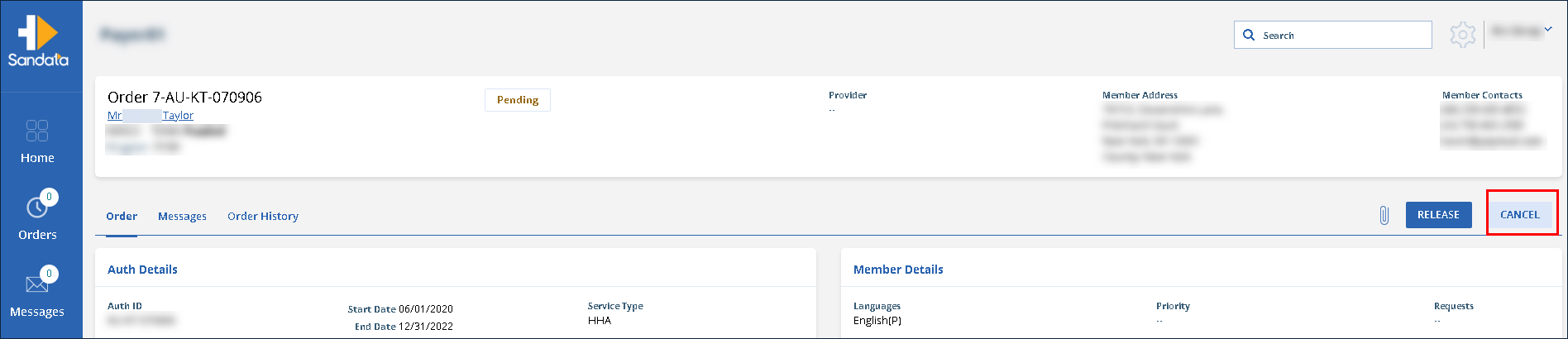
Click Cancel.
-
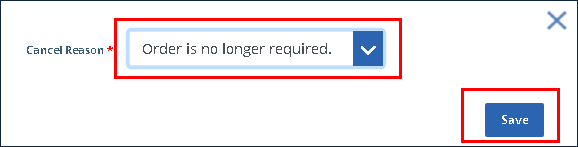
Select a Cancel Reason. Click Save.
-
Click Yes, do it!
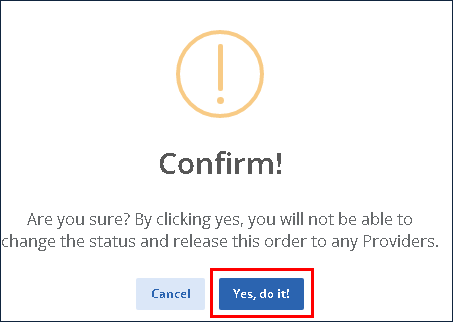
The order is canceled.