Add a Note to a Member Profile (Order Manager)
Notes or comments can be added to a Member’s profile in the system for reminders, memos or other information that may need to be remembered or referred to in the future.
To add a note to a Member's Profile:
-
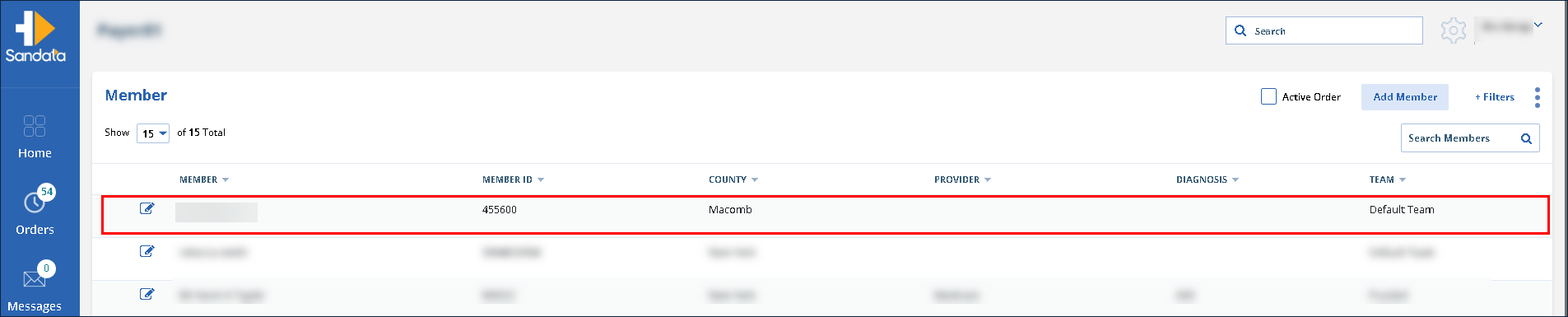
Click Members.
-
Use the filters to locate and click on the selected Member.
-
Enter the note in the Note field.
-
Click Add Comment.
