View Service Details
Details about a recipient’s program are all on one page in the Recipient Program tab.
This video provides a step-by-step guide on adding services to Recipient profiles within a program.
-
The services assigned to the recipient are listed under the Service Details.
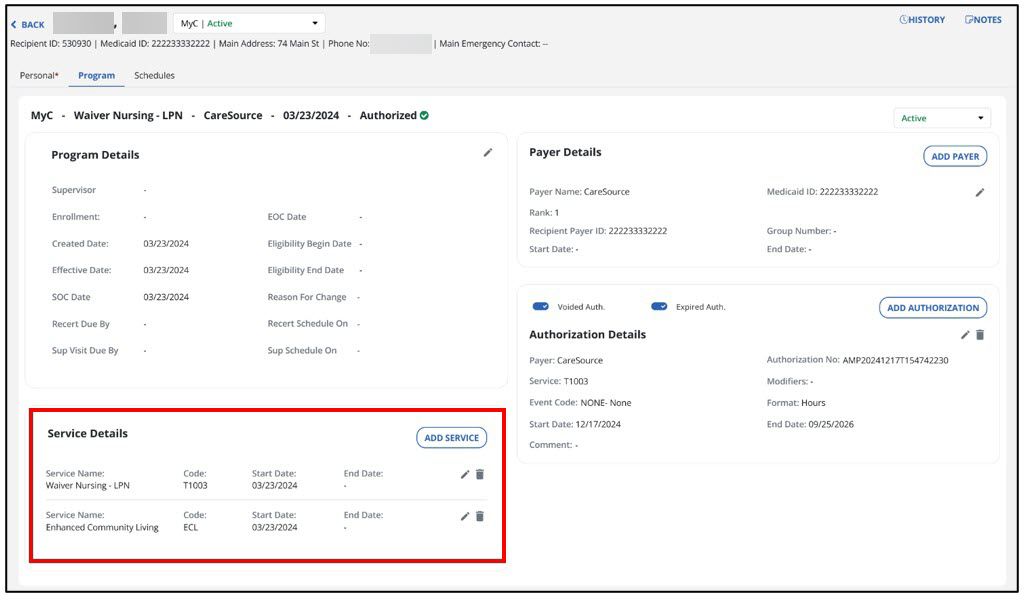
-
The service for the recipient can be edited or removed by selecting the Pencil or Trash Can icon.
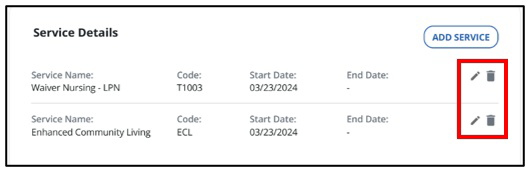
-
If there are any changes made, select Save and Add Another or Save. Select Add Service to add another service for this recipient as needed.