Update Payer Details
Details about a recipient’s program are all on one page in the Recipient Program tab. In addition to the Program, there are details on the Services, Payers, and Authorizations here.
-
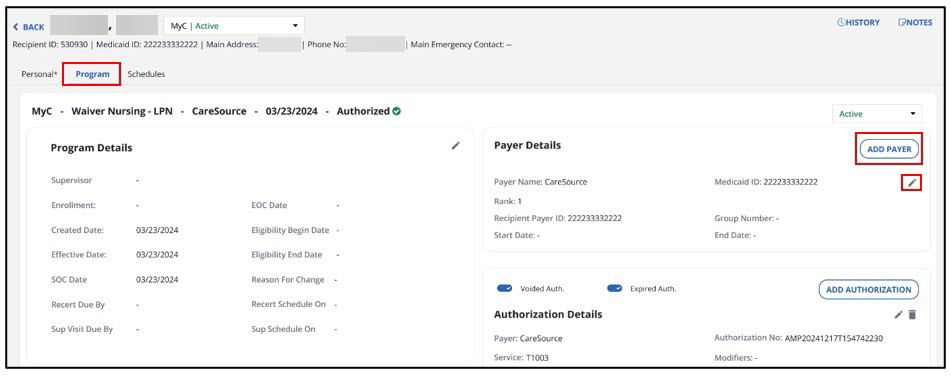
From Recipient Management, choose the recipient, then go to the Program tab. In the Payer Details section, you can Add a Payer or edit the Payer shown.
-
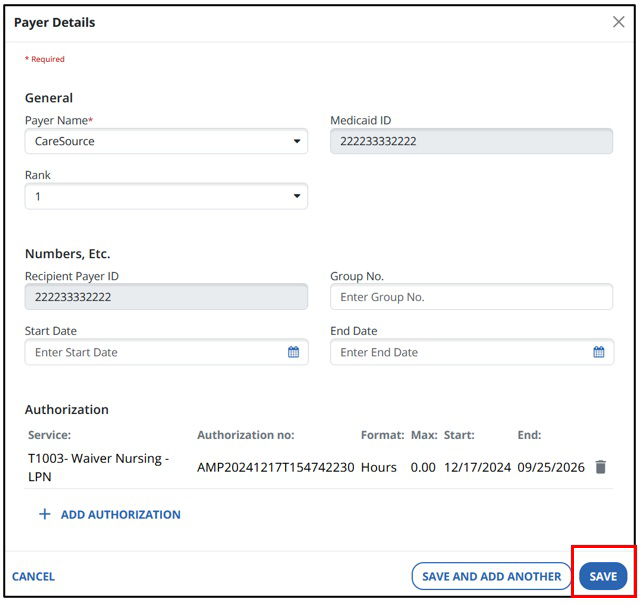
Complete or update the fields in the Payer Details window. You can choose the Payer Name and Rank using dropdown fields. Then select SAVE.
-
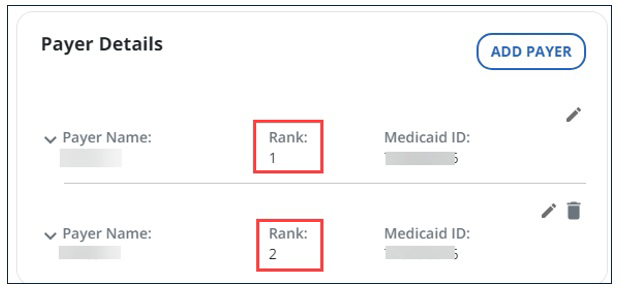
If there are multiple payers in the program, all payers are listed in the section. Notice the Payers’ Ranks display in the window.