Search for a Schedule
You can view a recipient's scheduled services and other details in the Scheduling module.
-
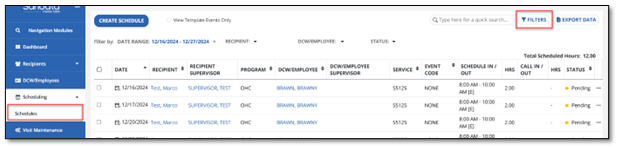
Go to Scheduling > Schedules.
-
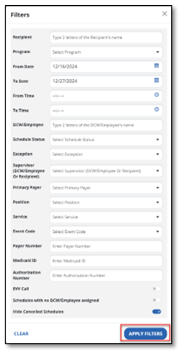
Select FILTERS to enter any search criteria such as recipient name or date to narrow down the results.
-
At the bottom of the screen, select APPLY FILTERS. A list of schedules displays based on your filter results.