Search for DCWs/Employees
There may be times when you need to search and find a DCW/Employee’s record to view or edit their information.
-
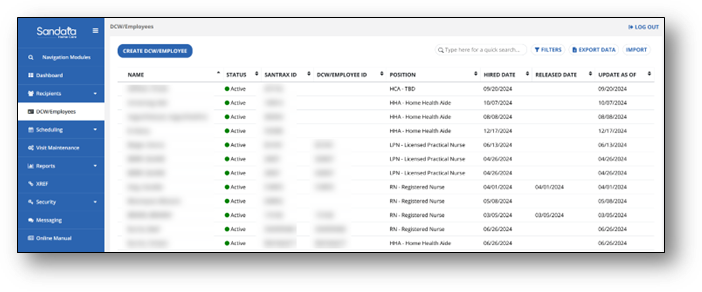
Navigate to the DCW/Employees module.
-
From the DCW/Employees module, a list of DCW/Employees displays. Choose the DCW/Employee from the list or use the quick search field to search for the DCW/Employee.
-
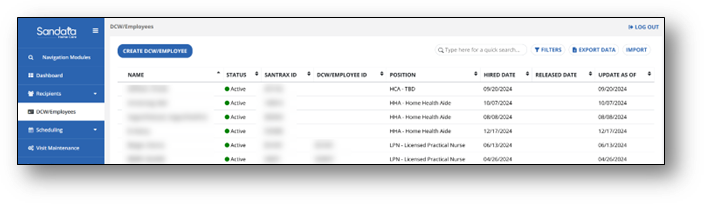
Enter a name in the quick search field. Then select the DCW/Employee.
-
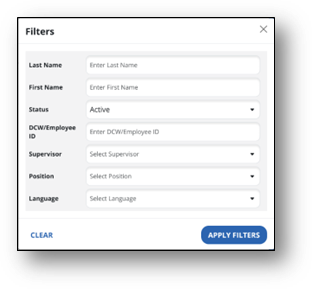
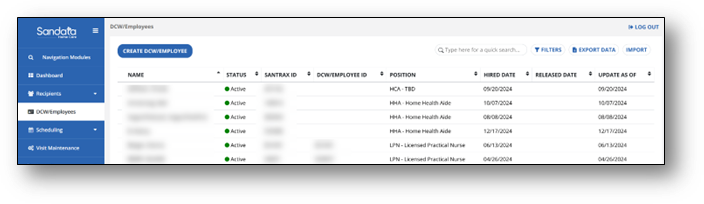
To search for DCW/Employees using the filters, enter the search criteria by selecting the FILTERS button.
-
You can use filters such as status and position to find all DCW/Employees that match. After setting the filters, select Apply Filters.