Start a Sandata Mobile Connect Group Visit
-
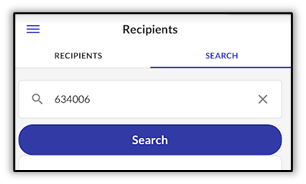
Log in to Sandata Mobile Connect, then search for the Recipient using the Recipient ID or Medicaid ID.
-
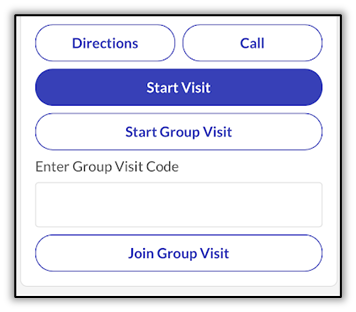
Select Start Group Visit.
-
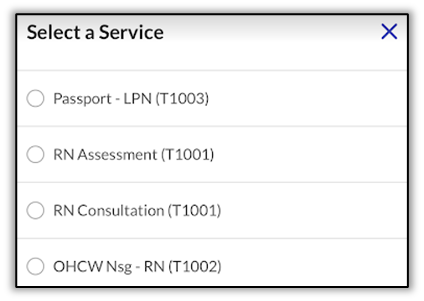
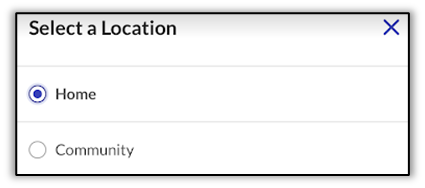
Select the Service and the Location.
-
Tap Yes.
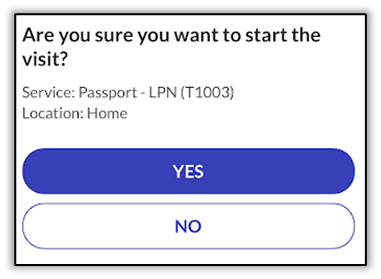
-
The group visit displays in progress.
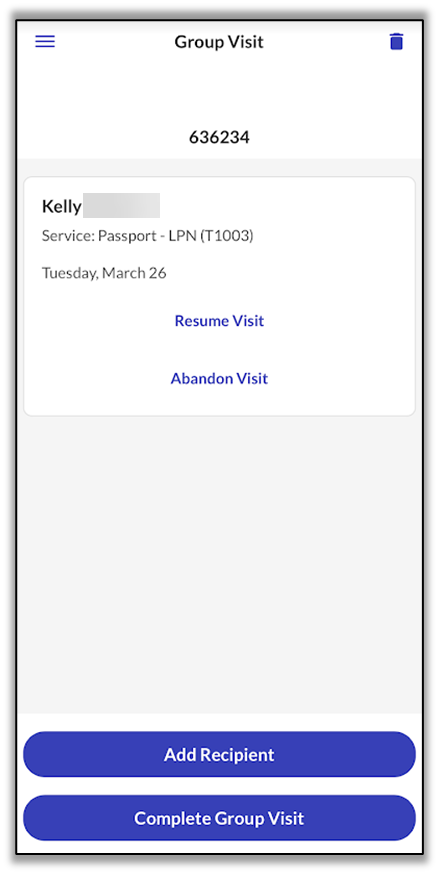
The visit is in progress and a Group Visit code is generated. This 6-digit code is used to identify all Recipients at a location who are receiving care from one or more DCW/Employees from the same provider agency, at the same time.
The DCW/Employee may add additional Recipients they are providing care for the group visit. The DCW/Employee may also give the Group Visit code to other DCW/Employees arriving to provide care to the same Recipients or different Recipients at the location.