Sandata Mobile Connect Login
-
If using a personal smart device or Wi-Fi-enabled tablet, download the Sandata Mobile Connect application from the app store associated with your smart device.
-
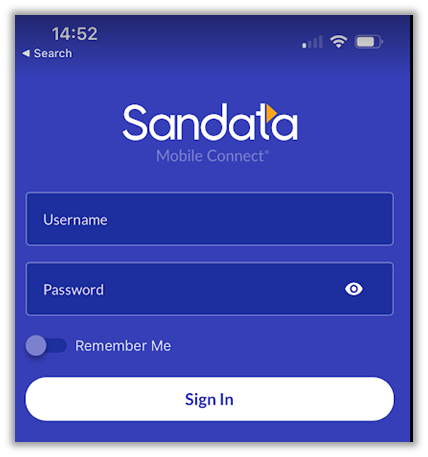
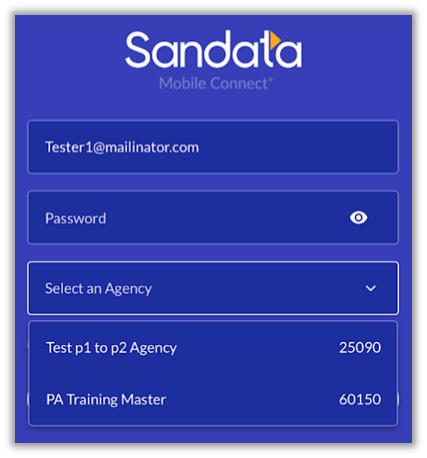
In the Username field, enter your email address. If the DCW/Employee has access to multiple agencies, a dropdown menu option appears to select an agency.
-
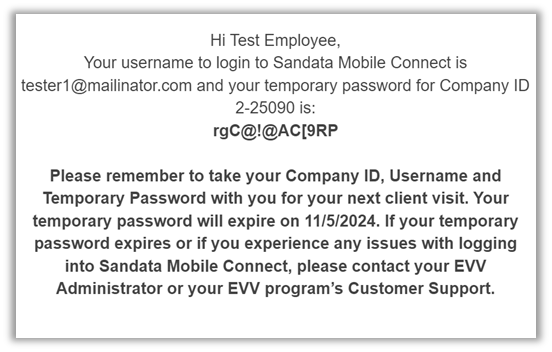
Enter the password from the temporary password email.
-
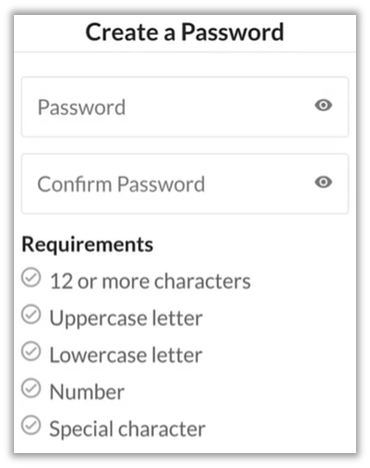
Create a new password.