Add a Recipient to a Sandata Mobile Connect Group Visit
-
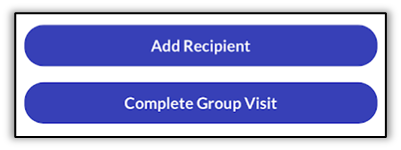
Tap Add Recipient to search for additional Recipients to add to the group.
-
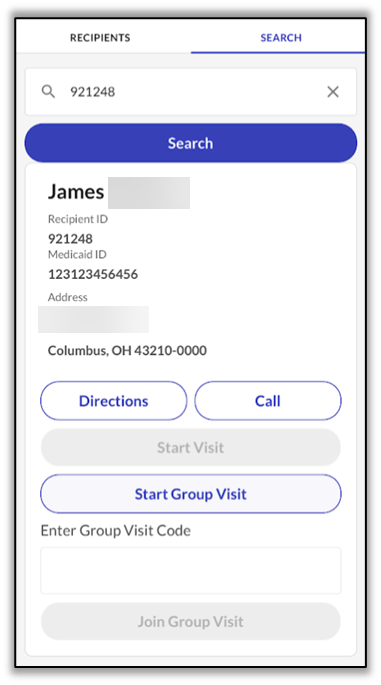
The Search Recipient screen loads. Search for the Recipient, select Start Group Visit, and complete all required steps.
-
Once added, the Recipients appear together on the Group Visit screen.
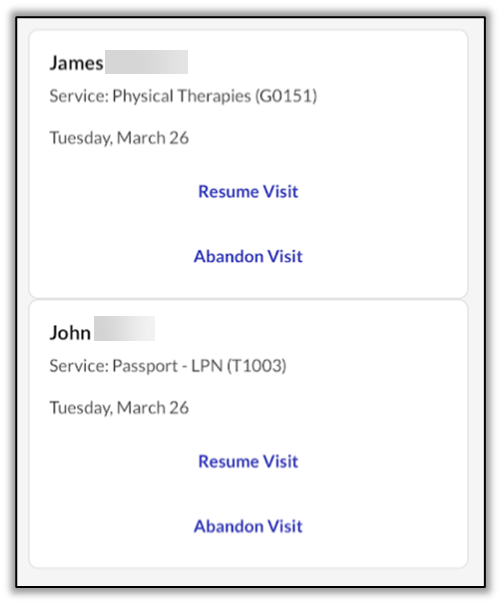
A DCW/Employee only sees the Recipients they added to the group visit, even if other DCW/Employees join the group and add Recipients.
There is no limit to the number of known Recipients an DCW/Employee can add to a group visit, or the number of DCW/Employees who can join a group visit. However, an DCW/Employee can only add one unknown Recipient to a group visit.
A group visit code is only valid for a maximum of 24 hours. Within the 24 hour period, once the last visit in group ends, the code is closed. The same code cannot be re-generated within 72 hours.