Return a Device Ordered Through Shopify
-
Access Shopify by navigating to: hha-ohio.myshopify.com.
-
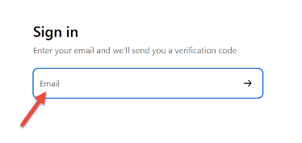
Enter in your email address to sign-in (No password will be needed, and no account must be created to begin, just enter your email address).
-
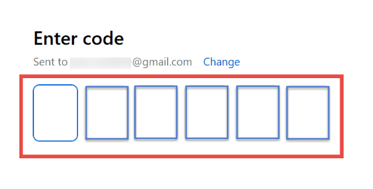
Enter in the six-digit verification code sent to the email entered in the previous step.
-
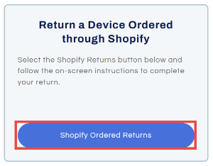
On the Home screen, scroll down and select Shopify Ordered Returns under the Return a Device ordered through Shopify box.
-
Read through the information provided and scroll down to the bottom.
-
Select Start Your Return.

-
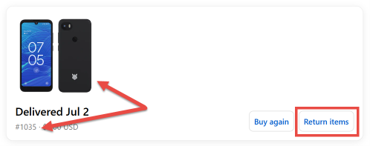
Locate the device you need to return and select Return Items.
-
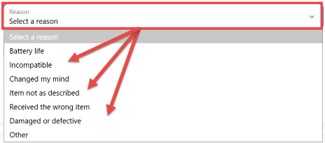
Select a Reason for your return from the list provided.
-
Select Review changes.

-
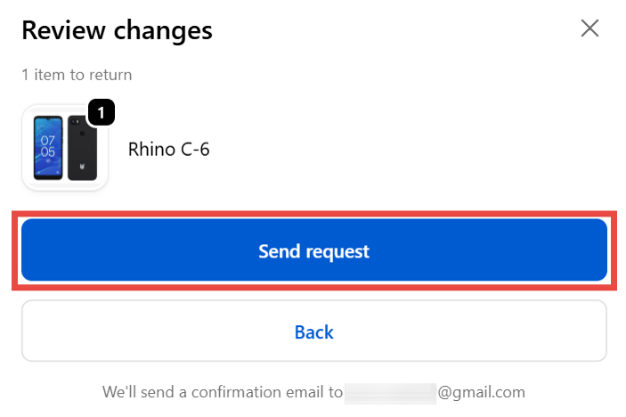
To complete your return, select Send Request.
-
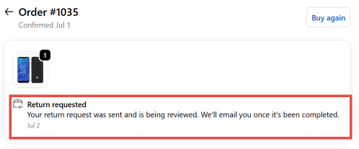
You will receive an order/return confirmation, and an emailed copy will also be sent to you.
-
Return packaging will be sent to the address used when the device was ordered (shipping address on file).