Reset a User's Password
Depending on your role and user permissions, you can reset another user’s password in Sandata EVV.
-
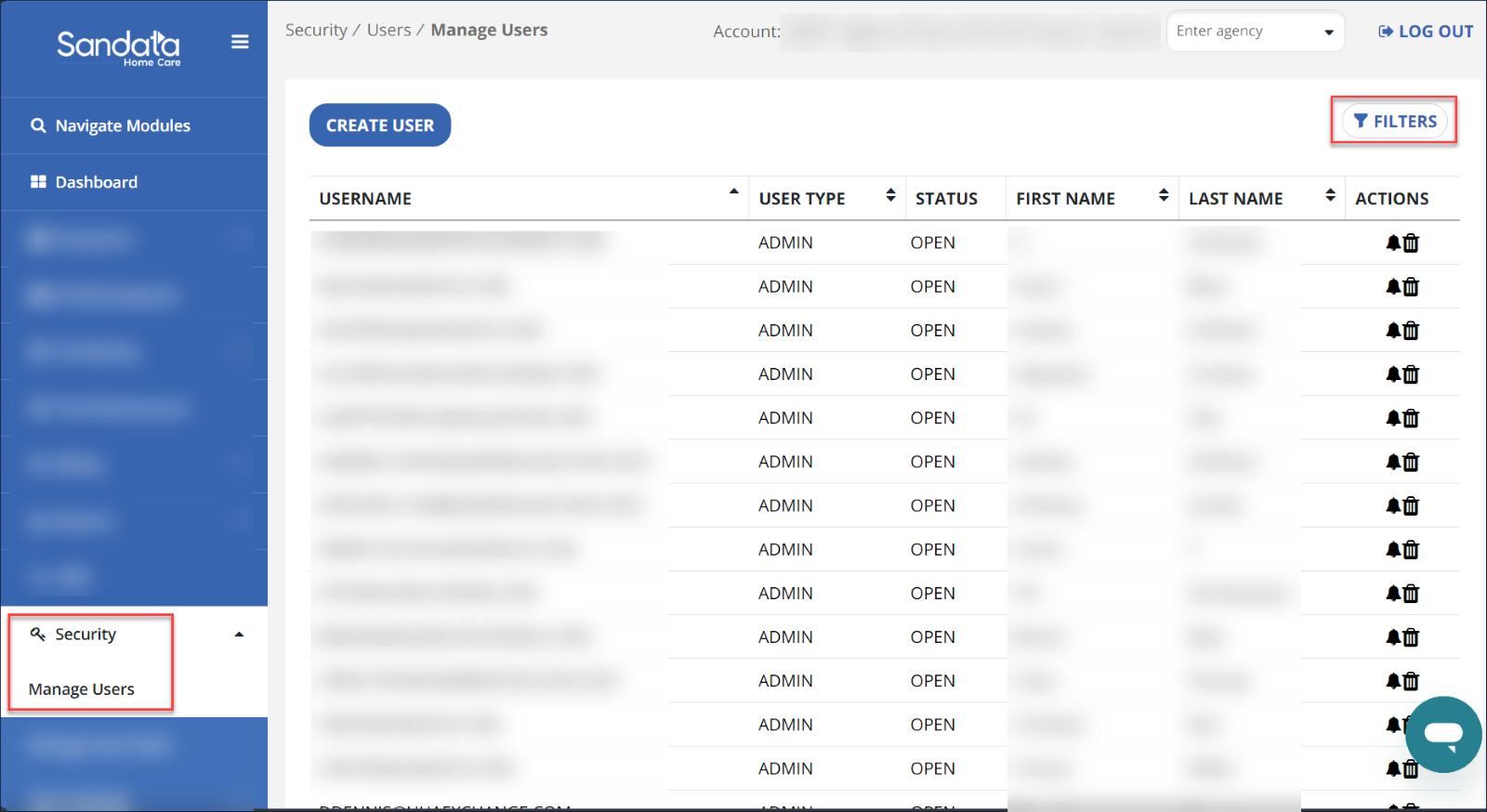
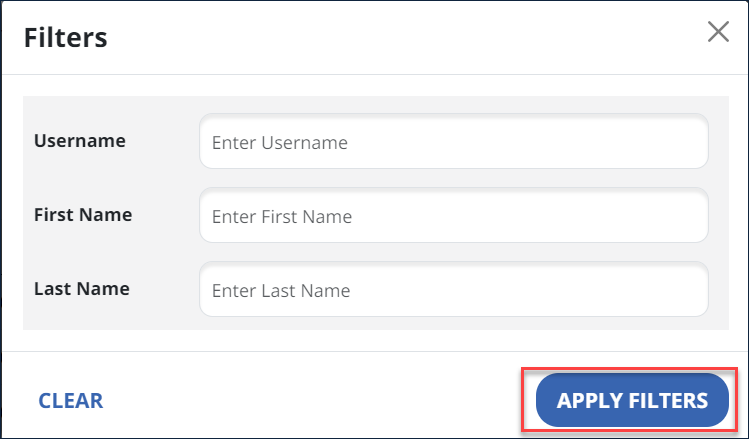
Go to the Security module and select Manage Users. Select Filters to search for specific users.
-
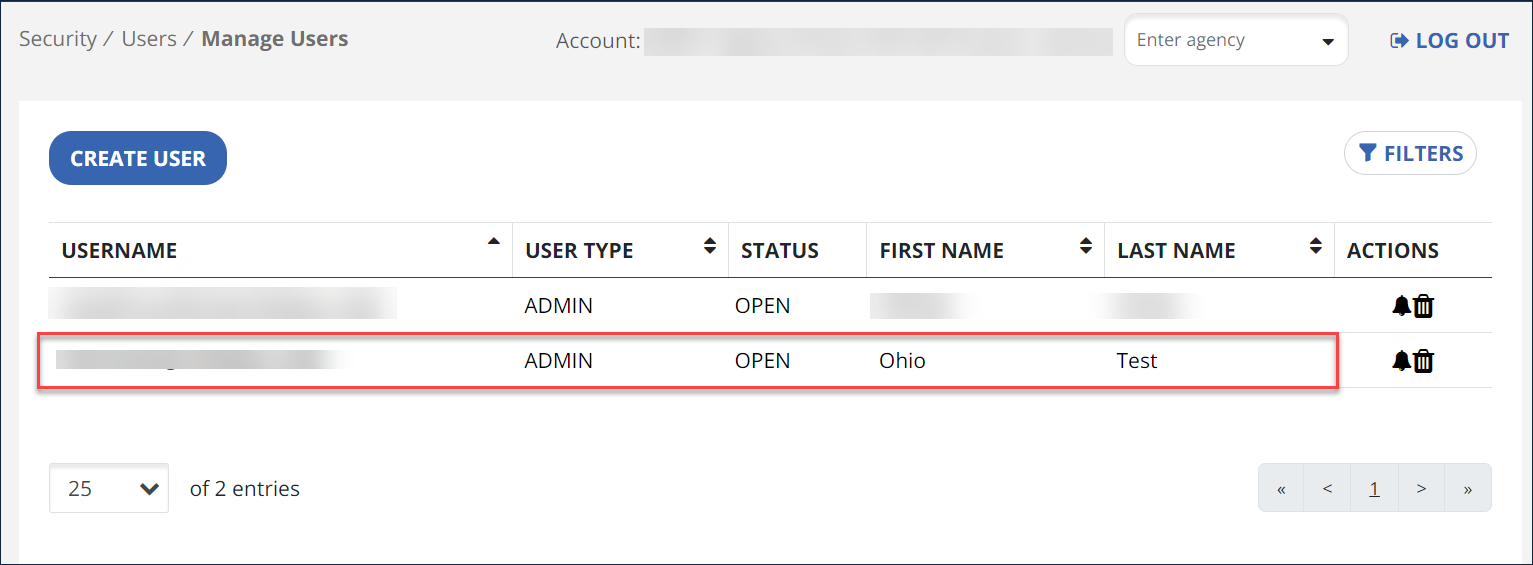
Select the user’s name to edit.
-
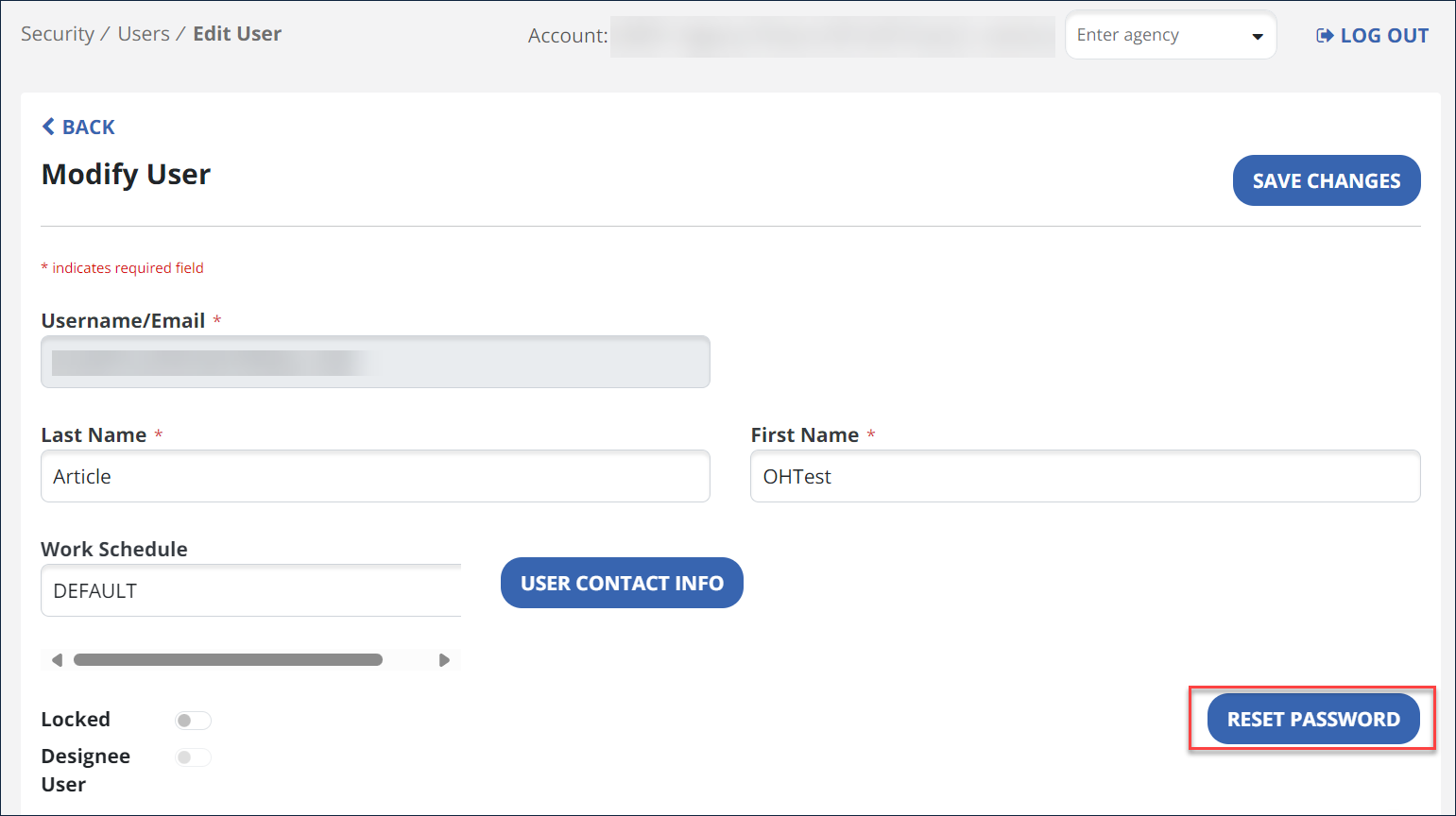
On the Modify User screen, select Reset Password and follow the prompts. An email with a temporary password is sent to the user. After typing in the temporary password, the user is prompted to set a new password.
User IDs are based on email addresses, and a single email address has the same password across Sandata EVV and Sandata Aggregator. Changing the password for an email address changes it across all accounts.