Reset an Independent Provider Passcode
You can reset your TVV passcode from the DCW/Employee record. Complete the following steps to reset.
-
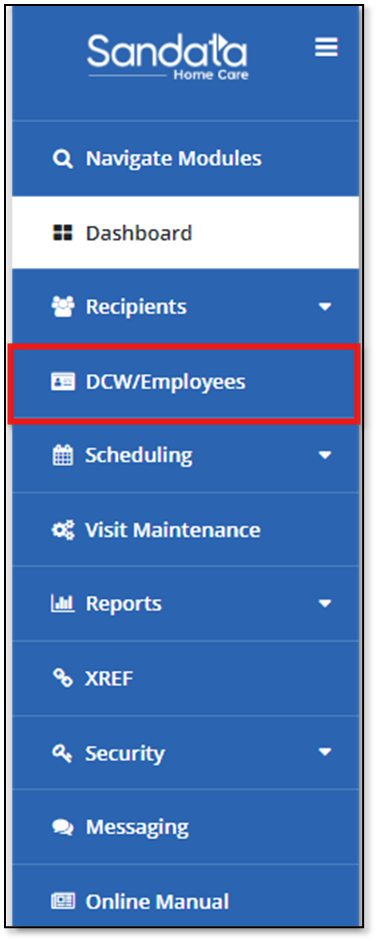
Select DCW/Employees in the navigation panel.
-
Select your name in the DCW/Employee list.

-
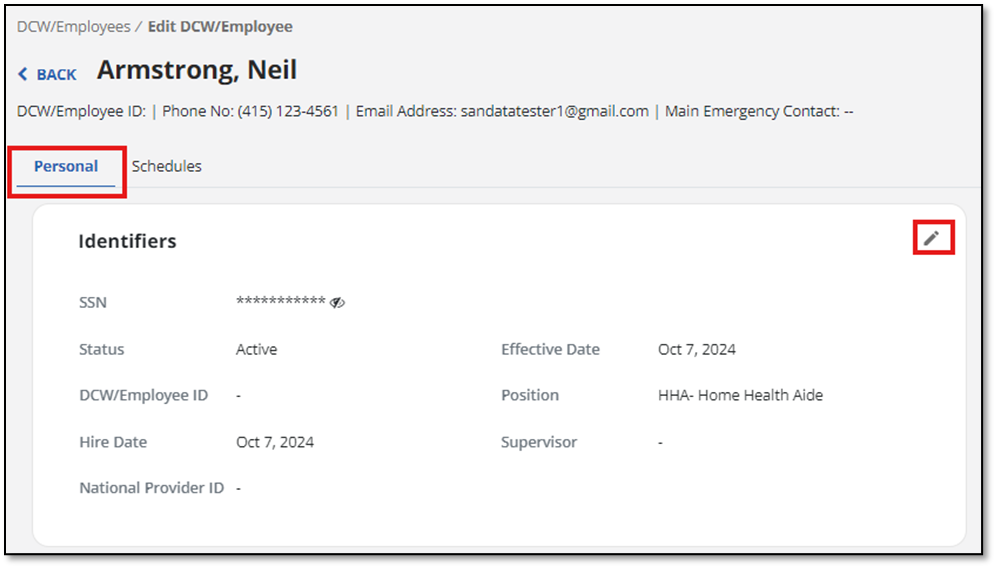
Under the Personal tab, select the Pencil icon in the Identifiers section.
-
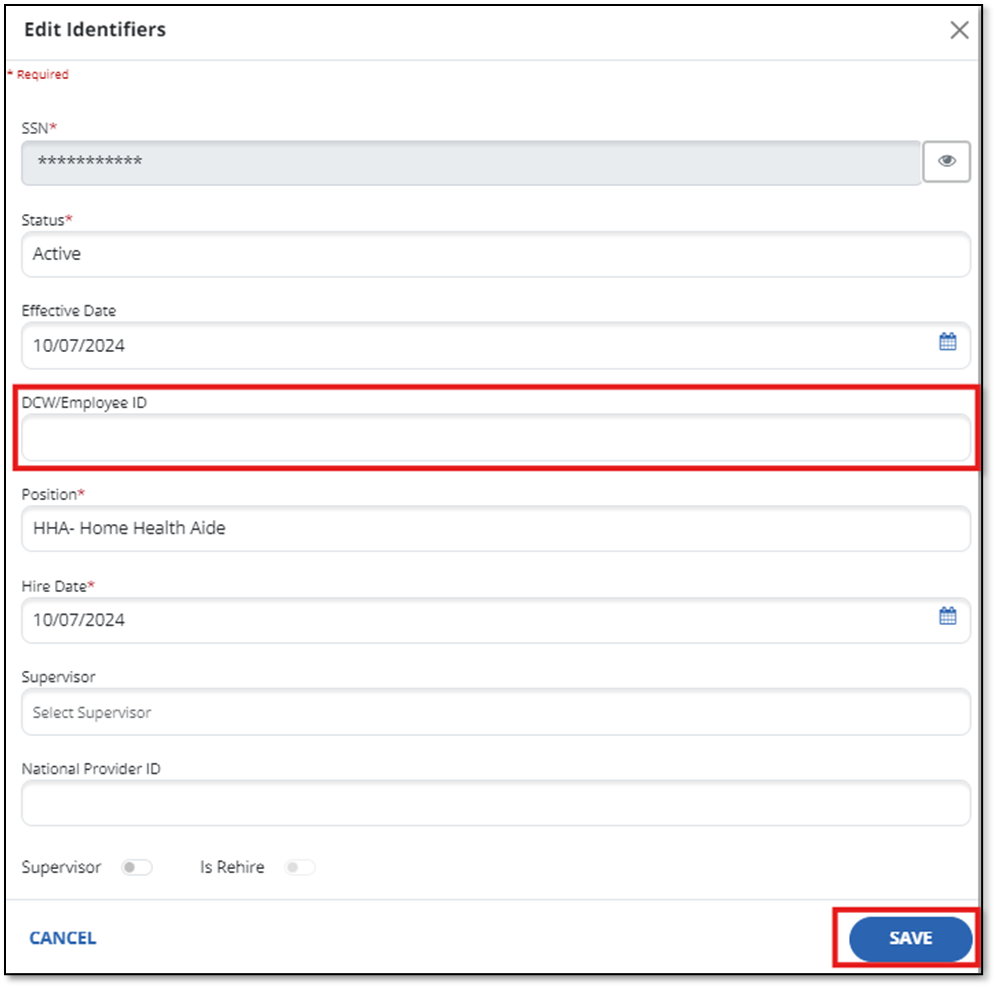
Enter your new passcode, then select Save.