Order a New Device in Shopify
-
Access Shopify by navigating to: hha-ohio.myshopify.com.
-
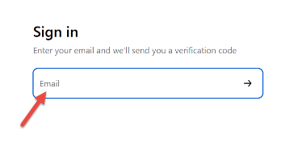
Enter in your email address to sign-in (no password will be needed, and no account must be created to begin, just enter your email address).
-
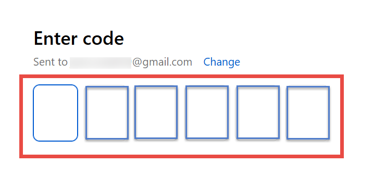
Enter in the six-digit verification code sent to the email entered in the previous step.
-
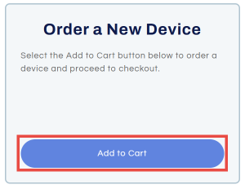
On the Home screen, scroll down and select Add to Cart under the Order a New Device box.
-
Select Add to Cart.
Note: the price should reflect $0.00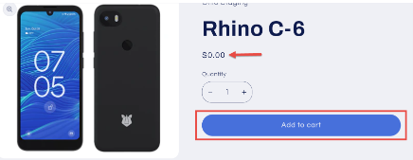
-
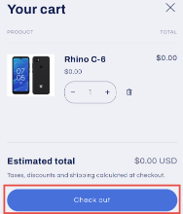
In your Cart select Check Out.
-
Fill out/complete the required sections to continue your order:
-
Contact Email (make sure to use the same email for your agency to keep track of orders together under one user)
-
Provider Information
-
Direct Care Worker Information
-
Attestation and Training
-
Office Hours for package delivery
-
Delivery Address
-
Shipping Method
-
Shipping address verification
-
-
Select Complete Order.
Note: any required information that is not filled in will highlight in a red and will need to be completed before the complete order option will continue.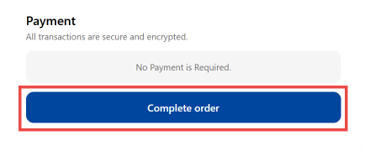
-
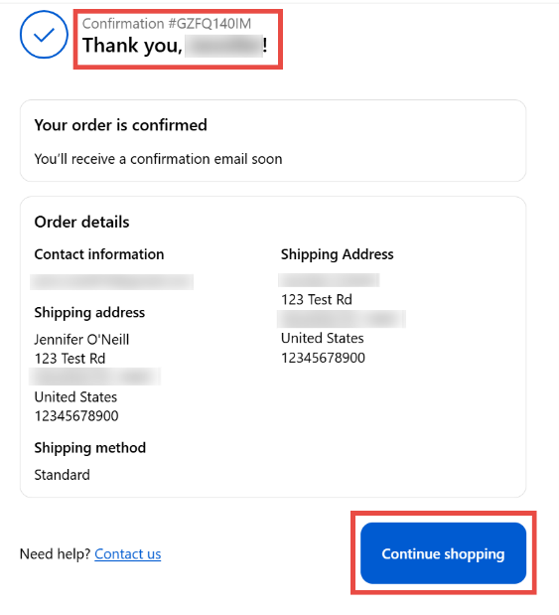
You will receive an order confirmation number and can select Continue Shopping to return to the homepage.