Manage Users
User accounts are used to log in to the system. Each account has individual settings, roles, and privileges that you can use to grant users access to the system. You can use the Manage Users module to view, edit, and create user accounts.
If a user's email changes, the administrator should delete the current user profile and create a new one using the new updated email. For example: If your program uses Single Sign-On, your Sandata email and your email for the state program login must be the same.
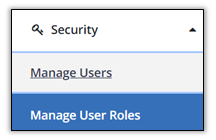
To access the Manage Users module, open the Security module, then select Manage Users.
Key Terminology:
|
Term |
Definition |
|---|---|
|
Administrator |
The person at the agency with the ability to create new users, assign roles, system privileges and reset passwords. |
| Recipient | A person who receives services through the Medicaid program. |
| Privilege | A single permission. |
| Permission | An action that the user can take in the system, or a screen that the user can see in the system. |
| Role | A group of privileges (permissions) assigned to the user which allows the user to perform visit activities in Sandata EVV. |
| Security | The module in Sandata EVV where users (office staff) are set up to use the system. |
| User | A person with the ability to create and/or manage visit information in Sandata EVV. |
| Username | The user’s email address. |
A user record determines who can access Sandata EVV and which screens and options are included with that access. User records can be searched, created, modified, and deactivated. User accounts can also be locked and/or unlocked.
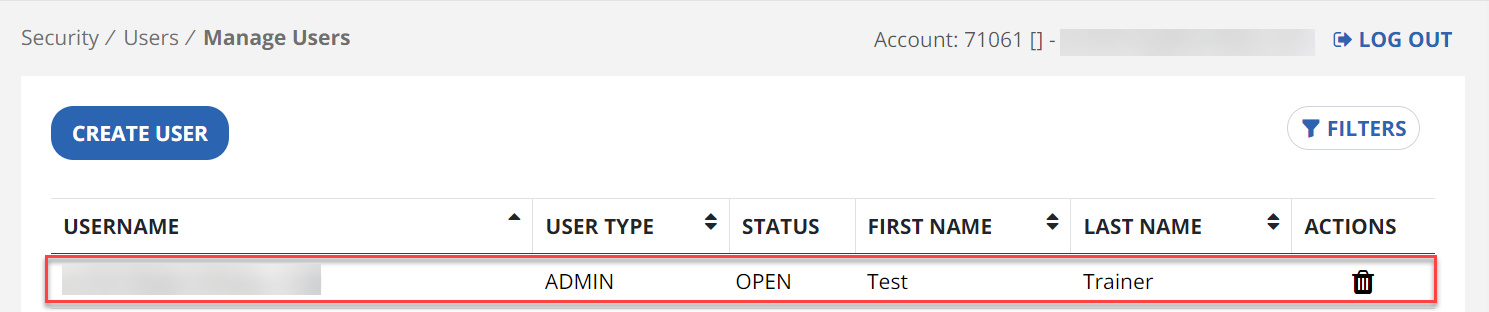
When you click on Security > Manage Users, the list of existing user records displays.
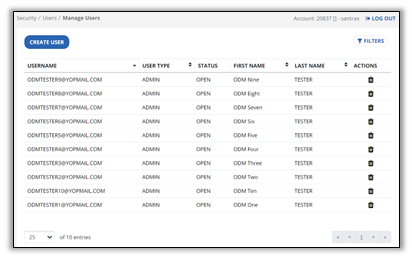

After opening the Manage Users module, a list of all users displays. Each user’s Username, Last Name, First Name, and Last Name is listed.
-
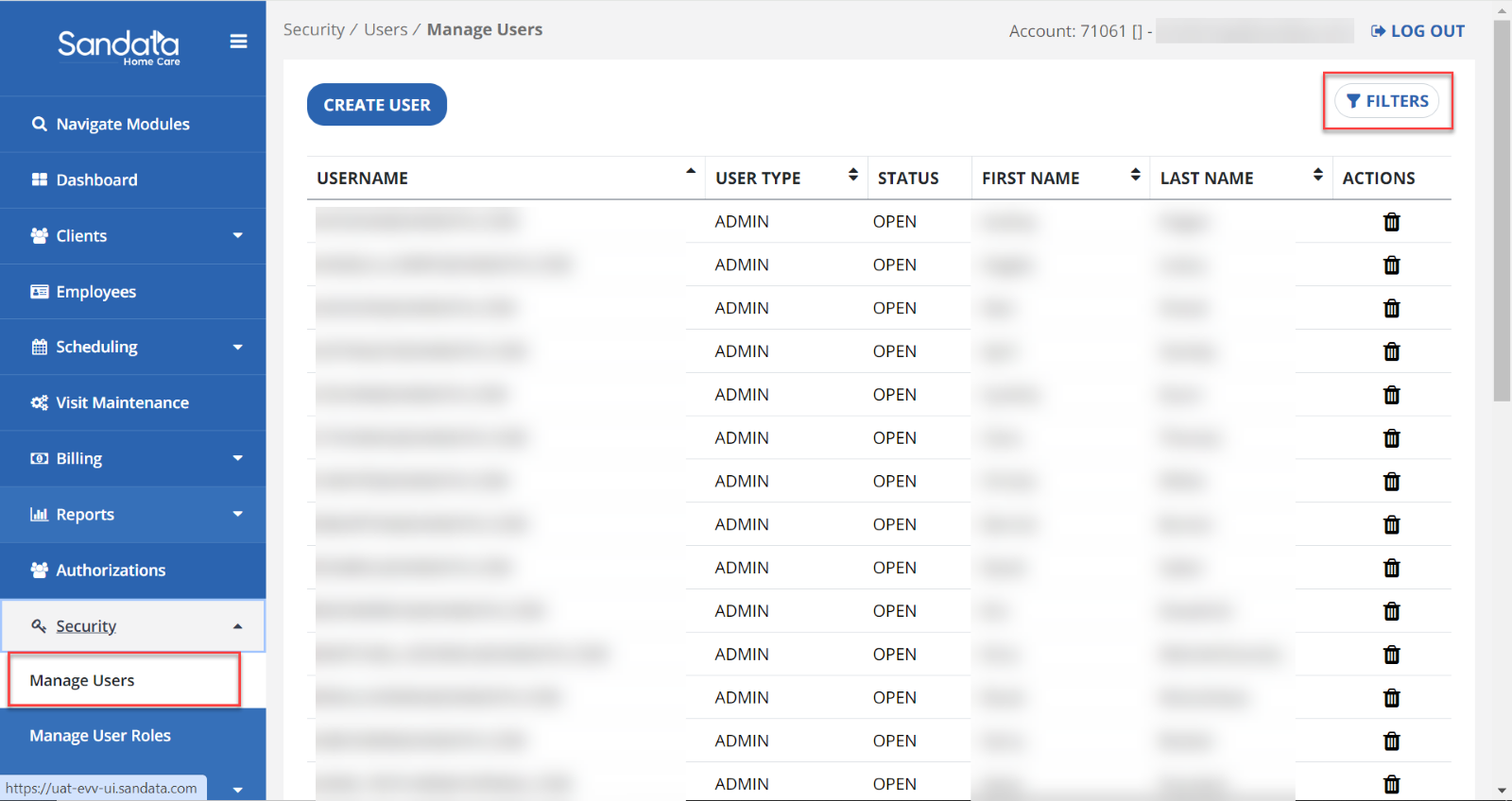
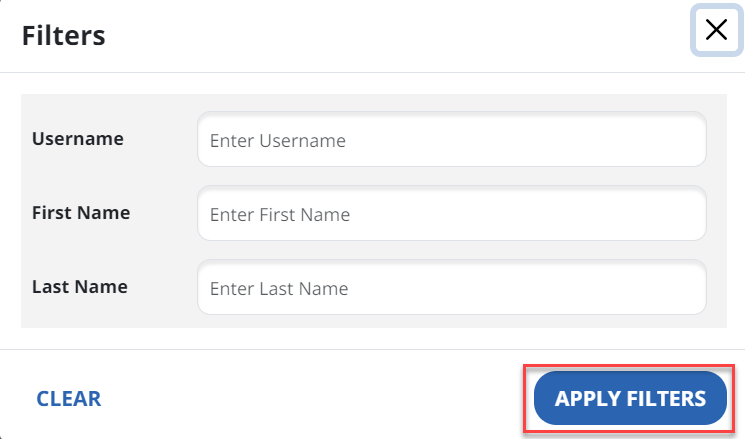
Open the Filters to enter search criteria.
-
Enter any needed filters including Username, Last Name, or First Name. Use the Clear button if you need to remove all filters, otherwise click Apply Filters to search for the matching users.
A user needs to be modified if the account is locked, or their role changes within the organization.
-
Click Security, then click Manage Users.
-
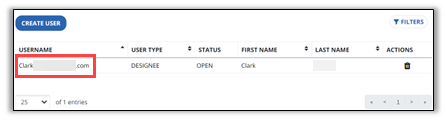
Click on the username line to re-open the record.
-
Make any changes, then click Modify User.
If a staff member no longer requires access to Sandata EVV, their credentials can be revoked by deleting the user record. Deleting a user record does not remove the history of edits made by that user in Sandata EVV and does not impact other sites that are associated with the user’s OH | ID credentials. If the staff member requires access to Sandata EVV in the future, a new record can be created. Complete the following steps to delete a user record.
-
Click Security, then click Manage Users.
-
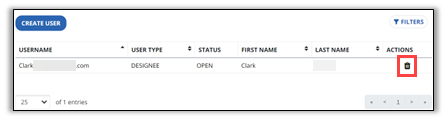
Click on the Trash Can icon next to the user.
-
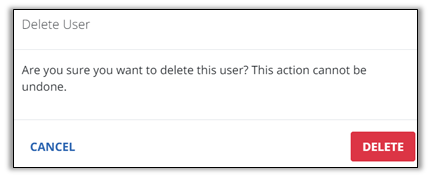
A confirmation appears. Click delete.
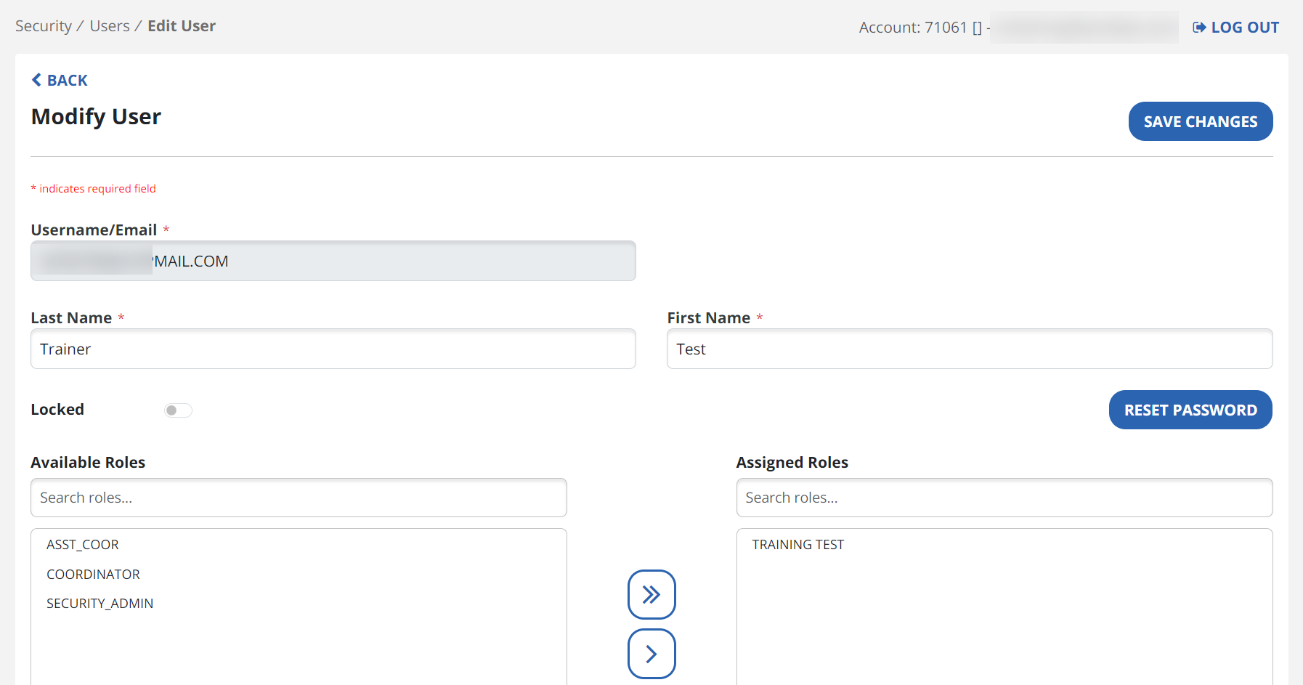
To view or edit a user’s profile, select their username from the list.
The user’s profile includes sections for Username/email, Roles, Privileges, Clients, Employees, and Supervisors sections. If you make any changes, use the Save Changes button to update the profile.
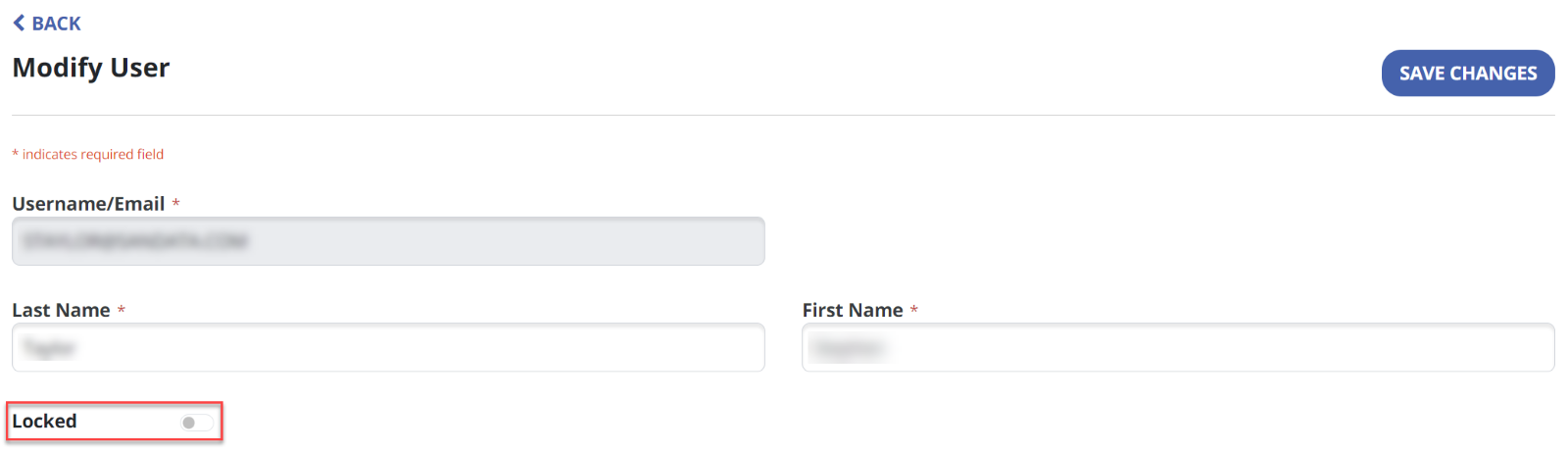
User accounts can be locked or unlocked. You can manually lock an account if the user will be unavailable for an extended period, Accounts can also be locked by the system after unsuccessfully trying to log in to the system too many times.
-
Click Security, then click Manage Users.
-
Click on the username line to re-open the record.
-
Move the Locked toggle to the appropriate position to lock or unlock the account.
User Roles are groups of Privileges that grant permission to functions and modules within the system. User Roles can be edited under Security > Manage User Roles.
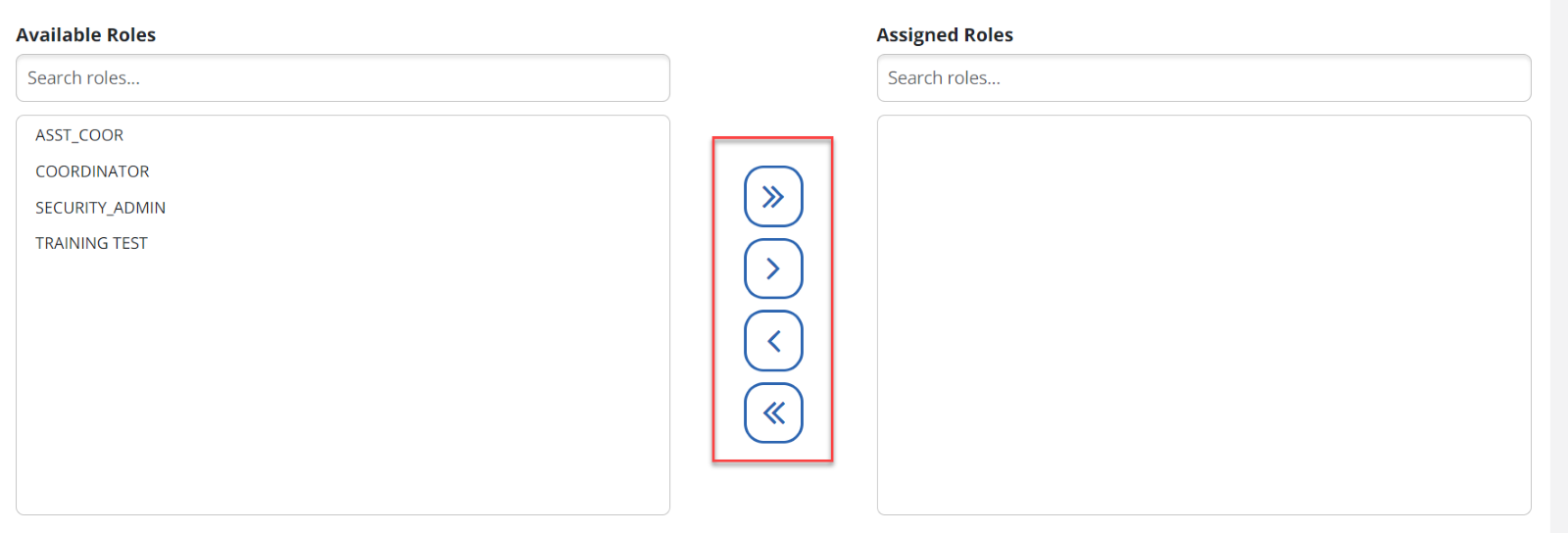
The Available Roles column shows all roles that can be assigned to a user. Assigned Roles shows the roles that are assigned to the user.
To add or remove User Roles, select the roles from either column, then use the Arrow Buttons to move roles between the Available Roles and Assigned Roles columns. If needed, you can assign multiple roles to a user. This grants access to all privileges included in every role on their profile.