Edit a Schedule
When you need to reschedule a recipient visit, you need to edit a schedule by updating the date, times, or DCW/Employee.
-
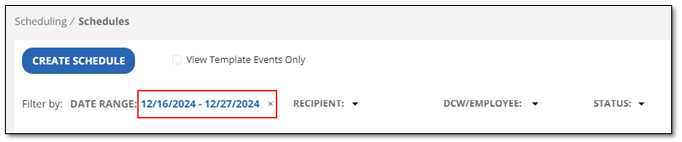
From the Scheduling module, you a list of all scheduled events displays. You can select one from the list or start by selecting the date range to filter by date. You can also filter by Recipient, DCW/Employee or Status.
-
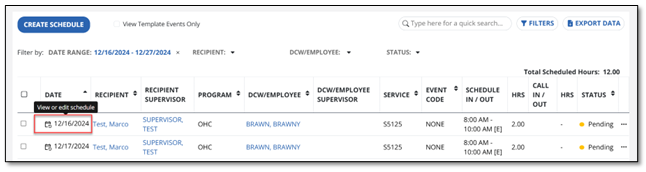
Select the date of the event to open the Edit Schedule screen.
-
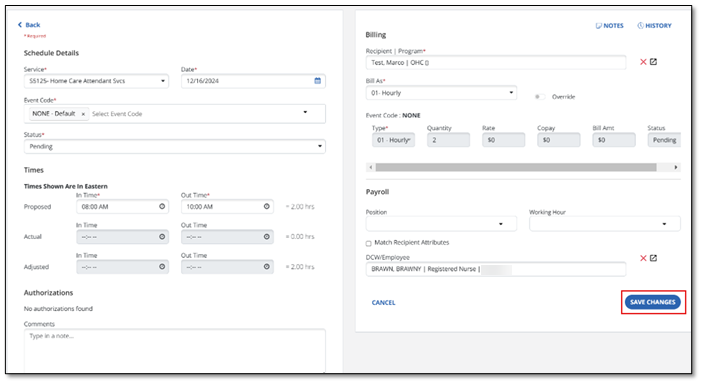
Use the dropdown menus to update the schedule details. Select Save Changes when the schedule has been updated.
-
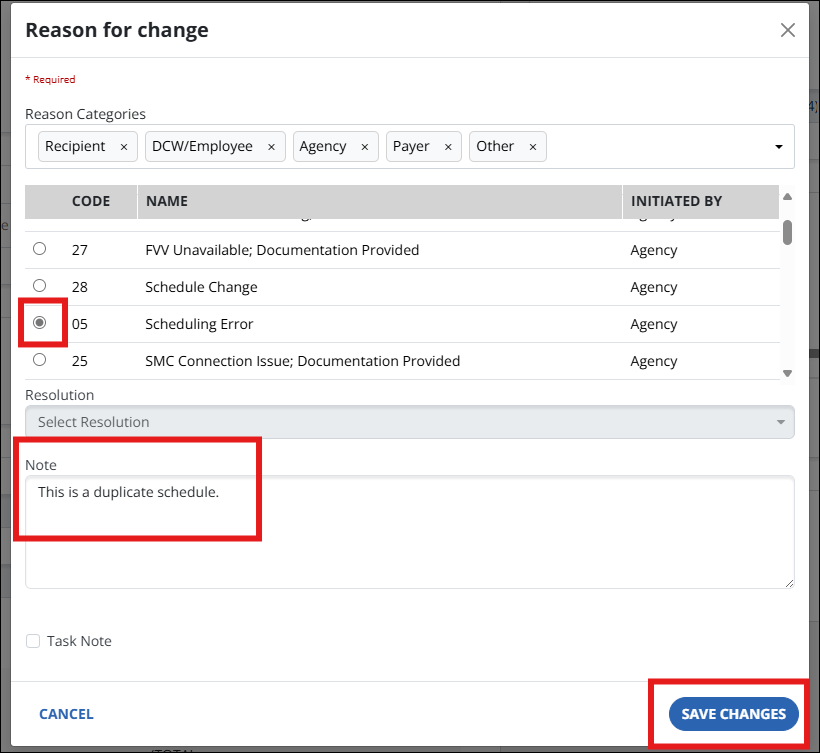
Select the reason for the change and enter the optional note. Then select Save Changes.