Edit a Recipient Profile
When you need to make changes to a Recipient's personal information, you need to edit the Recipient’s profile.
The identifiers section, including the (Recipient) Medicaid ID, cannot be edited by a Provider.
-
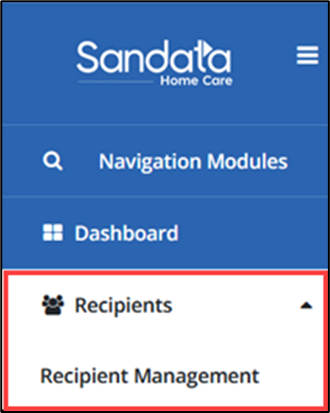
Select Recipients to open the drop-down menu, then select Recipient Management.
-
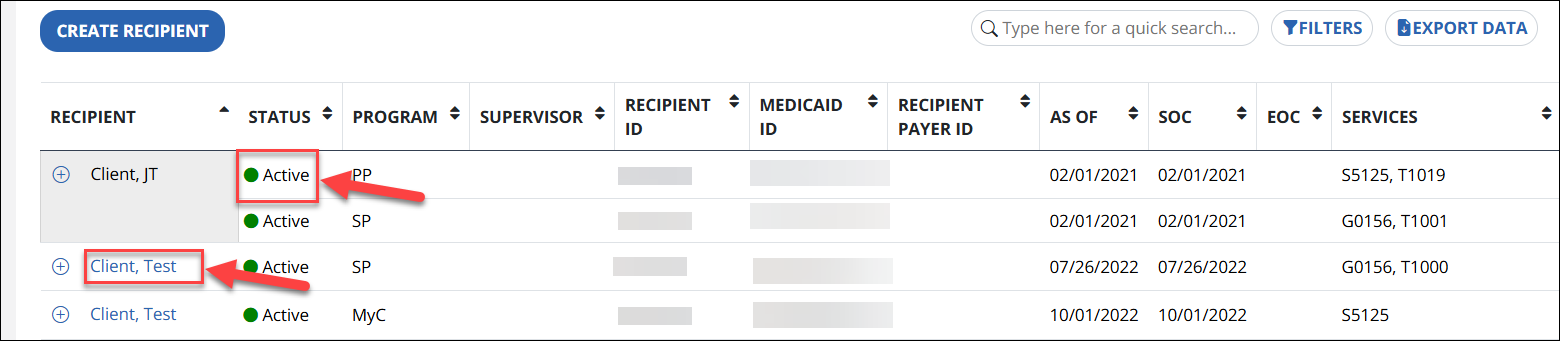
Select the Recipient by clicking on the name or, if multiple programs, click on the status of the Recipient’s program to view the Recipient’s profile. Do not select the plus sign to open the profile.
-
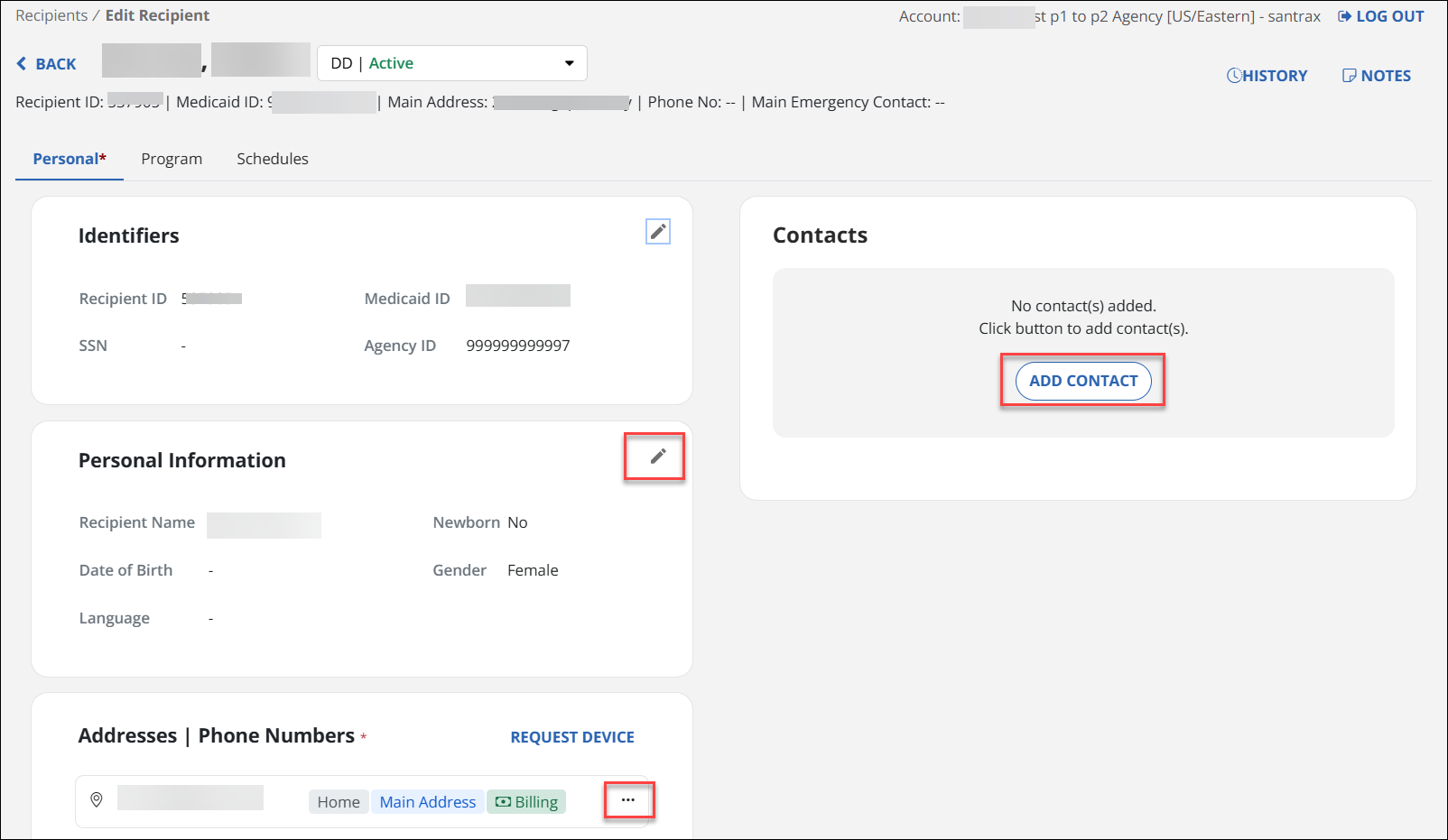
On the Recipient Personal tab, select the Pencil icon, the Ellipsis, or the Add Contact button to make edits.
-
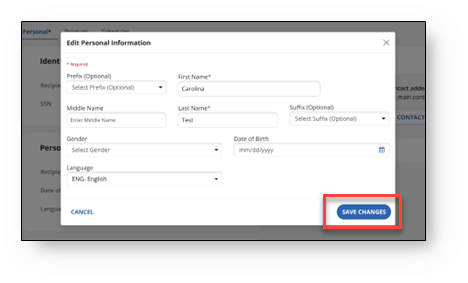
Edit the information and save the changes by selecting Save or Save Changes, depending on the section.
-
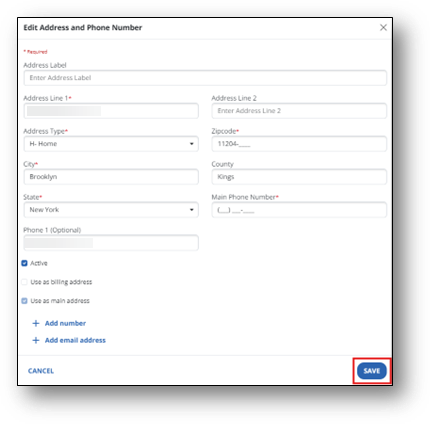
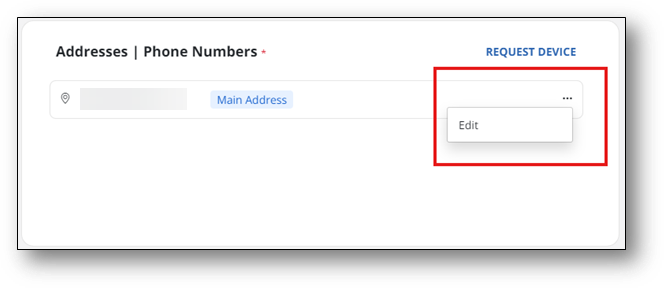
When editing an Address or Phone Number, select the Ellipsis, then select Edit.
-
Update the information and select Save.