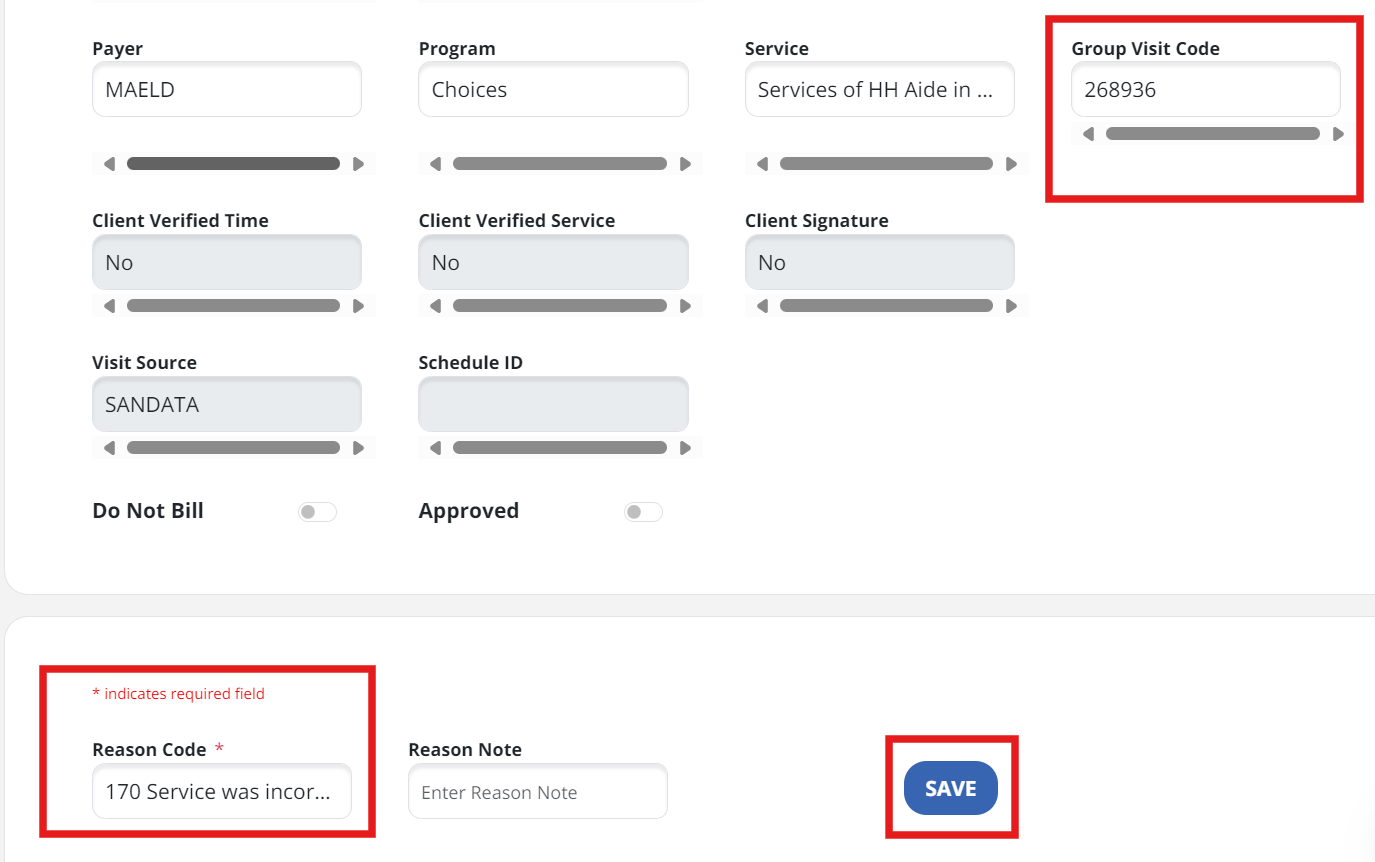
Edit a Group Visit Code
If a visit is linked to an incorrect group visit or was supposed to be part of an existing group visit, you can edit the group code.
-
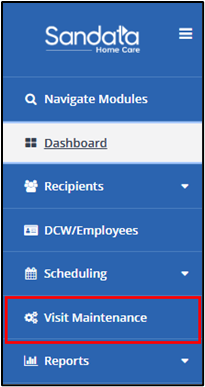
Navigate to the Visit Maintenance module.
-
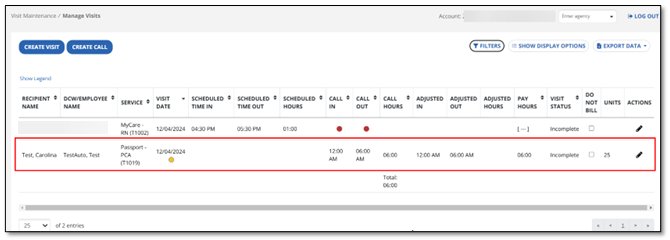
Select the visit to view visit details.
-
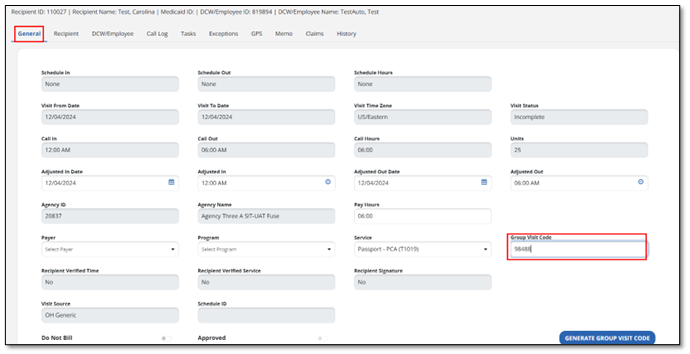
Within the General tab, locate the Group Visit Code.
-
Enter the correct Group Visit Code and select the Reason Code from the dropdown menu. The last step is to select Save.