Edit an Existing DCW/Employee
You can edit a DCW/Employee’s profile to add or update personal information. Make sure that each employee has an address, phone number, email address, and at least one contact one file.
-
Open the DCW/Employees module and select the profile to edit.
-
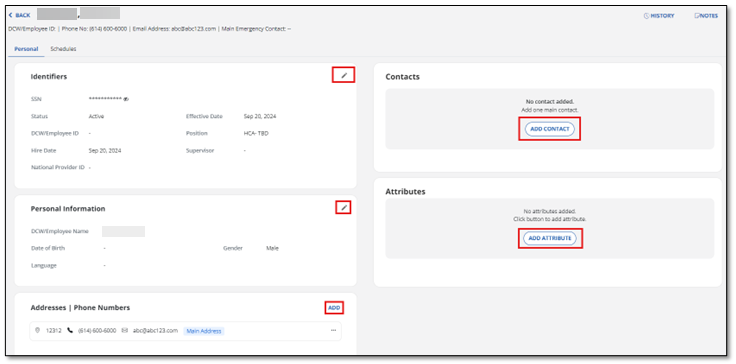
Use the Pencil icon or ADD buttons to open the section you need to update. It’s best to open each card to review the employee details.
-
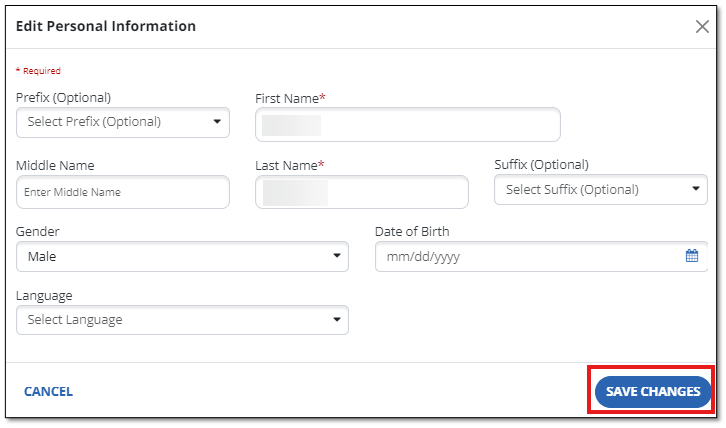
Update the field or fields that need to be changed.
-
Select Save Changes to save the changes.