Create a New User
-
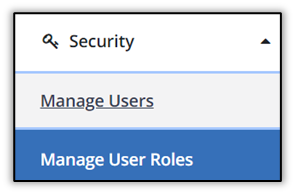
Select Security, then select Manage Users.
-
Select Create User.

-
Enter/Confirm the user’s email address, last name, and first name.

-
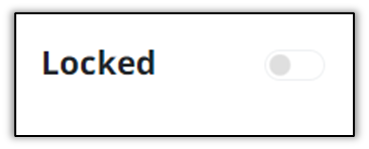
The Locked toggle prevents the user from logging into the system. Leave this field unchecked to allow the user to log in.
-
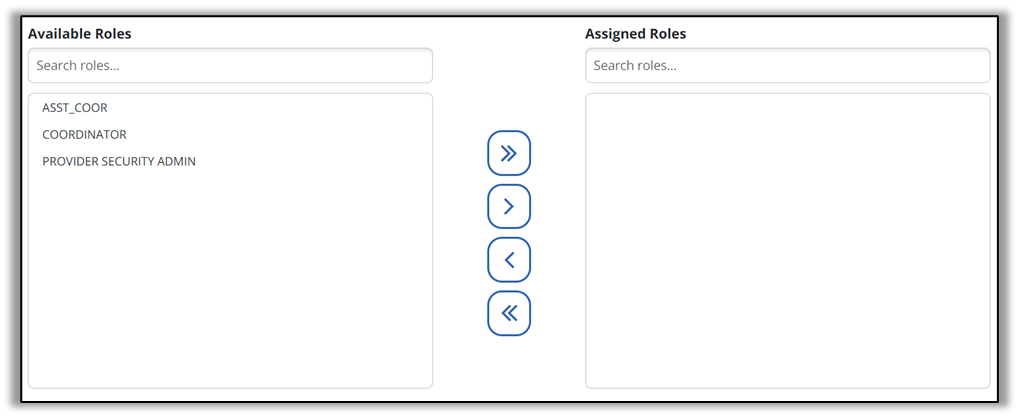
Select the appropriate item in the available roles field and select the > button to move it into the assigned roles field. All user privileges assigned to the roles selected are granted to the user. Multiple roles can be assigned if needed.
The Recipient, DCW/Employee, and Supervisor fields are not applicable currently.
-
Scroll to the bottom of the screen and select Create User.