Create a User Role
-
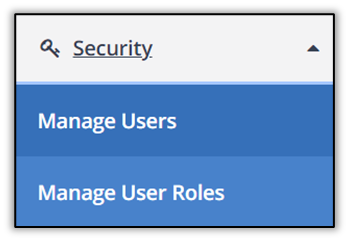
Select Security, then select Manage User Roles.
-
Select Create User Role.
-
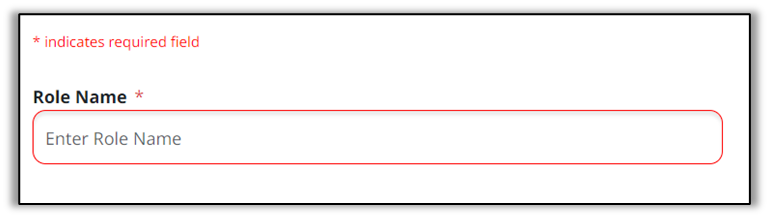
Enter a name for the new role in the Role Name field.
-
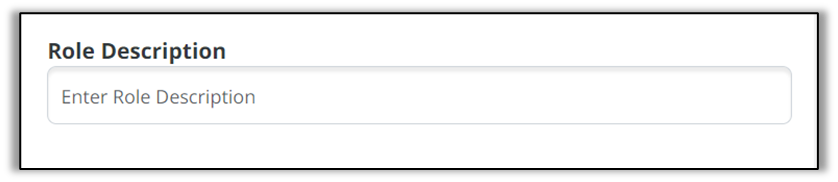
Enter a brief description in the Role Description field.
-
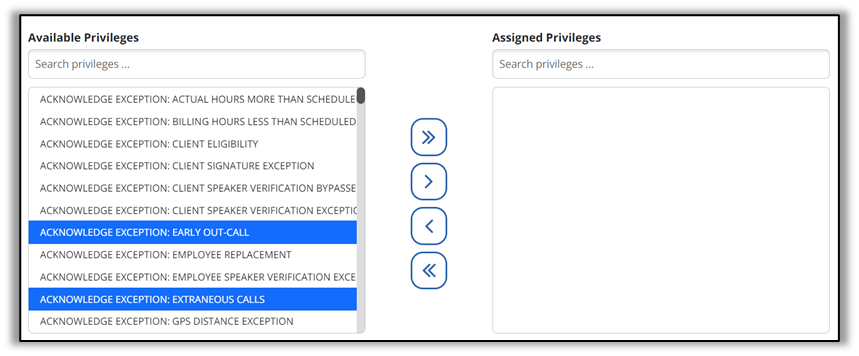
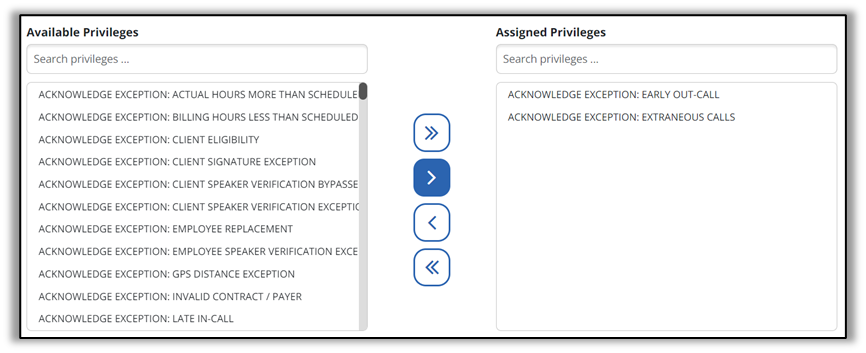
Select or more Available Privileges to highlight, then select the > arrow to assign the privilege to the role.
-
Select Create User Role in the bottom right-hand corner of the screen.