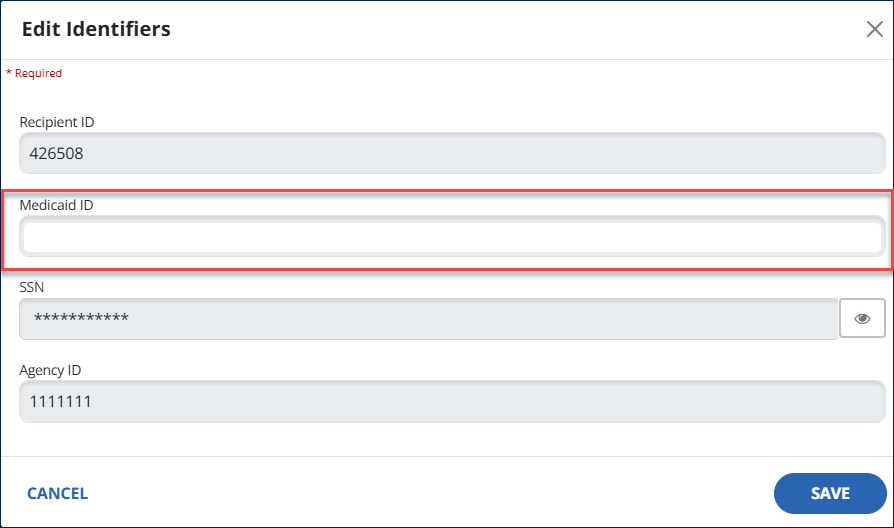
Add a Medicaid ID to a Recipient Record
-
Select Recipients > Recipient Management from the navigation panel.
-
Select the Recipient record.

-
On the Personal tab, select the Pencil icon in the Identifiers tab.

-
Add the Recipient Medicaid ID number, then select Save.