Correct Uncleared Notification with the HHAeXchange Billing Pre-Processor
Sandata has developed a new validation processor, the HHAeXchange Pre-Processor, to increase the accuracy of data sent to the billing system. The notification will appear in Sandata Agency Management and allow agencies to correct errors prior to the delivery of data. The goals for the enhancement include decreased time correcting data directly in multiple systems and increased billing accuracy and reimbursement rates.
To help in this process, the new Uncleared Notifications tab has been added to the Home screen of Sandata Agency Management. This tab displays notifications that must be cleared before exporting.
Visits with errors needing correction are removed from the data extract and added to a later file once the error is cleared. The system automatically tracks when to send data based on the action taken by the agency.
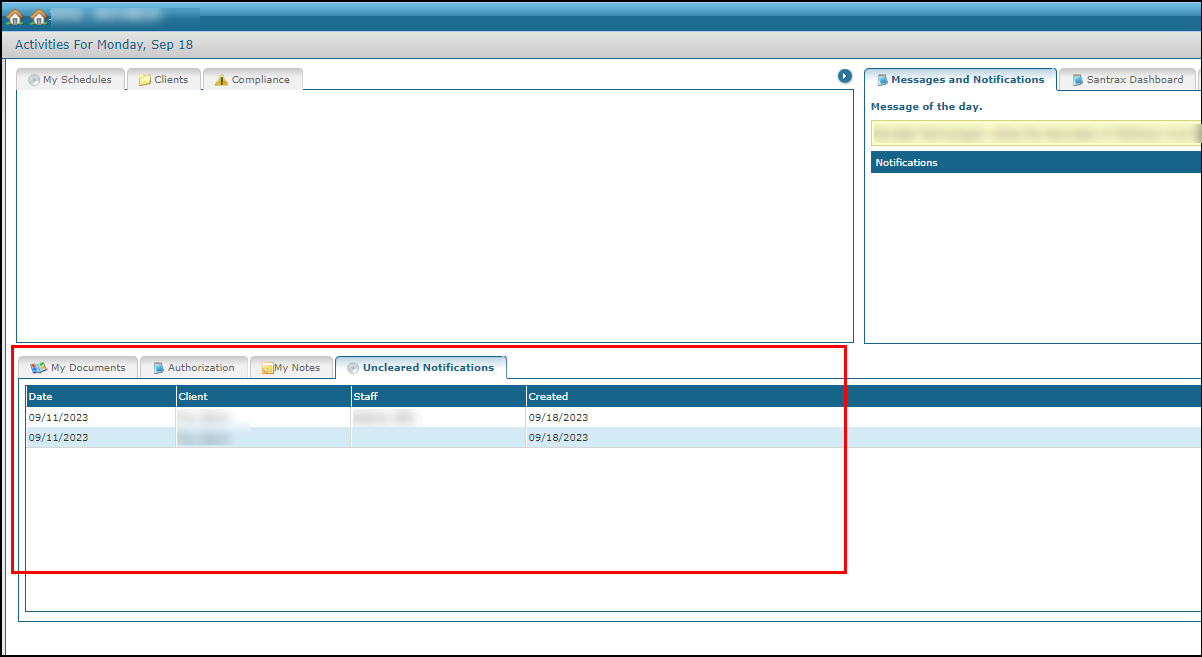
To correct a visit with an error in the Uncleared Notifications tab:
-
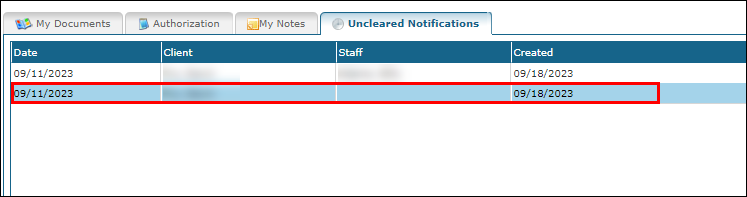
Click on the visit to be corrected in the Uncleared Notifications tab
-
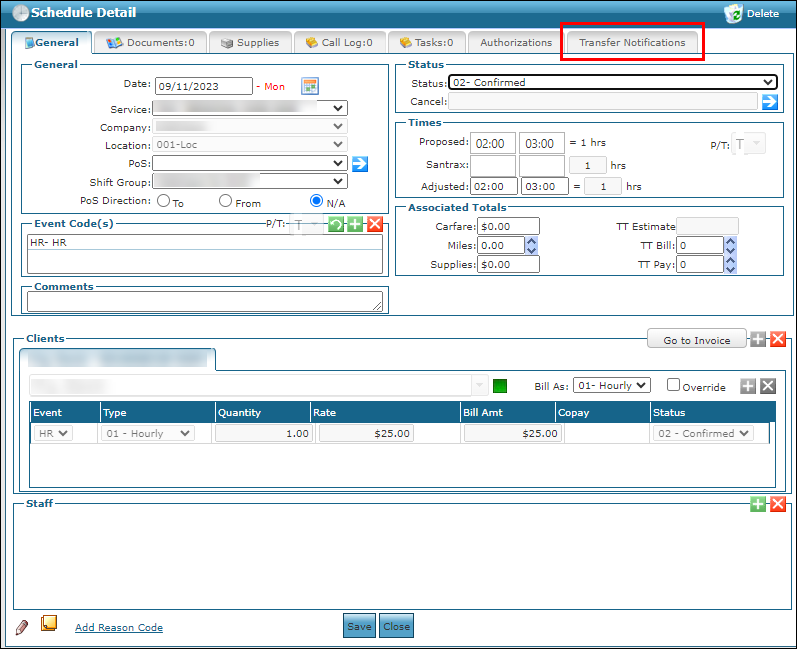
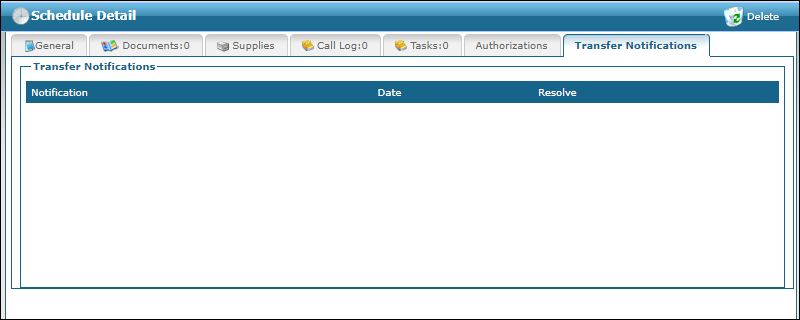
Click on the Transfer Notification tab.
-
Identify the error to be fixed. In this example, the client is missing a date of birth and has an overlapping schedule.
-
Make the corrections to the visit or record.
-
Click Clear.
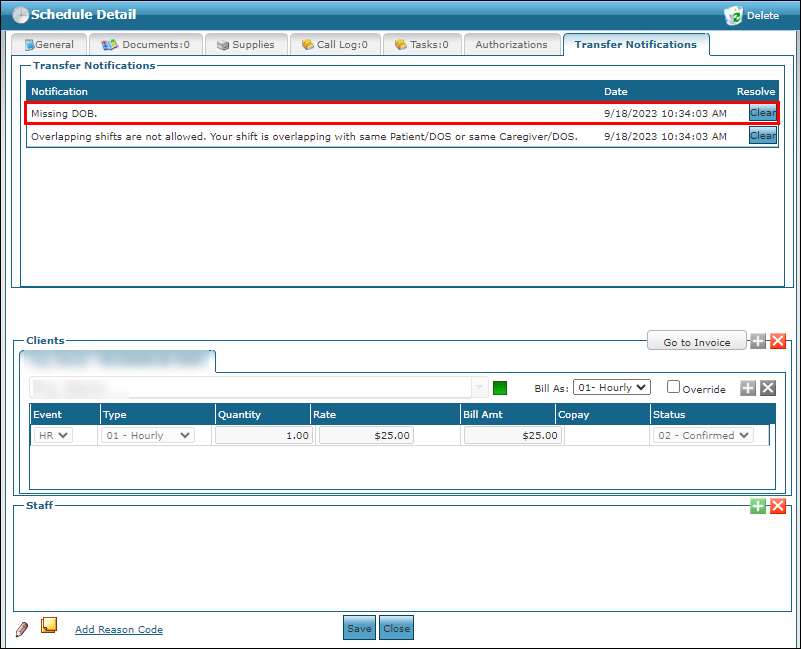
The error is resolved, and the visit can be exported.
Ensure uncleared notifications are addressed prior to running payroll/billing. If the visit status becomes Closed prior to addressing the notification, you can simply navigate to the schedule to Clear the notification which will allow the schedule to be sent to HHAeXchange. It needs to be addressed in the EDI tool of HHAeXchange to remove the error.