Historian Feature
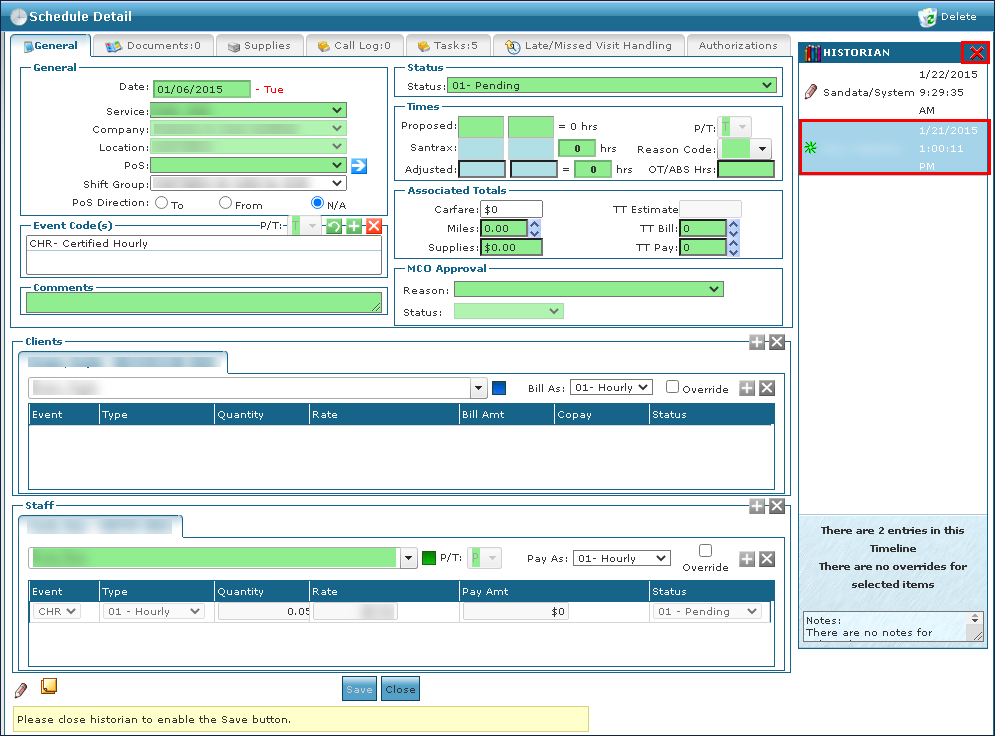
Clicking on the Historian icon displays the history of changes made to the current record. The Historian displays the username, type of change, and timestamp and allows you to view the changes that were made at a specific point in time and is not available on all screens.
Changes to the item cannot be saved while the Historian is open.
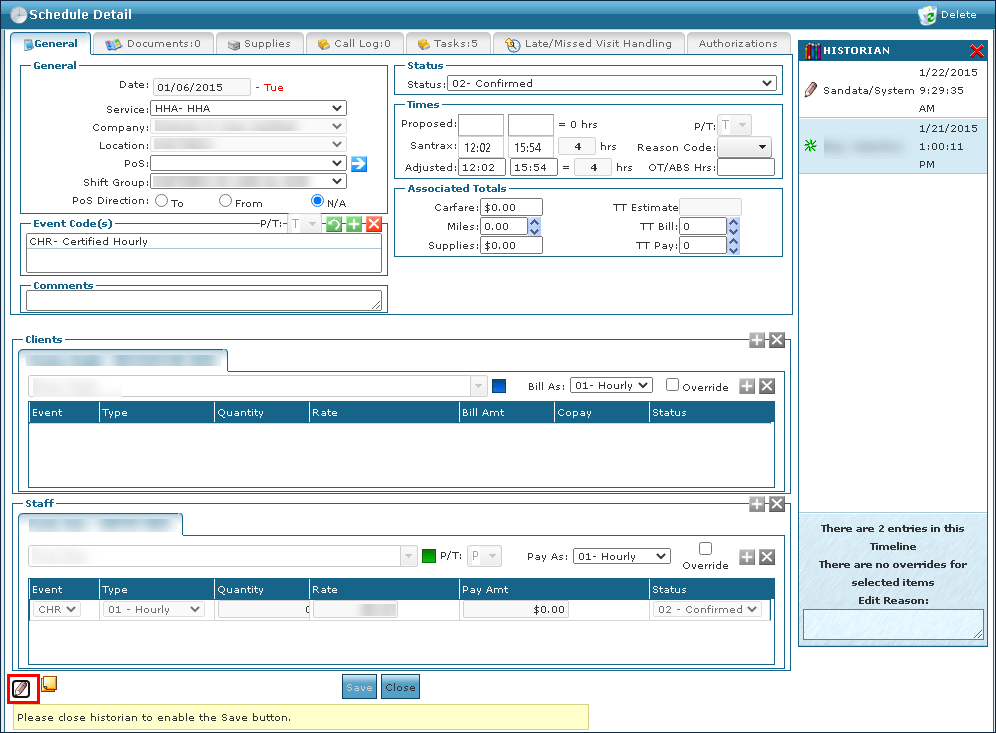
To view the Historian panel:
-
Navigate to the item.
-
Click on the Historian button.
The Historian panel is displayed.
-
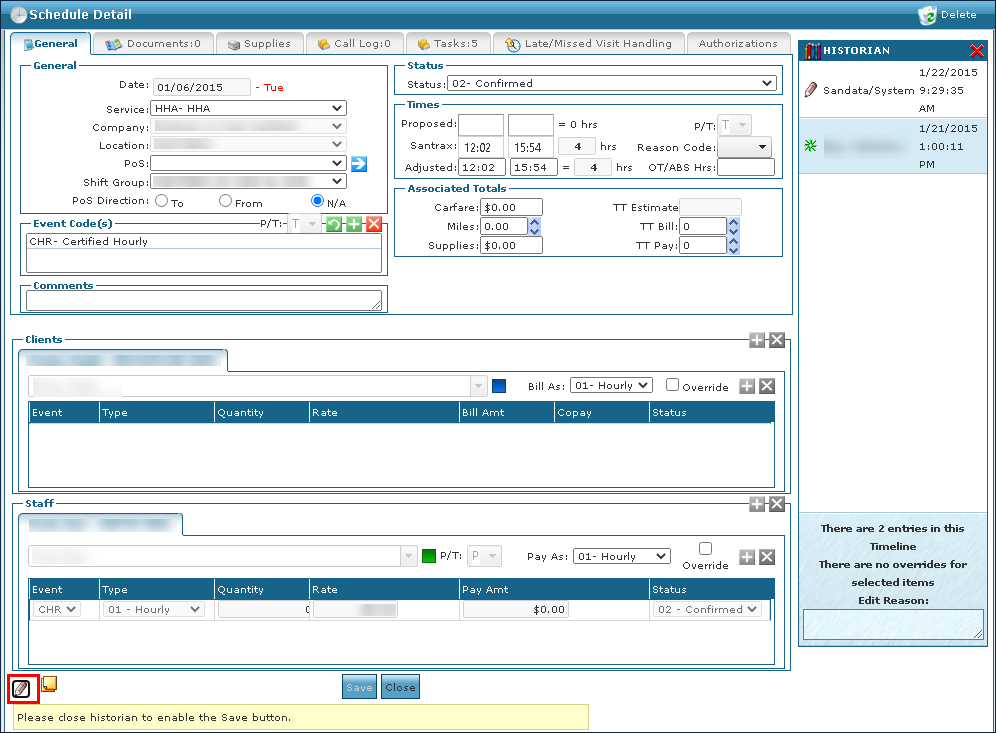
Click on a Historian event to see the changes highlighted.
-
Click on the Close icon when finished.