Sandata Mobile Connect Reset Password
Passwords can be changed without logging into Sandata Mobile Connect by tapping the Reset Password on the log in screen. Password reset options may change based on setup.
If you attempt to log in unsuccessfully too many times, your account gets locked. When the in-app unlock feature is enabled, it automatically directs you to the reset password screen after your account is locked. If this feature is disabled and you are not automatically taken to the reset password screen, you must contact your agency's administrator to unlock your account.

Follow the instructions to reset the password and unlock the account when using an email address as your username.
-
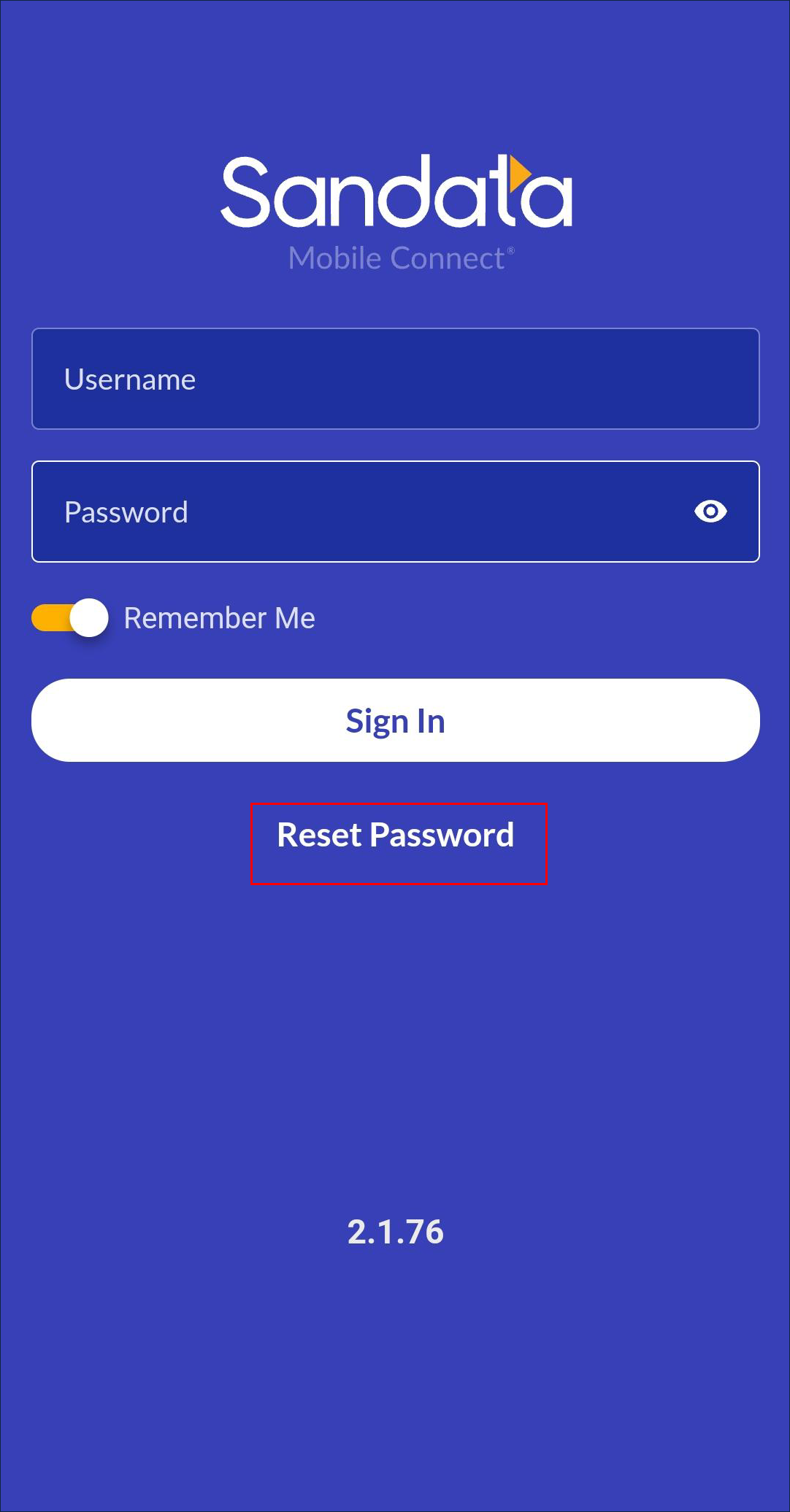
Tap Reset Password.
-
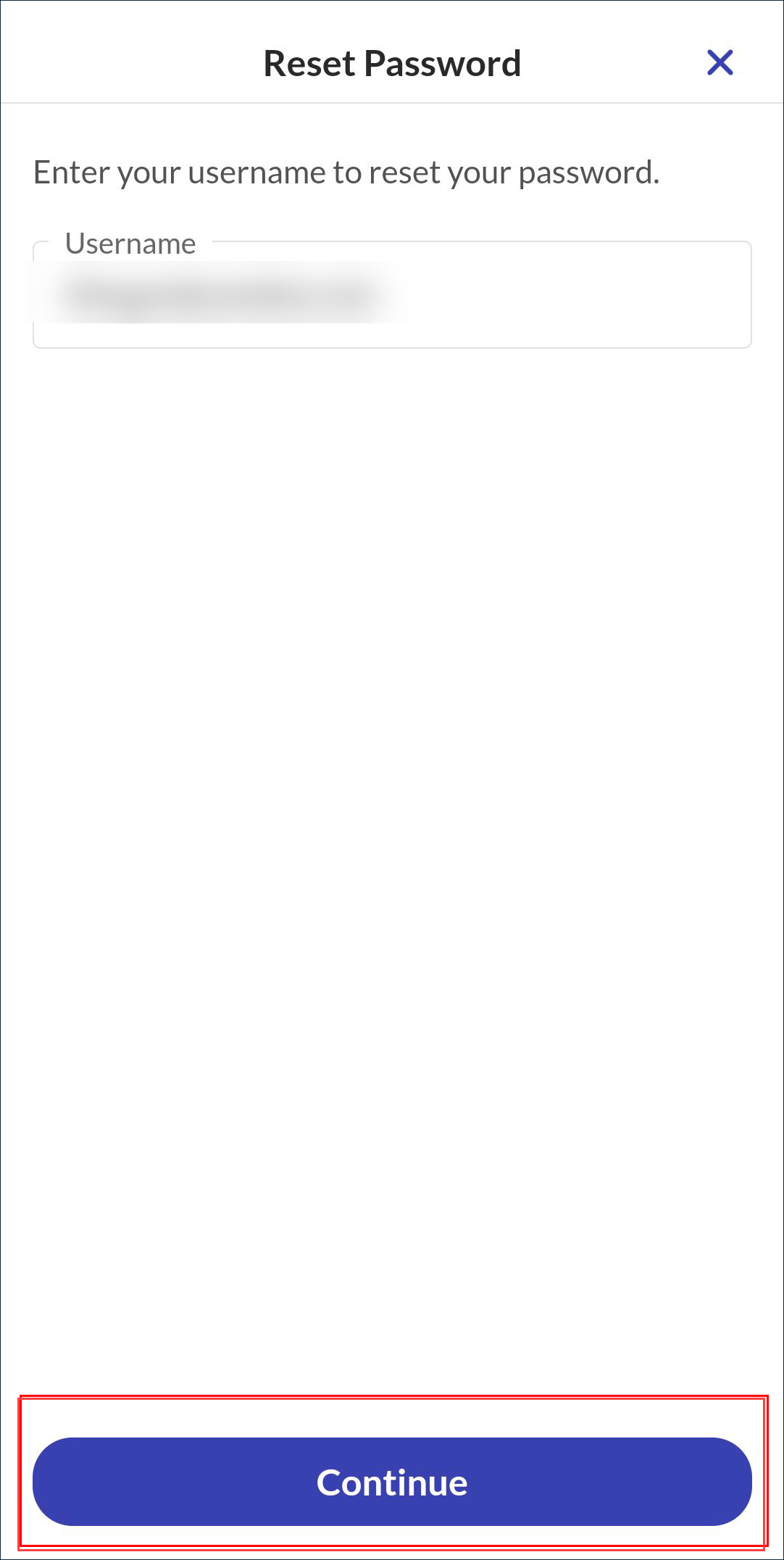
Enter the Username.
-
Tap Continue.
-
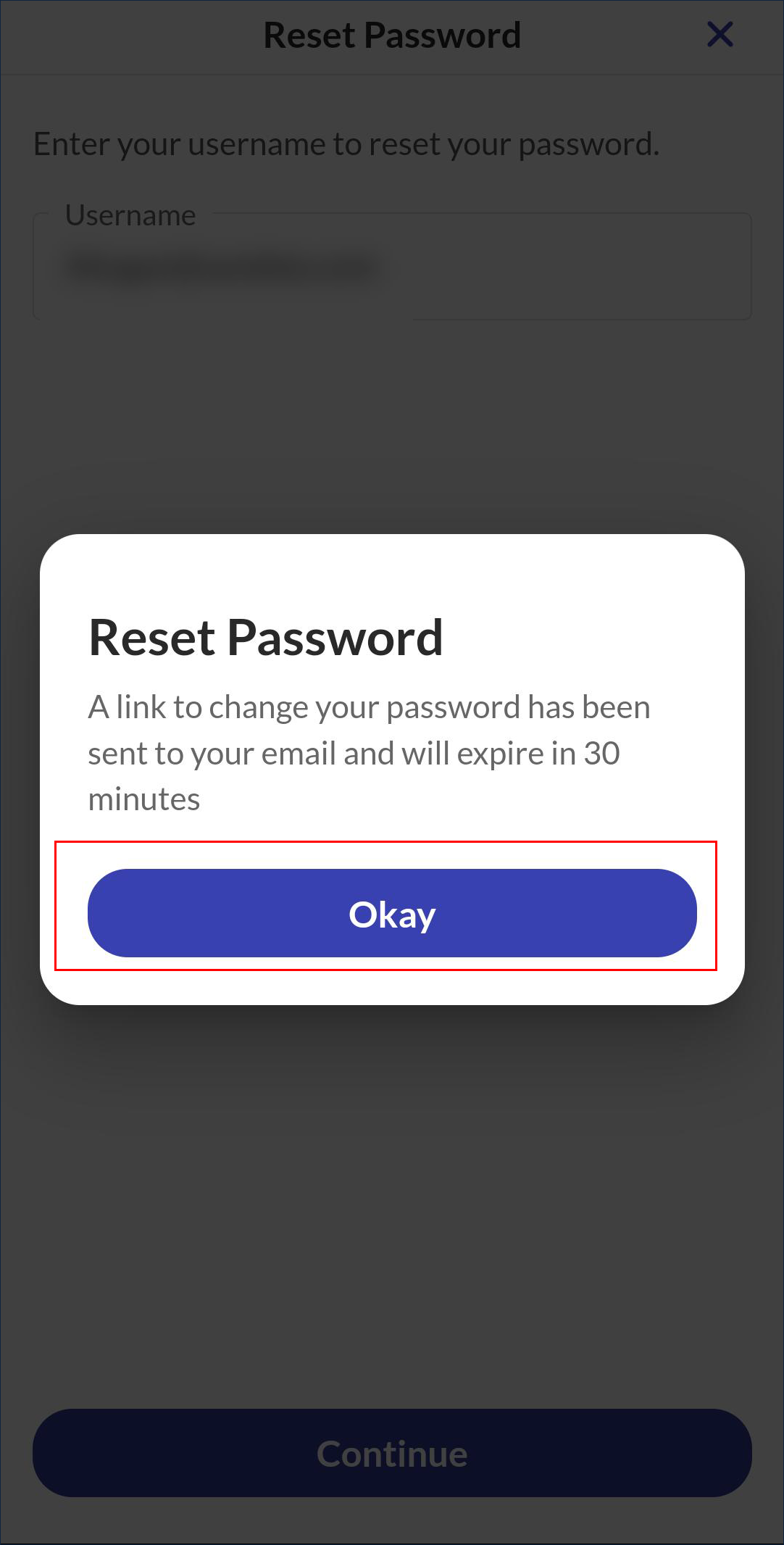
Tap Okay on the reset pop up.
-
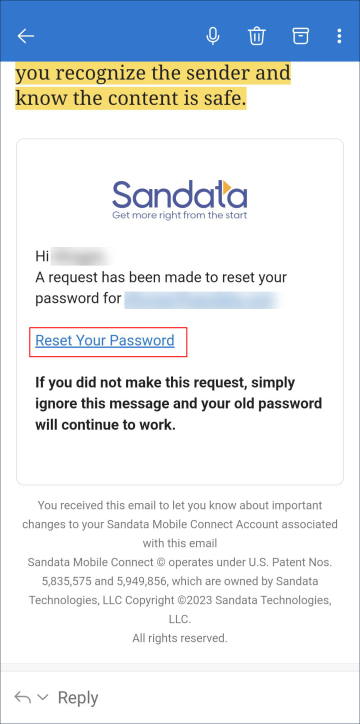
Access the reset password email with subject Sandata Mobile Connect Reset Password.
-
Tap the Reset Your Password link in the email.
-
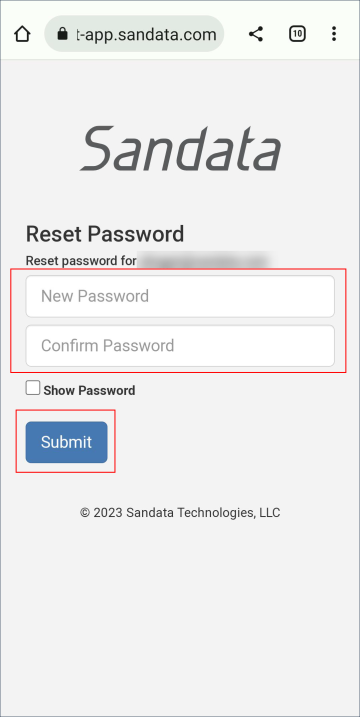
Enter and re-enter your New Password.
-
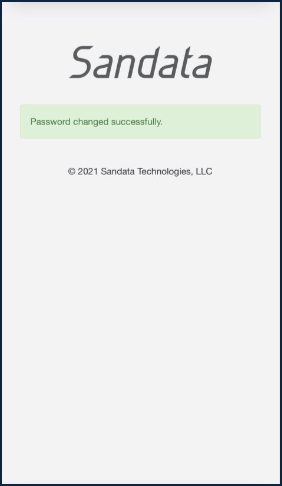
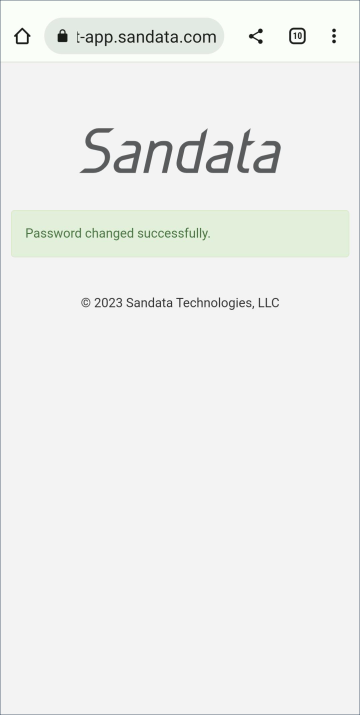
Click Submit, a message displays to confirm the action.
Two emails are sent. The first email contains the link to reset your password. The second email is a reminder that updating your password updates for all Sandata Mobile Connect accounts using this email.
The application allows users to reset passwords manually by answering security questions or using a reset password link sent in an email.
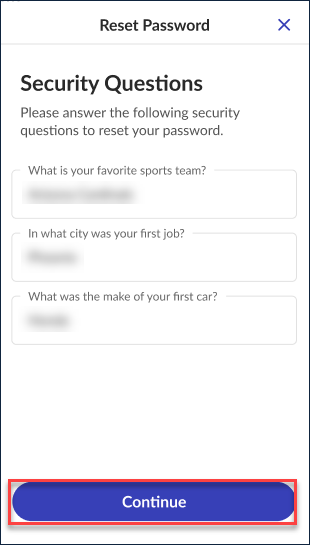
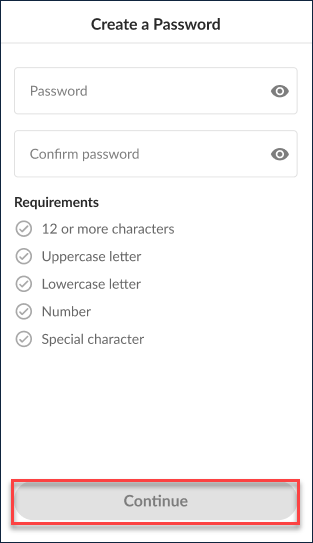
Follow the instructions to reset the password and unlock the account by answering security questions.
-
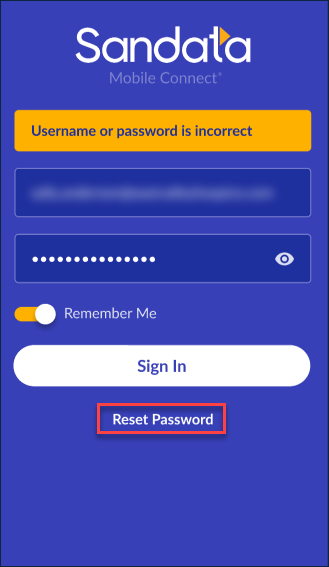
Enter the Username.
-
Tap Reset Password.
-
Answer the security questions selected during initial login.
-
Tap Continue.
-
Enter and re-enter a New Password.
-
Tap Continue.
-
A Confirmation screen displays to show that the password change was successful.