Sandata Mobile Connect Offline Mode
Sandata Mobile Connect runs while not connected to the internet if you have logged on at least once in a connected state. This is called Offline Mode.
Sandata Mobile Connect saves all data and transfers that data to the Electronic Visit Verification (EVV) or Sandata Agency Management systems automatically once the internet signal strength is strong enough and you log into the application.
Offline mode allows you to:
-
Complete in progress visits
-
Start an unknown visit
-
Start a scheduled visit that has already loaded to the upcoming tab while online.
Offline mode does not allow you to:
-
Search for a client
-
View a map
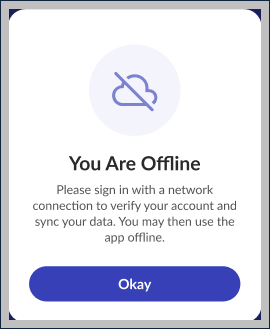
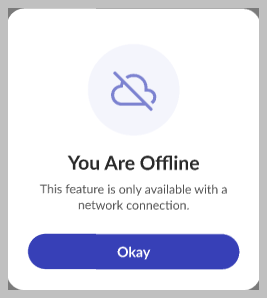
The application displays several reminders to let you know that you are in offline mode and if a feature is unavailable.