Assign Job Titles to Staff
Time Tracking uses the staff's job titles as a factor in determining which tasks appear in the list when staff logs worked time without clients or non-worked time.
Do not add, delete or make changes to the staff's job title settings within Time Tracking if you sync from ProviderPro. The changes will be overwritten the next time the sync runs. Make all changes to a staff's job titles in ProviderPro.
To assign a job title to staff:
-
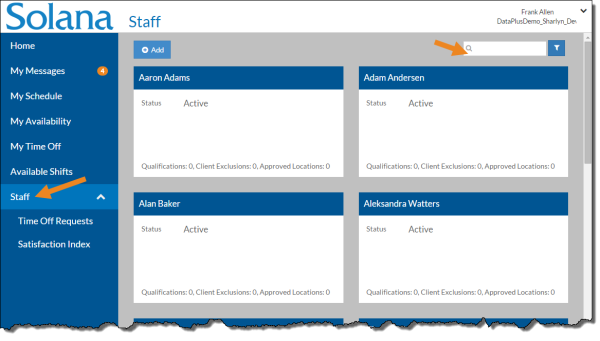
Select Staff from the menu.
-
Enter the name of the staff you want to update in the Search box.
-
Select the card of the staff you want to assign a job title to.
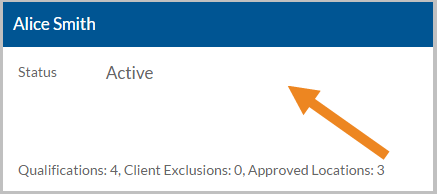
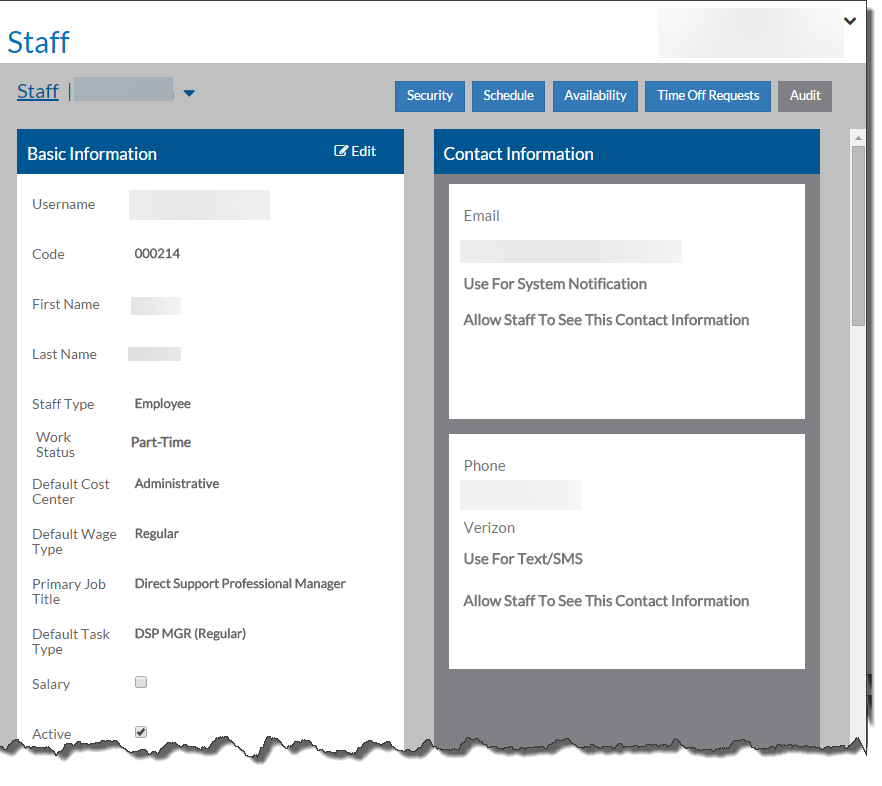
The staff's card opens.
-
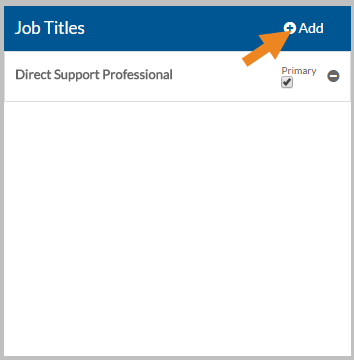
Select Add on the Job Titles card.
-
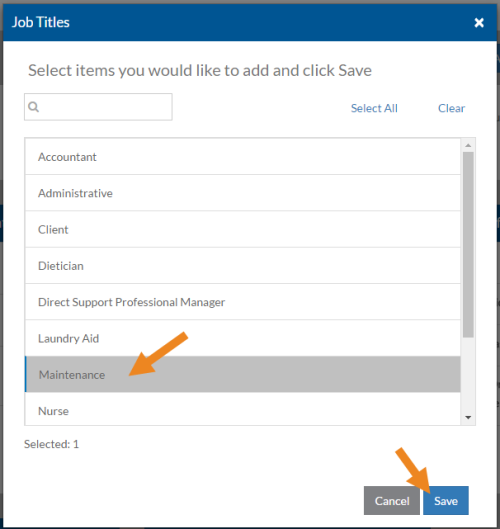
Select the job title you want to assign and then click Save.
-
If the job title is the staff's primary job title, mark the check box.
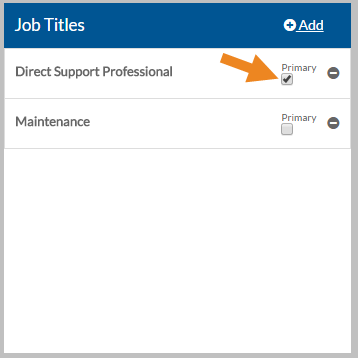
Staff should only have one job title marked primary.
-
Select the minus sign next to a job title to remove it from the staff.
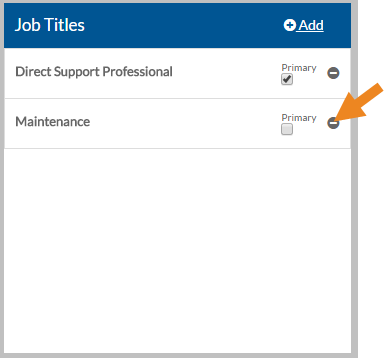
A confirmation pop-up appears. Select Yes to remove the job title.