Generate Attendance Schedule for the Week from Defaults
Staff can use the location’s Census attendance defaults to automatically add clients to their locations with their default settings for the week. They can then edit the default settings if attendance differs.
To generate the defaults:
-
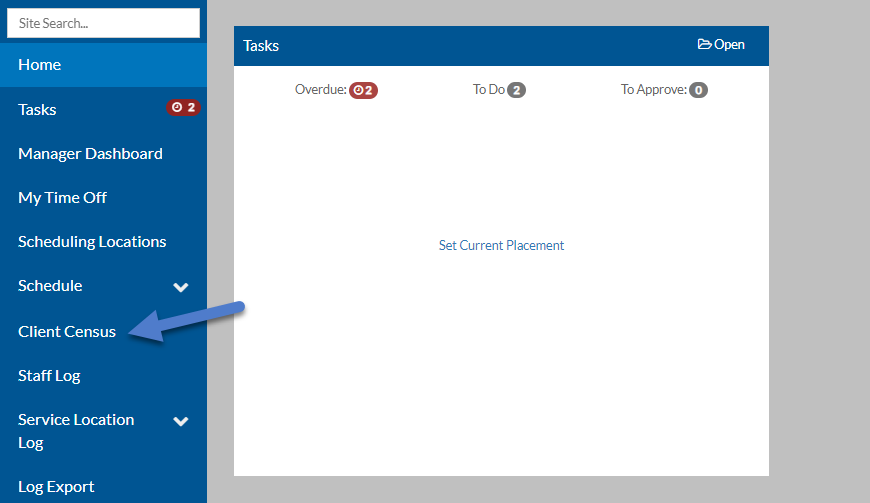
Select Client Census from the Main menu.
-
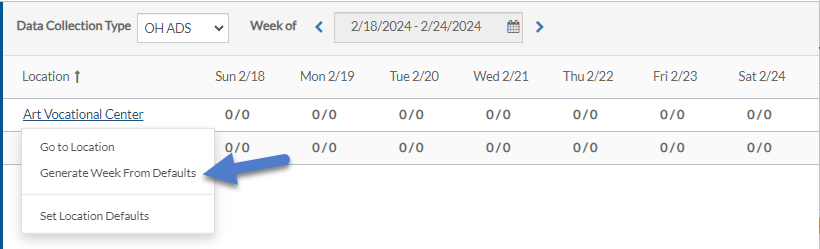
Select the appropriate Data Collection Type from the list and make sure the Week of field is on the correct week.

-
Select the location you want to load the defaults for and select Generate Week From Defaults.
-
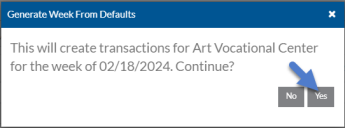
Click Yes on the confirmation pop up.
-
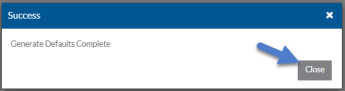
Click Close on the success pop up.