Employees View a Client's Schedule
Complete the following steps to view the client's schedule:
-
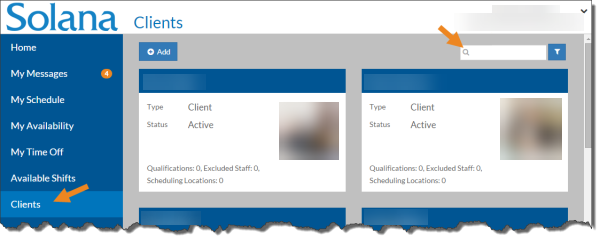
Select Clients from the menu.
-
Enter the name of the client you want to view the schedule for in the Search box.
-
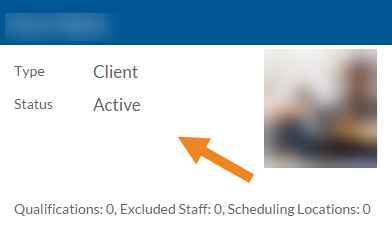
Select the card of the client you want to view.
-
The client's card opens. Select Schedule.

-
The client's schedule appears. Select a shift to view additional information about the shift.
-
Click the X to close the shift information.