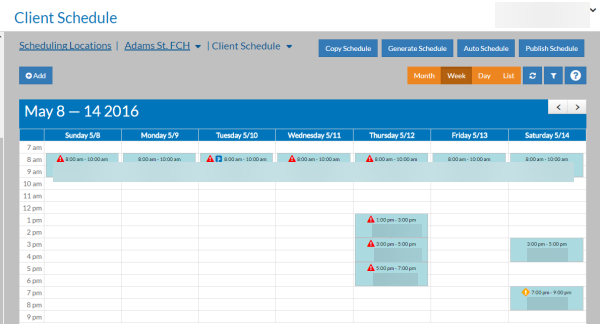
View the Client Schedule
You can switch the schedule view to show the clients that scheduled to receive service instead of the staff scheduled to work.
-
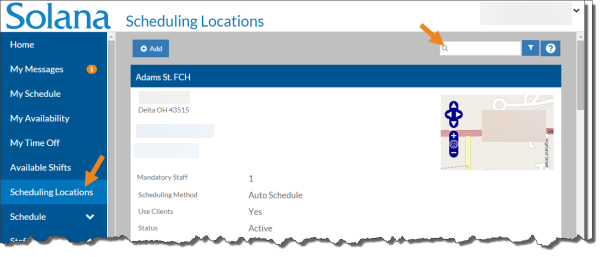
Select Scheduling Locations from the menu and then enter the name of the scheduling location in the Search box.
-
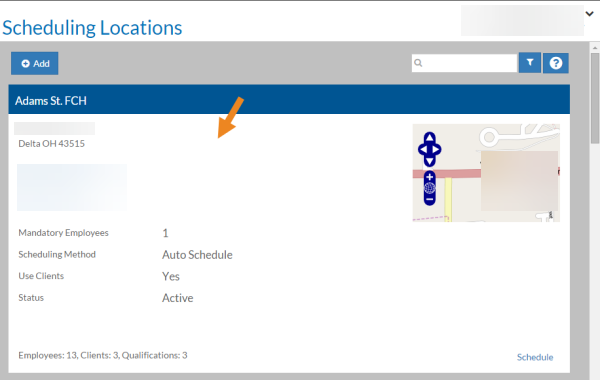
Select the scheduling location card you want to view the client schedule for.
-
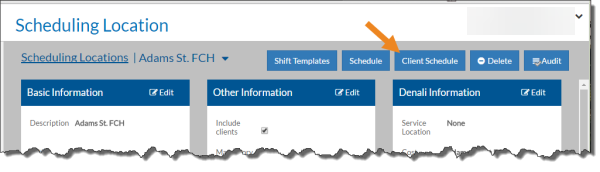
The scheduling location opens. Select Client Schedule. It may be under the Actions menu.
-
The Schedule appears with clients in the shift blocks instead of staff.