View Approved Scheduling Location Schedules
If you are approved to work at a scheduling location, you can view the schedules for that location.
Complete the following steps to view the schedules.
-
Select Scheduling Locations from the menu.
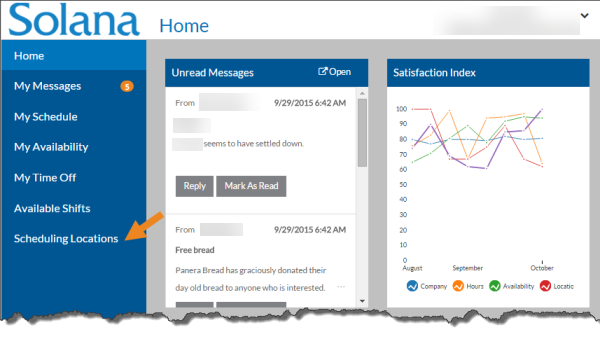
Only those scheduling locations for which the staff member is approved to work appear.
-
Select the Schedule link of the desired scheduling location you want to view the schedule for.
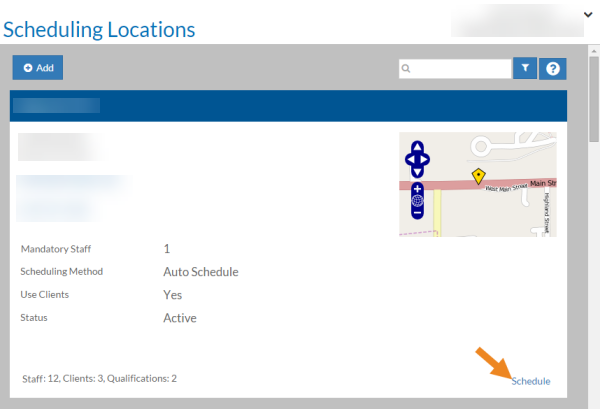
The schedule for the scheduling location opens.
-
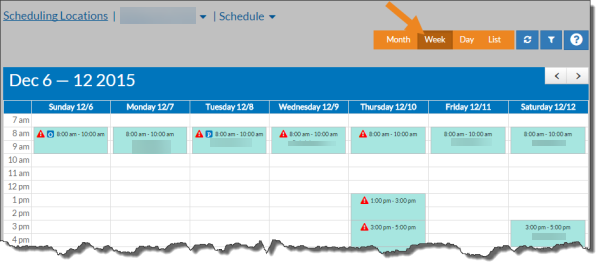
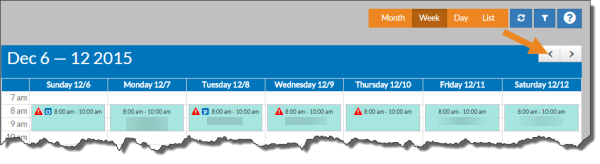
Select the Week, Day, Month, and List filters to change the view.
-
Select the arrows to move to the next or previous week, month or day.
-
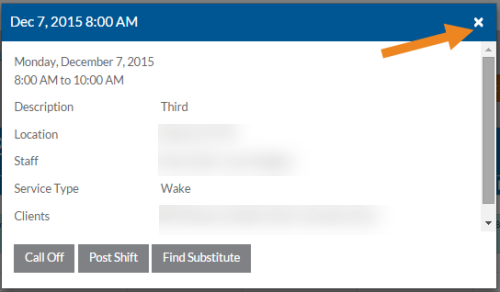
Select a shift to view more information about it.
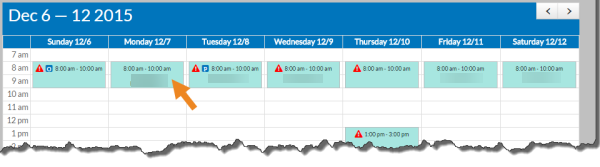
The shift opens in a pop-up.
-
Select the x to close the shift.